
To uninstall Softimage, I don’t bother with the Control Panel, I just run %XSI_HOME%\Setup\uninstall.bat. Control Panel is the “best” way, but I haven’t had any problems with the quick-and-easy batch file.
The batch file is also handy for silent uninstalls.
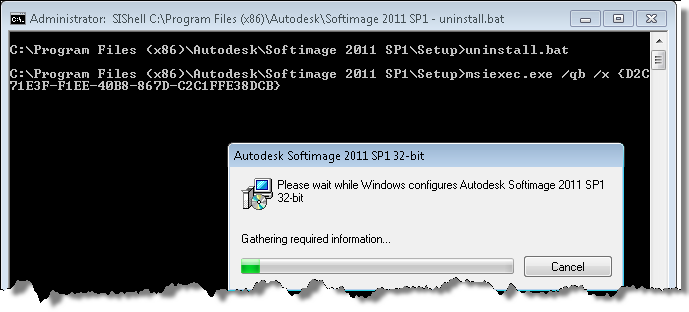
BTW, there’s also a setup.log file in that same folder; could be useful if you want to check what product key or serial number was used for the install:
Destination: C:\Program Files\Autodesk\Softimage 2012 SP1\

Product Key: 590D1

Serial Number: 123-12345678

Licencing Method: Stand-alone

License Servers:
 eX-SI
eX-SI 
I can’t uninstall Softimage 2011 SAP (64-bit).
Get the following error:
I have already installed 2012, which I use (64-bit non SAP)..
Any idea, what is going on?
Hi
http://usa.autodesk.com/getdoc/id=TS13525253
That error means your C:\ProgramData\Autodesk\AdLMProductInformation.pit file is corrupt.
– Delete the .pit file and reinstall all your Autodesk products
OR
– Copy the .pit file from another machine where you have the same Autodesk products installed