Assigning a per-object random value with ICE


Suppose you want to use an ICE attribute to drive some behavior in the render tree. For example, you may want to introduce some randomization to a procedural texture. Here’s one way to go about it.

First, create an ICE attribute on each object. You’ll use this object as the seed for the Random Value node (you need a different seed for each object, otherwise you’ll get the same “random” number for each object).

si = Application
i = 0
for o in si.Selection:
	a = o.ActivePrimitive.Geometry.AddICEAttribute("_seed1", 2, 1, 1  )
	a.DataArray = [ (i) ]
	i = i + 1

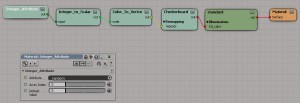
Now apply a simple ICE compound to each object.

Seed and random scalar value for each object

Seed and random scalar value for each object


All the compound does is feed the seed into a Random Value node, and store the random value in another ICE attribute.
PerObjectRandomValueCompound

Deleting particles by ID


Let’s say you wanted to delete certain points for some reason; maybe they were misbehaving or something. You could just stick the IDs into an array and feed that into Find in Array, like so:

DeletePointsByID

This is an answer to a question on si-community, which timed out on me when I clicked Submit. So now it’s my post for today. After struggling with Maya nParticles for an hour, I can’t think hard anymore.

Using an ICE attribute to drive a procedural texture


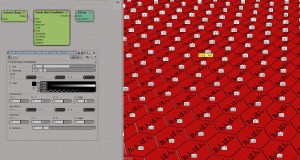
Here’s a simple example of using an ICE attribute to drive a procedural texture. In this case, I’m using a random integer to drive the number of repeats of a checkerboard:

randomized_checker

To set it up, I ran this script to programmatically add an ICE attribute. Unfortunately, I found I had to add an ICE tree to get the attribute to show up in the render tree.
import random

si = Application
    
for o in si.Selection:
	# Long, Single, Singleton
	a = o.ActivePrimitive.Geometry.AddICEAttribute("_random", 2, 1, 1  )
	a.DataArray = [ (random.randint(1,8))]
	si.ApplyOp("ICETree", o, "siNode", "", "", 0)

Then in the render tree I used Integer Attribute node to get the attribute value. This same material is applied to every cube in my example.
randomized_checker_mat

And if you wanted to update the ICE attribute later, eg increase the range of random values, you could do something like this:

import random

si = Application
    
for o in si.Selection:
	a = o.ActivePrimitive.Geometry.ICEAttributes("_random")
	a.DataArray = [ (random.randint(1,12))]

Screenshots of the week


sparta-like particle editing in softimage

Point position from group
by Vincent Ullmann
PointsOfGroup

PointsOfGroup_advanced

lambert shading
by Mr.Core
post-37-13590474490

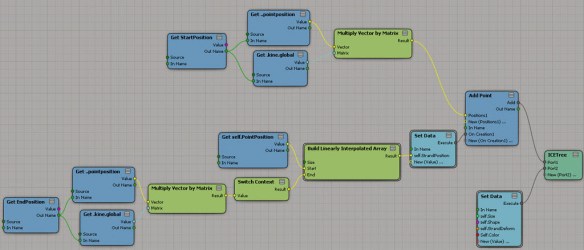
Creating strands between two different objects
by Ola Madsen
Strand_between_objects_img02

wet fur effect

Create hexa tesselation
by msktkhs
“Be further divided into two right-angled triangle is divided into six triangles hexagons, X direction will take time to get to that direction cos60 * 4, Y is I will be next to the point sin60 * 2 too (laughs)”
ge88

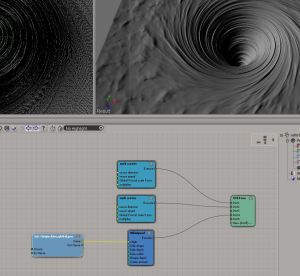
Nodes for whirlpool spiral
by msktkhs
s09f

Volume rendering with ICE

bend paper

Getting PointPositions from a group


For this post, I took an explanation from an ICE developer, and added some illustrations and bit of my own explanatory text…

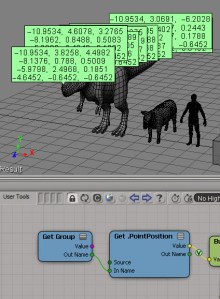
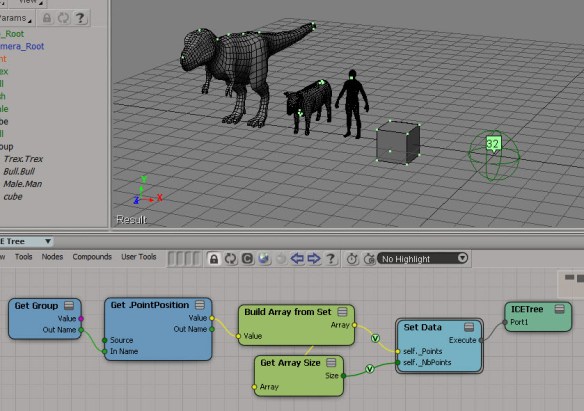
When you reference Group.PointPosition, ICE resolves the graph assuming the Get Data node outputs an array of 3DVectors in the context of the first primitive in the group. So, in this example, TRex is the first member of the group, so the context of Group.PointPosition is Array of 3D Vector per point of Trex.Trex:

Group.PointPosition1

In this case, the Array of 3D Vector is an array of four elements (the number of meshes in the group).

Group.PointPosition2

The indexset used (per point of Trex.Trex in this case) is reduced to its smallest size (the number of 0D from the geometry in the group with the least amount of points). The cube has 8 points, so you end up with 8 points for each group member. Since there are four groups members, you get 32 total points.
Group.PointPosition3

Here’s an alternate way to illustrate that. The Trex has 1814 points, but because of how Group.PointPosition is resolved by ICE, you get a filtered size of 8.
Group.PointPosition4

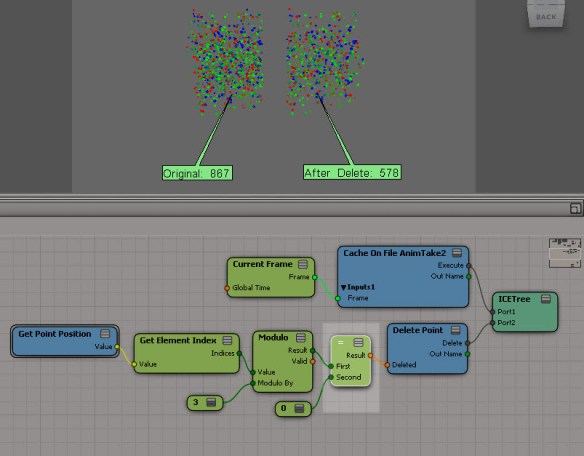
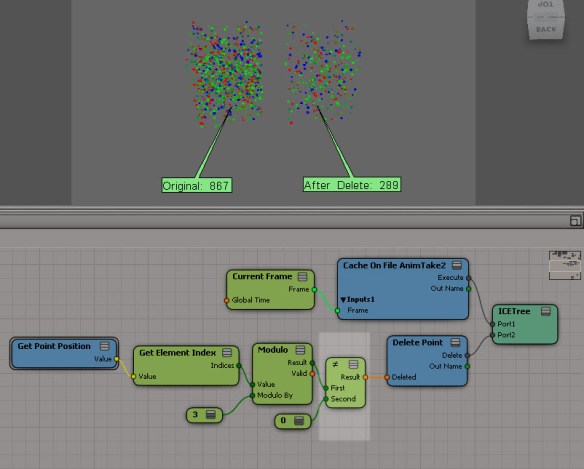
Using modulo to delete points from a cached simulation


hat tip to tekano bob who did all the work; I’m just pointing out some things about his ICE tree 🙂

First, he’s using the Element Index in case the ID was not cached (if you cache with the Cache Manager, then by default the ID attribute is not cached).
modulo_getelementindex

When I saw that, I thought maybe I could use First Valid to use either the ID, if available, or the Element Index:
modulo_getpointid

But that gives wacky results, because Delete Point automagically restores IDs to all the points in the cached simulation. So you have no choice but to use the Element Index.

Another interesting thing I’d like to point out is how you can use modulo to delete two-thirds of all points (instead of just deleting every third point). Now, modulo by 3 has three possible results: 0, 1, and 2. If you test for modulo != 0 or modulo > 0, then you’ll be deleting two-thirds of all points:
modulo_two-thirds

If you test for modulo = 0, then you’ll delete every third point:
modulo_one-third

Screenshots of the week


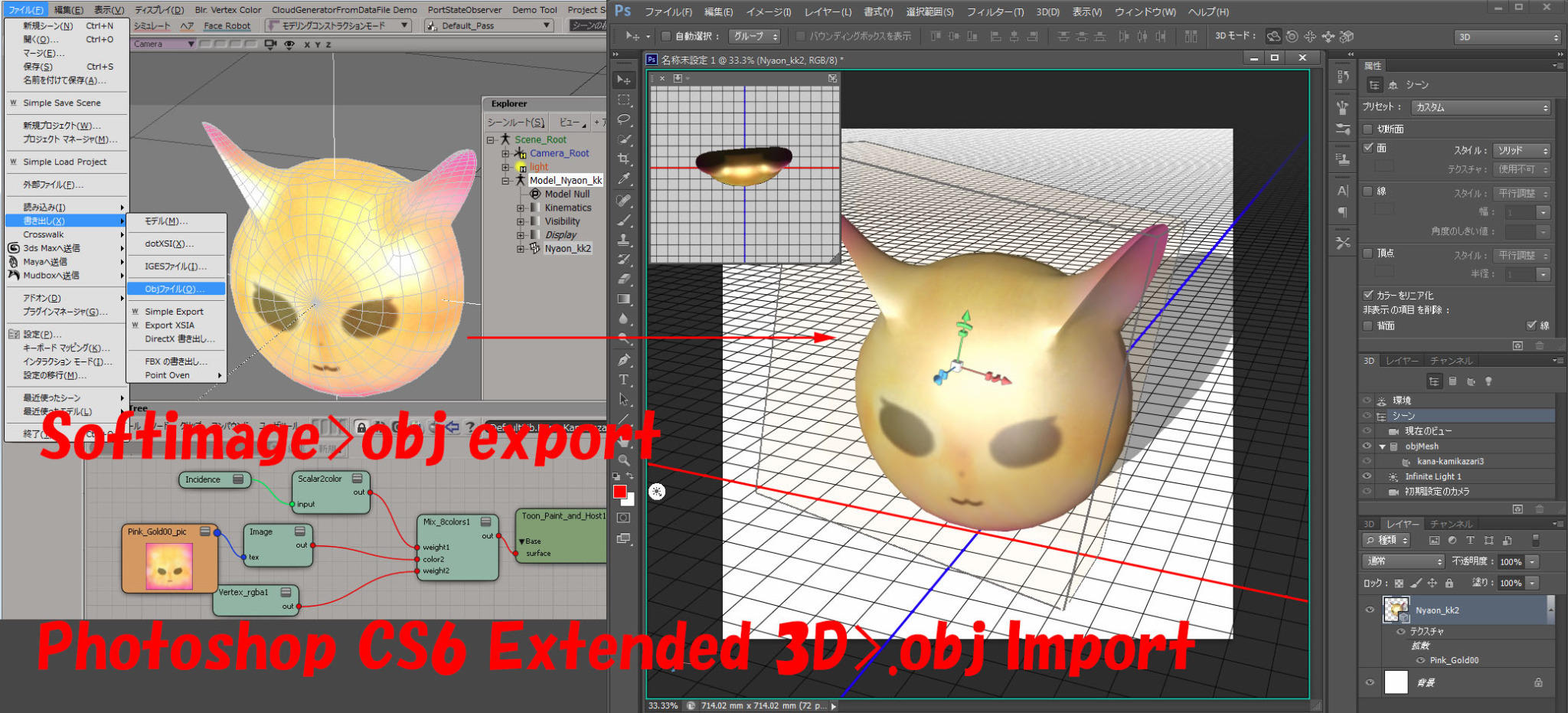
Softimage to Photoshop
by SI_UserNotes

SI_UsersNotes Texture edit 3D layers in Photoshop

Hippydrome face articulation
by Max Crow

procedural sunflower creation in ICE tutorial part 1
by nika ragua

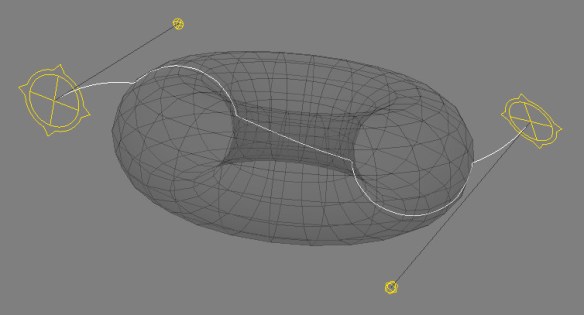
Deform curve by ICE
by csaez
ICEOnCurve_ICETree

ICEOnCurve_viewport

Iterative fracture example with use of Slice Topology node
by iamVFX
Np8Qy

TR OpenImage
by sOBE

Texture Instancing Compound

Post-simulation and softimage ICE (part 2 – strands)
by Andy Moorer

Circle per strand