CDs from the old days…
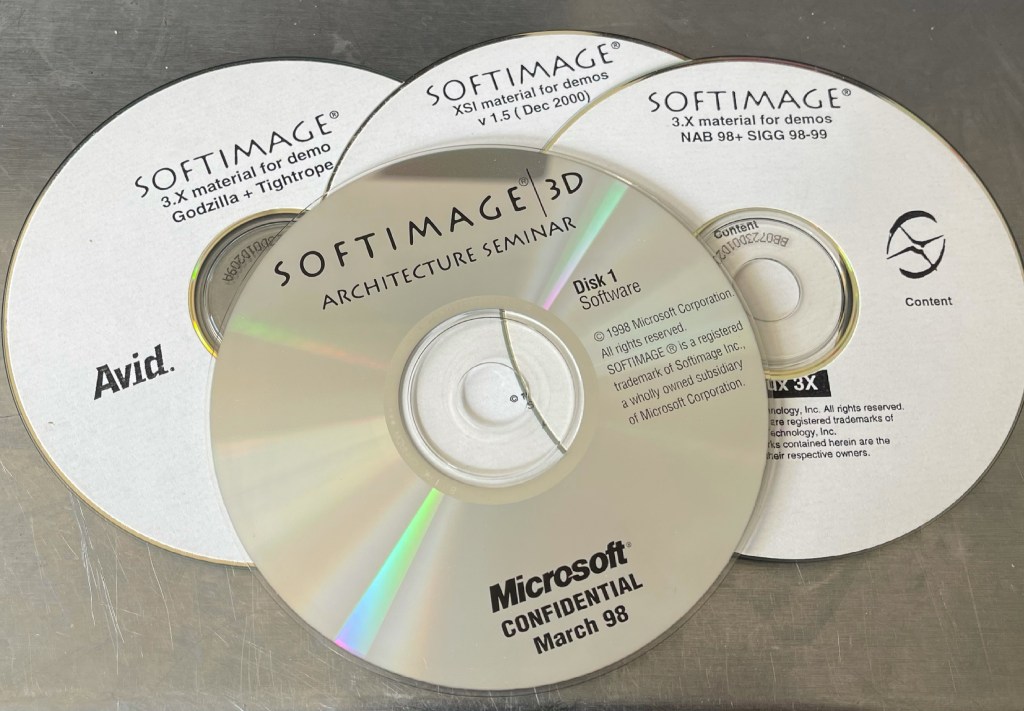
Godzilla + Tightrope sounds like fun!

CDs from the old days…
Godzilla + Tightrope sounds like fun!
Not all robots are created equal

hat tip: @cerosfx
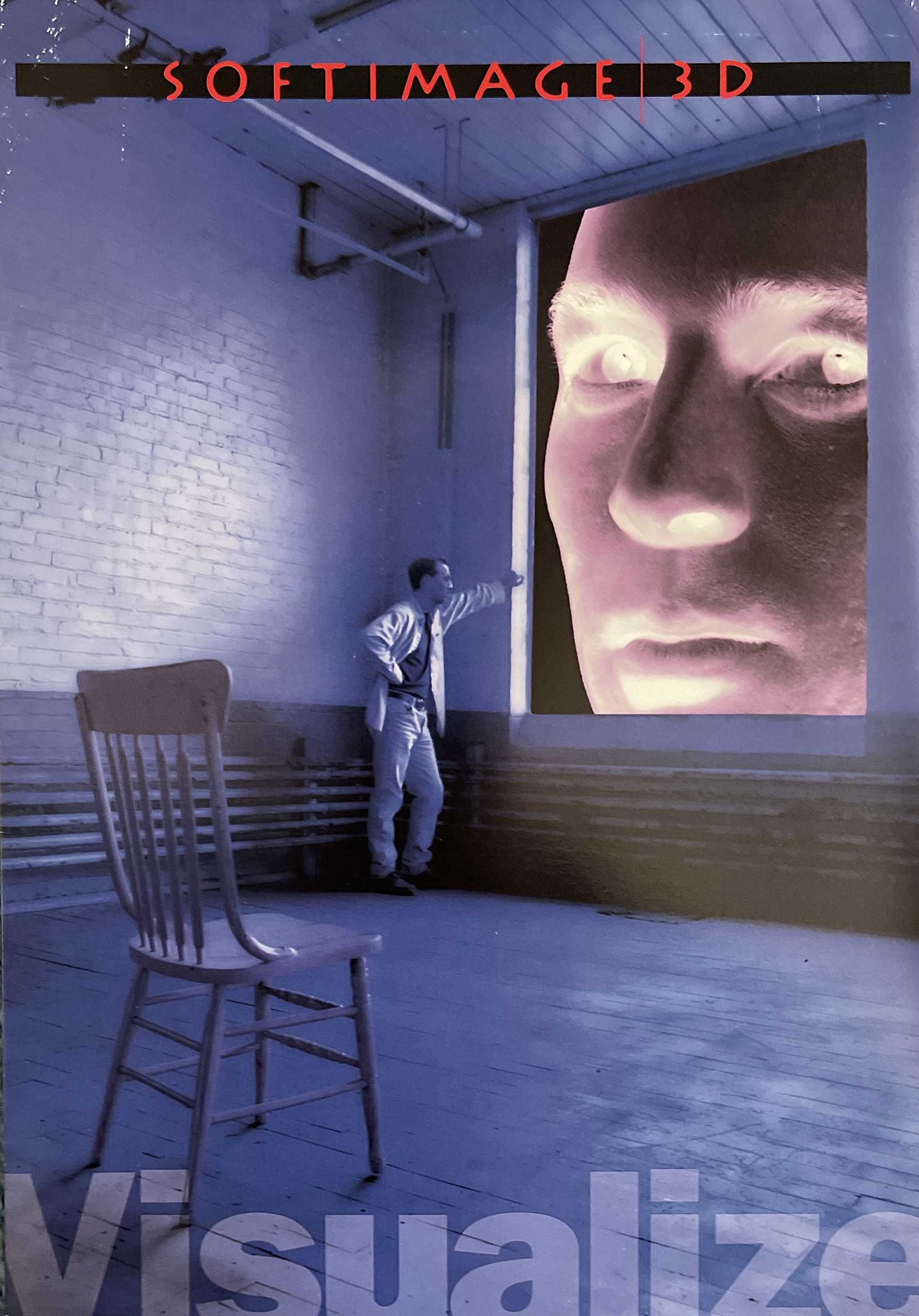
SOFTIMAGE|3D ad from 2000


Scene Description of Funky Towel:
In the movie “Joe’s Apartment”, Joe’s only friends are the talking roaches that infest his lower east side apartment. In this scene, they prepare for Joe’s first date by throwing a party of their own in his funky bathroom, paying homage to every movie musical style in the book.
Technical Notes:
Blue Sky Studios created 13 minutes of character animation for over 200 shots in the feature film JOES’ APARTMENT.
The production lasted over 13 months and employed up to 20 people at any given time.
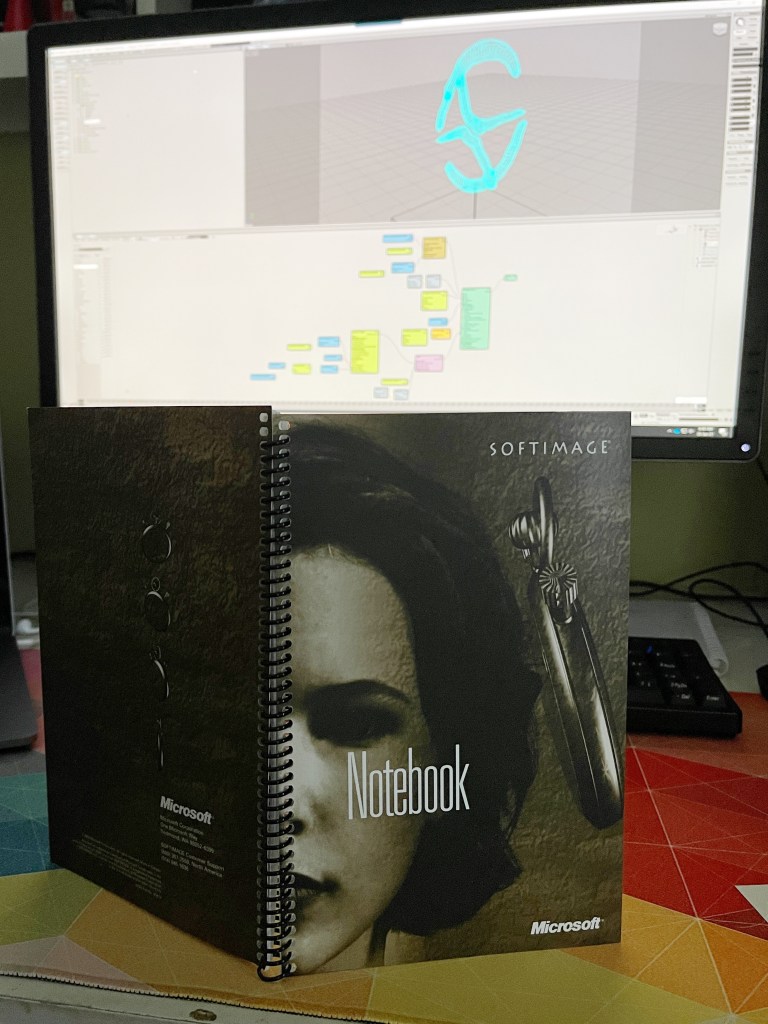
The still blank pages of my notebook

The notebook from the SOFTIMAGE training kit

Visualize
SOFTIMAGE|3D 4.0 running in IRIX 6.5 on a R12000 Silicon Graphics O2

From Computer Graphics World, January 2001 (volume 24, issue 01)
By George Maestri
After many years and two changes of ownership, Softimage finally released its long-awaited successor to Softimage|3D. The software codenamed Sumatra now goes by the name of Softimage|XSI, and it includes many of the company’s high-end animation tools, plus a nice user interface and numerous new features including scripting, paintable deformations, and nonlinear animation. The software comes in two versions: the Essentials package, reviewed here, and Soft image|XSI Advanced, which includes integrated particles, soft bodies, and an additional Mental Ray license.

For any software company, a ground-up rewrite such as this is painful. Like a newly constructed building, Softimage|XSI’s architecture is there, but not all the features have moved in yet. Some of those waiting to be added are polygonal modeling with subdivision surfaces, a dope sheet, and advanced NURBS modeling tools such as trims and blends. A few are already slated for inclusion in Version 1.5, which was in beta at press time.
Seasoned Softimage users should take to the new interface-which includes features such as object orientation and floating windows-fairly quickly. As in Softimage|3D, most functions are accessed through a series of buttons running vertically along the left side of the application.
Those familiar with object-oriented packages such as Maya, Max, and Houdini will be happy that Softimage is now part of the club. Most tools, including deformations, are non-destructive and are manipulated through Softimage’s Properties panel, enabling you to tweak object modifications at any time.
Other interface tweaks include the ability to float windows such as the Scene Explorer, Schematic window, and Animation Editor above the workspace. You also can create and add custom toolbars at will.
Scripting is a new feature that enables you to write custom scripts and interfaces quickly and easily. To create a custom button, for example, simply highlight the commands and drag them to a toolbar. For custom script writing, Softimage|XSI supports several standard languages, including Perl, VBScript, and Java Script.
For animators who don’t like writing expressions, Softimage|XSI includes Linked Parameters, which enable you to create relations between objects. For example, having a character’s teeth drop as a slider when the jaw is lowered is accomplished simply by linking the motion of the teeth to the jaw.
Modeling in Softimage|XSI is NURBS based. One welcome addition to the toolkit are stock deformers, such as bend, bulge, shear, twist, and taper, which you can apply to all or part of an object. Sub-object editing in XSI is powerful because deformations can be weighted. You assign these weights using a paint tool, which you also can use to paint almost any type of property-deformations, NURBS weights, etc. When you use the paint tool in conjunction with the push deformer, you get a modeling tool that enables you to sculpt surfaces.
Improvements in inverse kinematics include a friendlier user interface for setting joint limits and behaviors, and support for different types of IK solvers. XSI ships with two solvers, but you can implement custom solvers as plug-ins. You also can create an IK chain from a curve, then use the curve to animate the chain.
XSI boasts an excellent nonlinear animation editor, the Animation Mixer. By offering tools for positioning, cycling, scaling, warping, bouncing, and mixing multiple animation channels, the Animation Mixer enables animators to manage animation and motion-capture data quickly and efficiently, and therefore puts Softimage|XSI at the cutting edge of animation. Users still will need to manually write expressions (or set up Linked Parameters) to create an interface for controlling the tools. Animators shouldn’t be doing this-the task should be automated.
Materials also need some fleshing out. Softimage|3D never had the shader balls that are so common in other packages, and XSI doesn’t either, making it difficult to fine-tune shaders. I also expected to see the interface that Softimage demonstrated a few years ago as “Twister,” which was an interactive interface for Mental Ray.
Overall, this software holds great promise. It has an excellent architecture, and some killer animation tools. Several important features are missing, however, particularly in the area of modeling. With a 1.5 release already on the way, however, it seems as though these problems are being addressed quickly.
George Maestri is a writer and animator living in Los Angeles.
Price: $7995
Minimum system requirements: Windows NT/2000: Intel Pentium processor; OpenGL graphics card; 128MB of RAM; 200MB of free disk space. Irix: SGI workstation with MIPS R10000; 128MB of RAM; 345MB of free disk space.
Avid|Softimage
http://www.softimage.com
Press Visuals from 2004


 eX-SI
eX-SI 