Many thanks to Ed Schiffer for these pictures.
The XSI 1.0 box set. They don’t package software like that anymore.


Many thanks to Ed Schiffer for these pictures.
The XSI 1.0 box set. They don’t package software like that anymore.








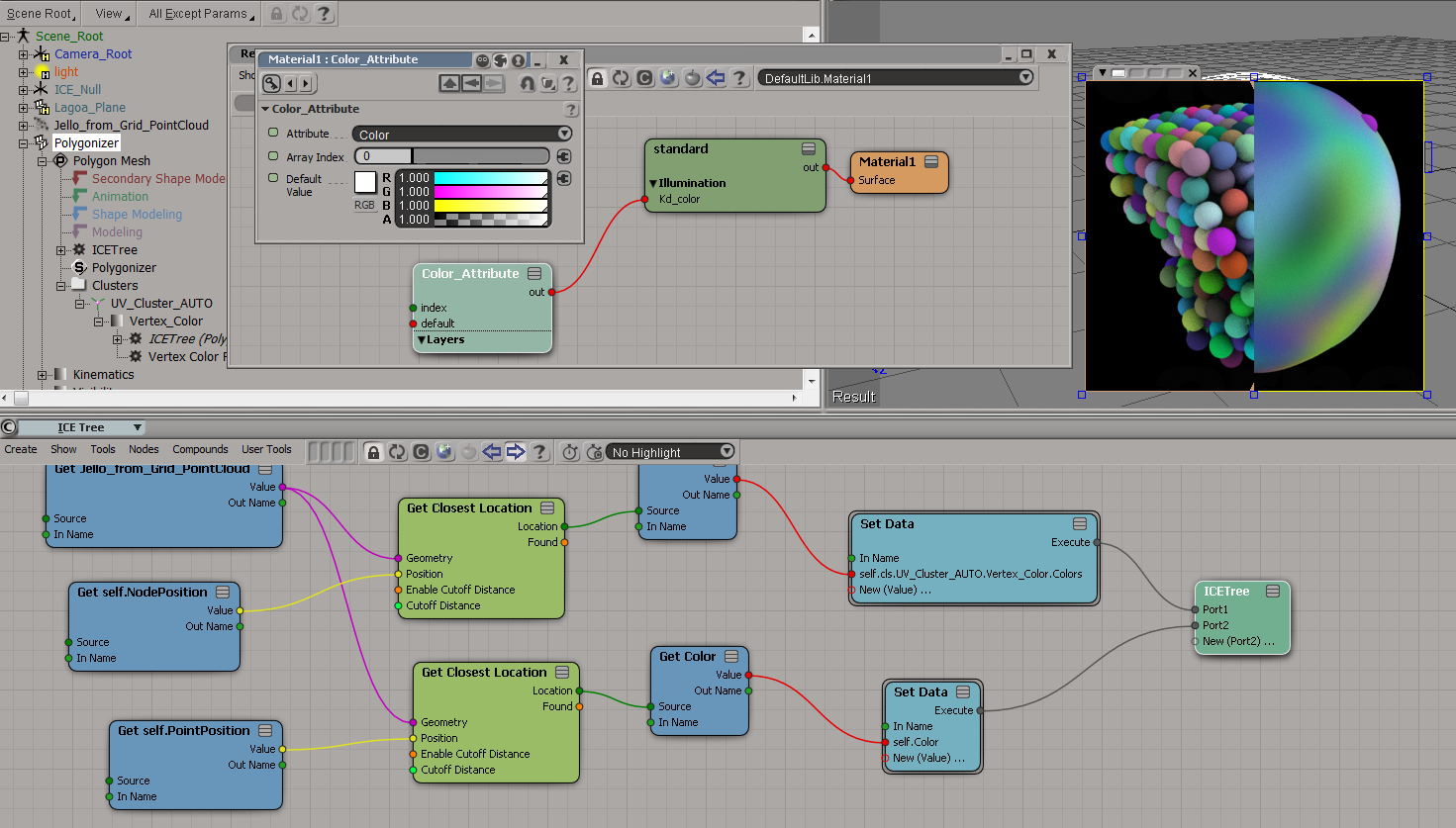
To get the colors from the point cloud onto the polygonizer mesh, you need to do something like this:
Here I’m storing the colors in a CAV:

And here I’m sticking the colors in a per-point Color attribute:

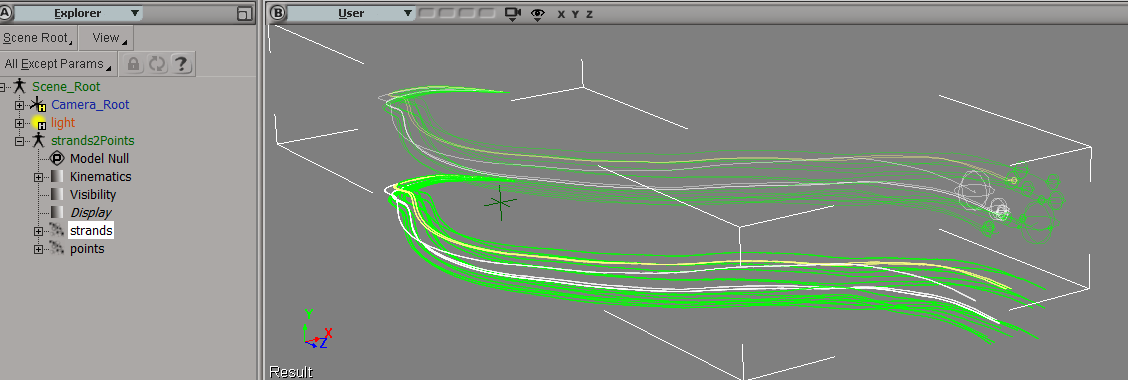
Suppose you had to load a cached strand simulation, and convert that to a point cloud of plain old points. Part of the job would be to copy the stand colors over to the new points, so let’s take a look at that.
First, and I didn’t know this, when you cache strands the StrandColor attribute isn’t cached, just a single Color per strand. So let’s rebuild the StrandColors:

Now we have a per-point StrandColor array on the point cloud that reads the cached simulation. After spending awhile trying to avoid doing this, I found that this (the StrandColor array) was the easiest way.
Add Point is a pretty friendly ICE node, because it lets you take per-point data (StrandPosition) from some other point cloud and just plug it in, with no context problems.

It’s not so simple with the StrandColors. StrandColor is a per-point array on a different point cloud, and you can’t just plug it into Set Particle Color. Set Particle Color wants a color, not an array of colors. And it doesn’t want colors from some other point cloud either 😉
To get around that, I use Build Array from Set, which gives me a per-object array in the context of the current point cloud. Then I index into that array with Point ID, and I’ve transferred over the strand colors to the points.
Here’s a quick walkthrough of the installation basics, plus a few install-related links.
https://vimeo.com/63592423
Selection.Clear();
var oCube = ActiveSceneRoot.AddGeometry( "Cube", "MeshSurface" );

var n = oCube.ActivePrimitive.Geometry.Points.Count

//SelectGeometryComponents(oCube.Name + ".pnt[1,3,5,LAST]");
Selection.Add( oCube.ActivePrimitive.Geometry.Points(1) );
Selection.Add( oCube.ActivePrimitive.Geometry.Points(3) );
Selection.Add( oCube.ActivePrimitive.Geometry.Points(5) );
Selection.Add( oCube.ActivePrimitive.Geometry.Points(n-1) );

var sel = XSIFactory.CreateActiveXObject("XSI.Collection");
sel.AddItems(Selection);

LogMessage( sel.Count );
// INFO : 1

LogMessage( ClassName( sel(0) ) );
// INFO : CollectionItem

LogMessage( sel(0).Value );
// INFO : cube.pnt[1,3,5,LAST]

n = sel(0).SubComponent.ComponentCollection.Count
LogMessage( sel(0).SubComponent.ComponentCollection(n-1).Index );
// INFO : 7

LogMessage( VBArray( sel(0).SubComponent.ElementArray ).toArray()[n-1] );
// INFO : 7

//LogMessage( sel(0).SubComponent.ComponentCollection );
LogMessage( VBArray( sel(0).SubComponent.ElementArray ).toArray() );
And don’t do this. You’ll have to restart Softimage to get selection working again.
var sel = XSIFactory.CreateActiveXObject("XSI.Collection");
sel.AddItems(Selection);
sel(0).Value = "cube.pnt[7]";
An old logo used by the Training/Education department, if I remember correctly.

From the Plug-in Tree, you can quickly open up Windows Explorer (or a Command Prompt) on the location of a workgroup, plugin, or addon. Just right-click a folder in the Plug-in Tree and click Explore (for Windows Explorer) or Command Prompt. Or click Browse to open a Softimage browser.

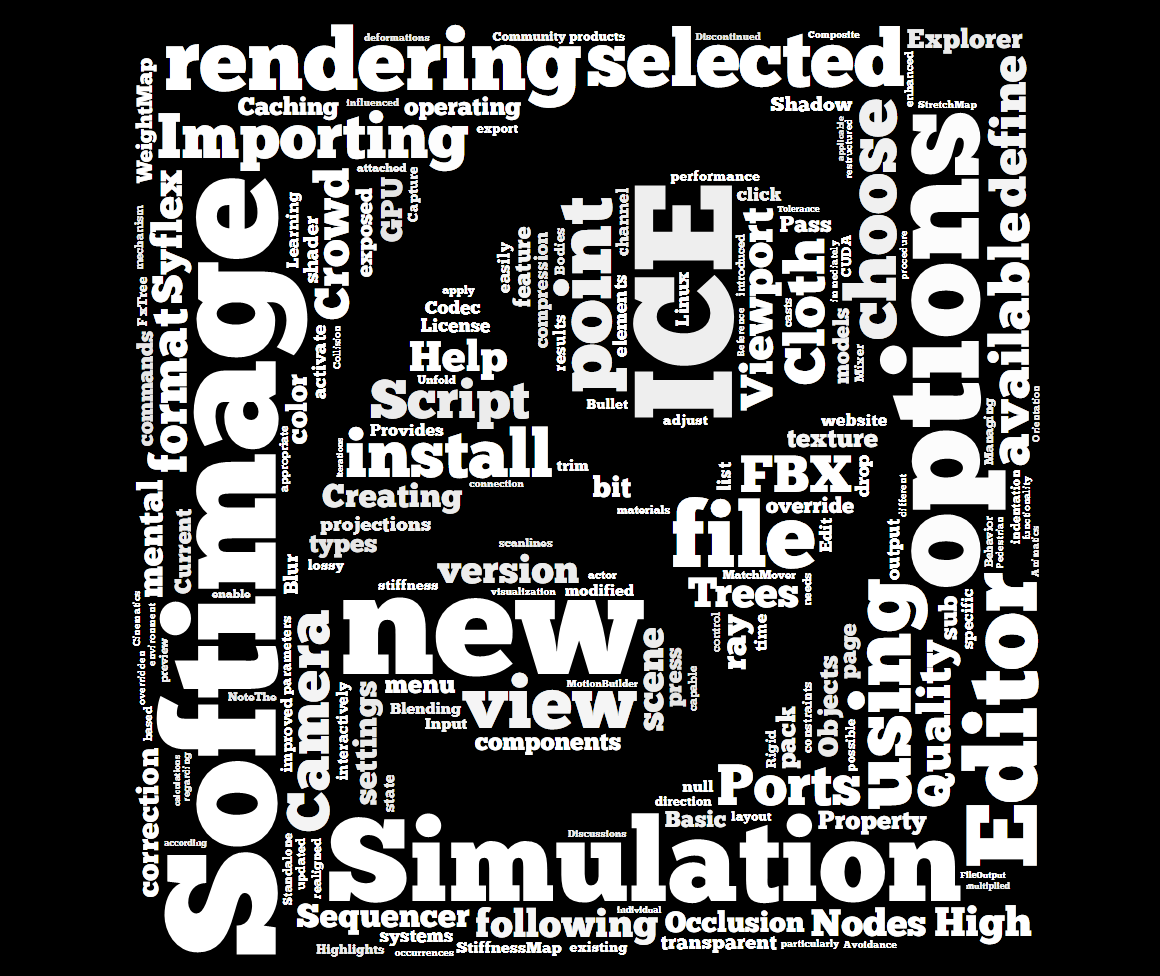
Word cloud for the text of the What’s New section of the Softimage User Guide.


 eX-SI
eX-SI 