
Capcom has created a new terror with the GAMECUBE software “biohazard.”
Michael Shimaner
I like to keep up with trends and technological advancements in the gaming and entertainment industry with products like SOFTIMAGE|3D and SOFTIMAGE|XSI, and then Capcom, the creators of my favorite games like “Street Fighter,” “Mega Man,” and “Dino Crisis,” released “Biohazard” for the Nintendo Gamecube.
As everyone knows, BIOHAZARD is one of the most popular games of all time. Since the first game was released for the Sony PlayStation in March 1996, it has sold over 3.4 million copies. From the first to the latest installment, four BIOHAZARD games have been released across various platforms, including the Nintendo 64, Dreamcast, and PlayStation 2. And finally, the long-awaited GAMECUBE version of BIOHAZARD has been released. The BIOHAZARD series has sold over 18.5 million copies worldwide. (Figures are as of September 2001.)
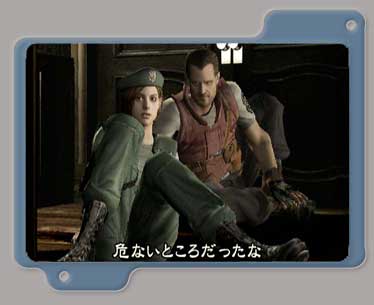
TROUBLE IN RACCOON CITY
BIOHAZARD is generally recognized as the software that established the “survival horror” game genre. This latest installment in BIOHAZARD takes full advantage of the GAMECUBE’s expressive power, forcing you to fight against an ever-increasing sense of fear. The story is set in a fictional town called Raccoon City. In this game, you take on the role of a member of STARS (Special Tactics and Rescue Service), battling zombies, zombie dogs, and genetically engineered monsters.
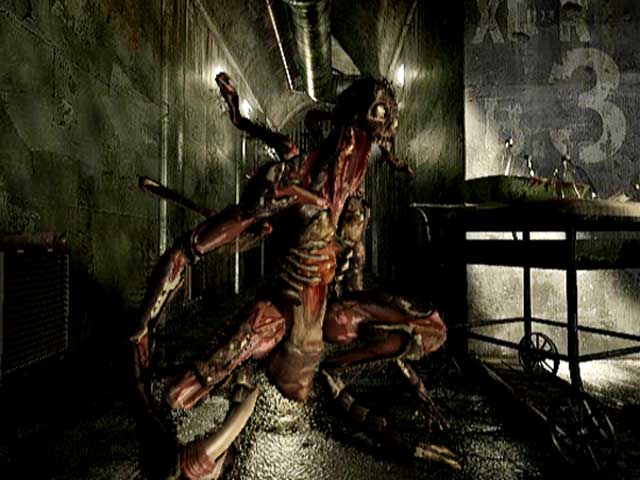
Capcom director Shinji Mikami brought the first Biohazard to the world, instantly establishing himself and his games as legendary figures among gamers worldwide. Since then, Mikami has consistently released groundbreaking new titles. The Biohazard world has expanded beyond games to include comics, action figures, comical and horrifying settings, and even attractions. A live-action version of Biohazard starring Milla Jovovich and Michelle Rodriguez has also been released in theaters.
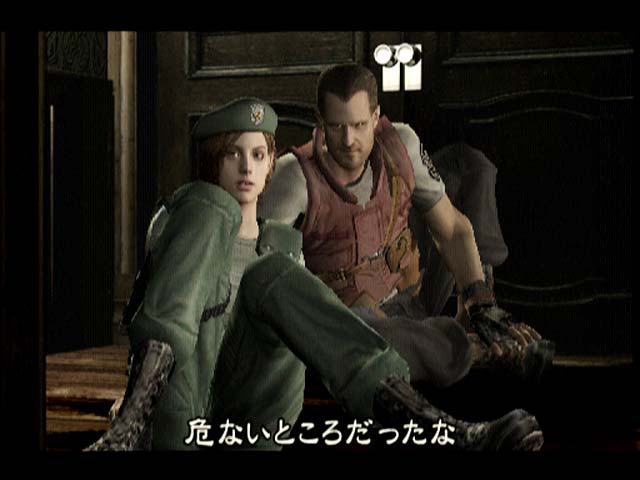
THE MOVE TO GAMECUBE
What kind of terror will the Gamecube version of Biohazard bring us? This new work, created by Mikami once again, promises us a completely new kind of terror that we have never experienced before. To me, the meticulously constructed world was astounding. However, creating this threatening realism posed a major challenge for the creative team at Capcom.
”We anticipated from the beginning that the production would be more complicated than ever before,” said Capcom animator Shinji Utsunomiya. “With the increased hardware specs, we expected the characters to be more complex. As expected, the work became more difficult, but using SOFTIMAGE|3D made it easier.”
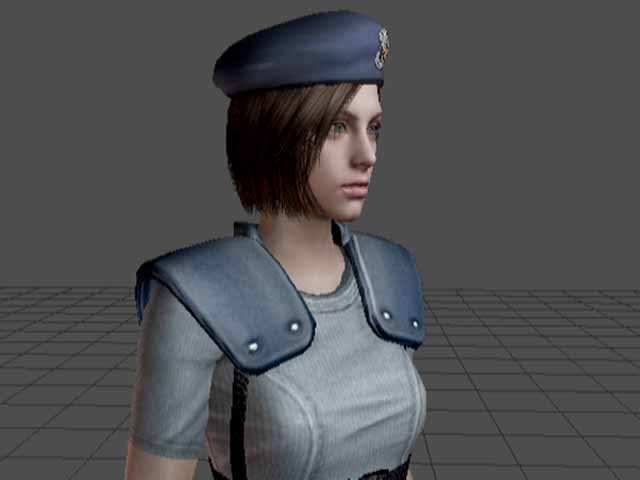
Utsunomiya started out as a control system programmer, and after working in support of SOFTIMAGE|3D, he joined Capcom. SOFTIMAGE|3D is now widely used for character modeling, textures, motion, real-time events, and more. In the past, he and his Capcom team worked on Resident Evil 3 and the PlayStation 2 game Devil May Cry. Naturally, the team he works on is also in charge of the new Biohazard for the Gamecube. As was easily predicted, Biohazard has continued to sell well since its release in early spring, and is a driving force behind the increase in Gamecube unit shipments.
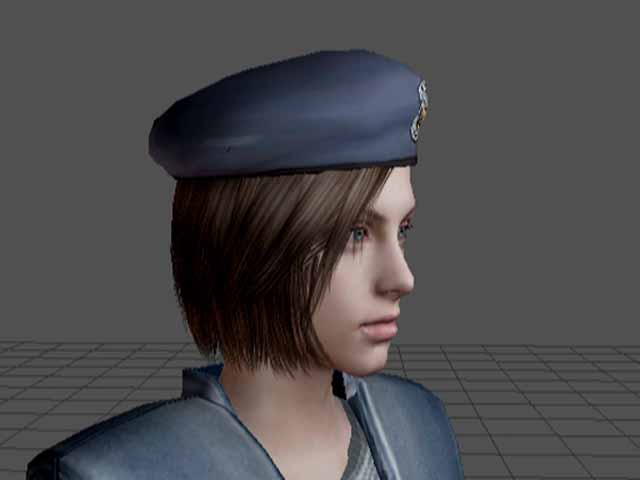
When I asked Utsunomiya why SOFTIMAGE|3D is used so widely at Capcom, he answered my question quickly and calmly.
”One of the best things about SOFTIMAGE|3D is the know-how we’ve cultivated over the years,” says Utsunomiya. “Capcom has been using SOFTIMAGE|3D for over a decade. So we understand the SOFTIMAGE|3D system very well, and even more importantly, many of our artists understand it very well too. In addition, the SOFTIMAGE|3D system is powerful and user-friendly, so problems can be predicted and easily resolved. Even if we had any issues or complaints about the system, our feedback was reflected in new versions. These improvements and a mature system set SOFTIMAGE|3D apart from other tools. It also led to the creation of our own unique 3D system.”
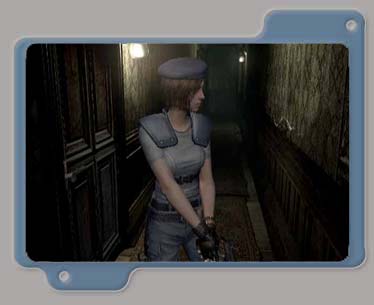
When asked about the power of SOFTIMAGE|3D’s key animation, Utsunomiya answered without hesitation.
”SOFTIMAGE|3D is a powerful animation tool, and at the same time, the schematic view makes data management easy. The user interface is intuitive and simple, yet has the functions we need. Even if we can’t find the function we need, it’s easy to develop a plug-in. We hope to use SOFTIMAGE|XSI in the near future, as it will bring us greater productivity in character production.” “The support for caustics, global illumination, and final gathering in Mental Ray v.3.0 is also attractive as it increases expressiveness. I also feel that it has become faster and the image quality has improved,”
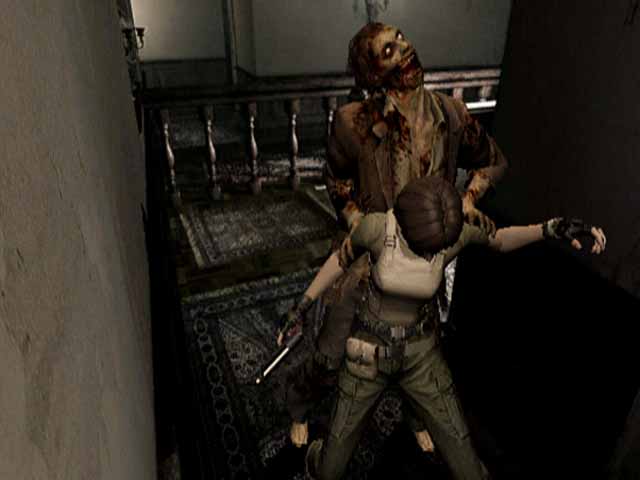
(C)CAPCOM CO., LTD. 1996, 2002 ALL RIGHTS RESERVED.
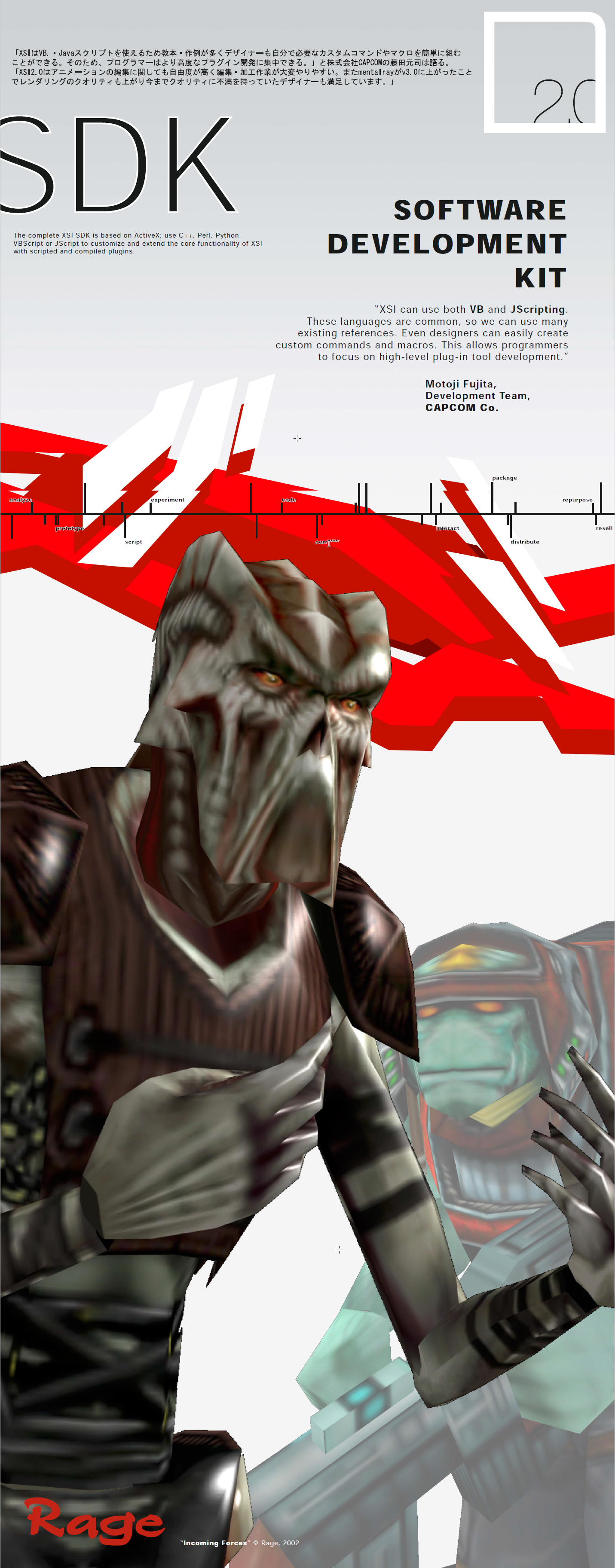

 In order to achieve the quality that they wanted for Resident Evil 4, the team at Capcom first had to concentrate on their workflow. With more than ten times the amount of content of other installments in the series, the team had to be confident in their development pipeline. In the end, the content for the game was completed faster than usual because the developers at Capcom created an efficient workflow using SOFTIMAGE|XSI as the core of their pipeline.
 In order to export the scene data to the game, for example, the data that had to be outputted to the Animation Mixer and the character nodes needed to be selected in such a way that, after pressing a single button, the data could be played on the actual equipment.
 eX-SI
eX-SI 