Context matters – per object attributes for point clouds
1

Arnold always renders shapes as if they were lofted along the strand. It doesn’t matter whether you clear the Loft Shape along Strand checkbox in the Create Strands PPG, the shape will always be lofted in the render, like this:

If you want your instance shapes to be distributed along the strands, you could use a second point cloud to put the shapes along the StrandPositions:

If you find this slows down your viewport, change the Particle Display to points.
2D arrays are not a native type, so I don’t think you can build a 2D array from a string without using a Repeat. As the docs say: The Array2d compounds mimic an array of subarrays

So, here’s something I whipped out during my break from “real work” 🙂
Q: How can a seemingly empty array create user normals ???

Continue reading

Here’s a modified version of Mr Laforge’s compound that does the extrusion length and inset based on polygon area. Yeah, it uses a Repeat so I don’t think you would use it on a dense mesh and then just leave it in the stack to be reevaluated over and over.

The main idea is that you have to store the polygon indices (and the lengths and insets) before you do the extrude.
See also ICE Modeling – extruding polygons with random lengths
Starship Troopers: Invasion
by SOLA DIGITAL ARTS INC.
Greeble
by iamVFX
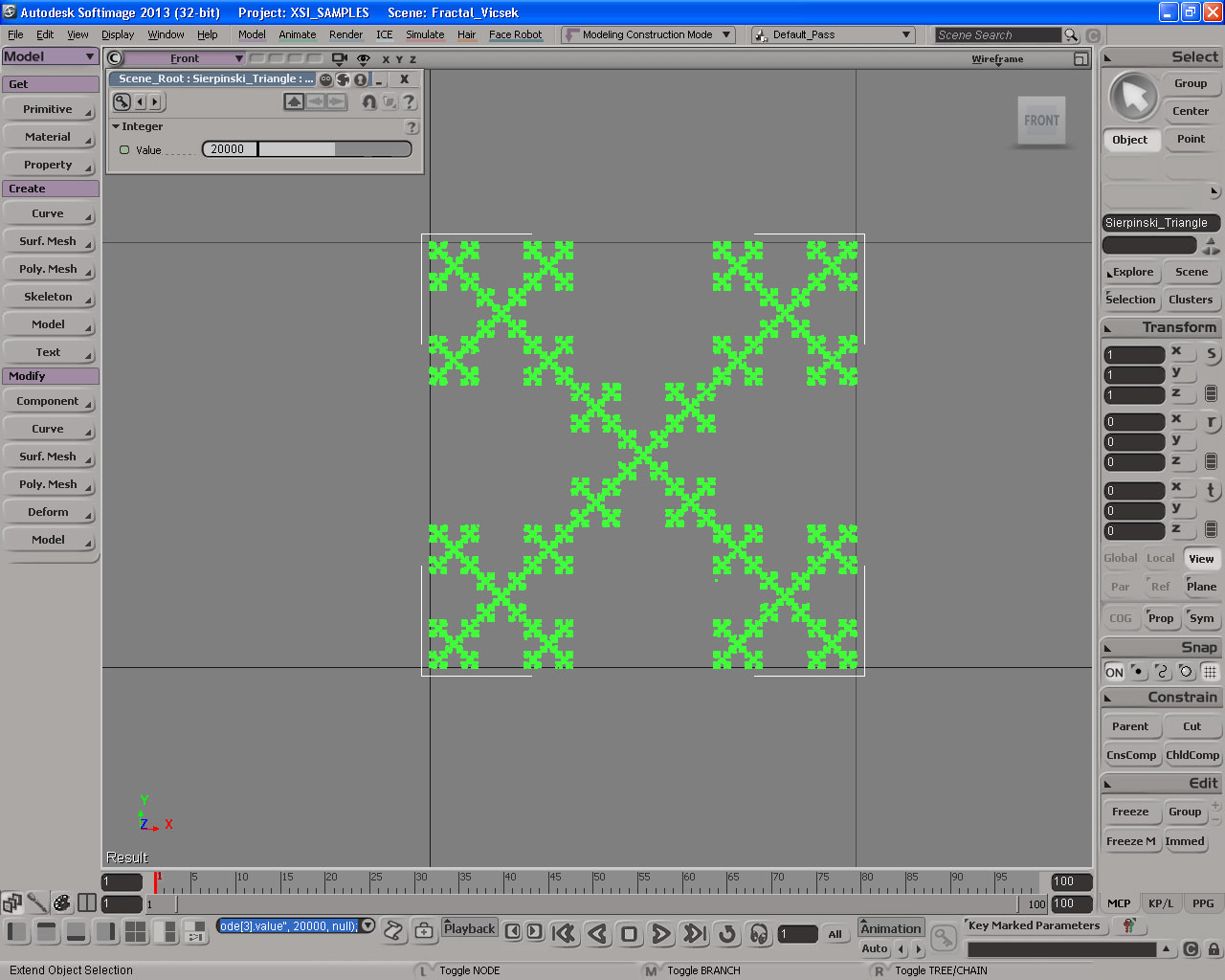
Fractal with ICE
by Daniel Brassard
Lagoa Vs Bullet Physics
etRenamer3.0 Demo
csDevManager almost done
by csaez
Some fiddling around with Point in Volume…
Point in Volume returns True (1) if a point is inside the specified geometry, and False (0) otherwise. Remember, zero is False, non-zero is True.
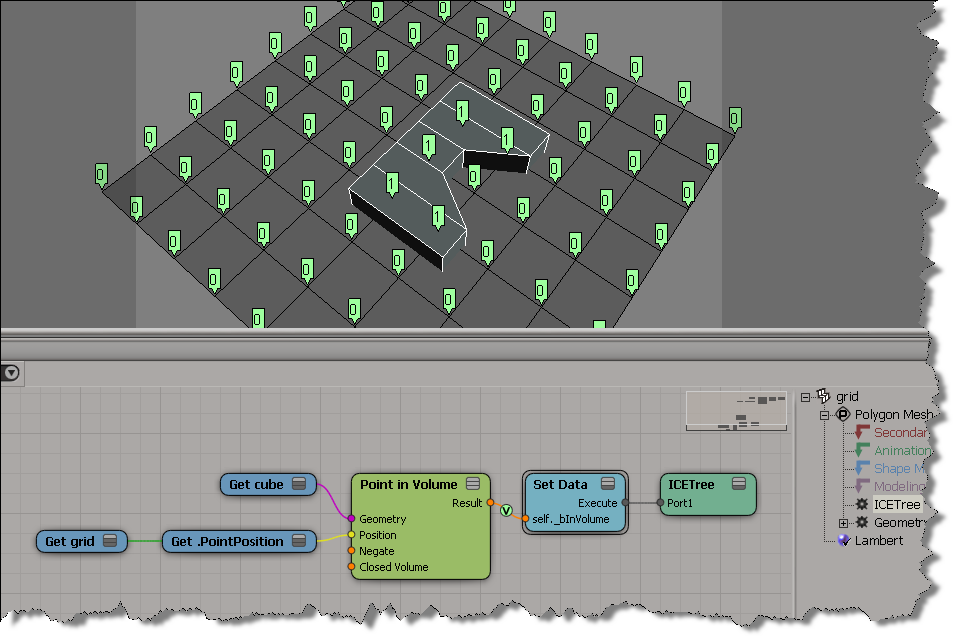
You can plug that boolean output into a Topo compound, like so:
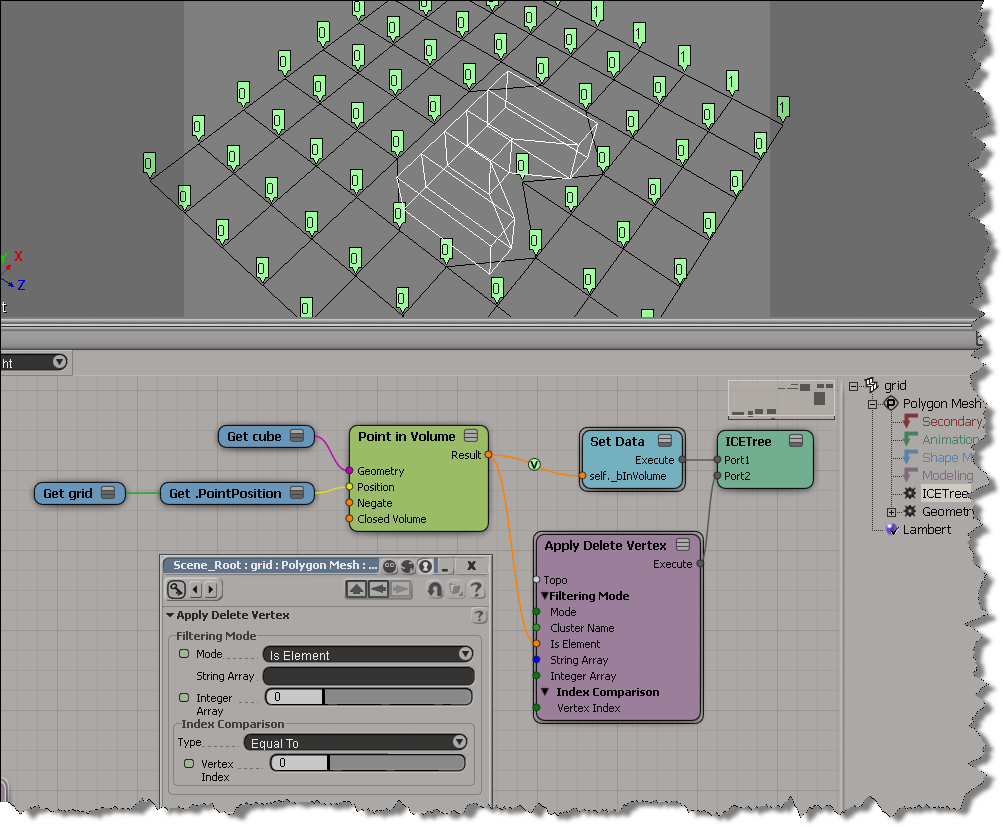
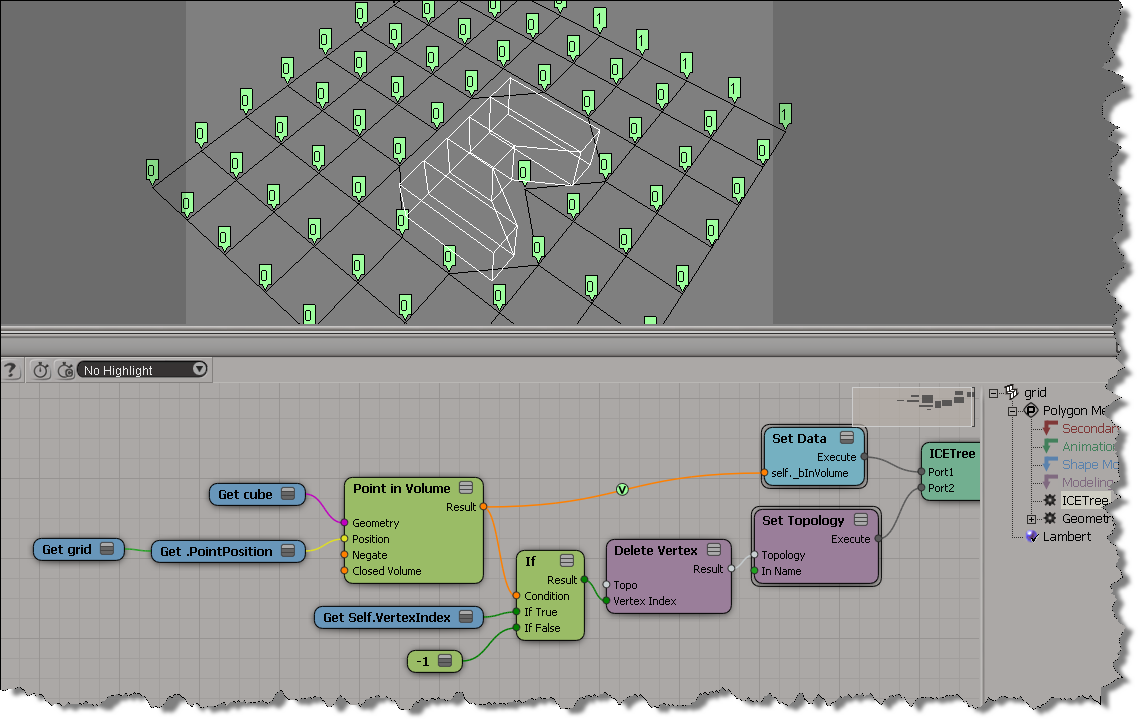
If you break it down, the above is just doing this:
Now that there are intrinsic ICE attributes like NbPoints and NbPolygons, there a couple of ways you can check for an empty mesh:
# Assume a polymesh is selected...
o = Application.Selection(0)

# Check the intrinsic ICE attribute
nb =  o.ActivePrimitive.ICEAttributes("NbPoints")
print nb.IsDefined and nb.DataArray[0] <= 0

# Check using the object model
print o.ActivePrimitive.Geometry.Points.Count <= 0
The typical way to package this up for users it to define a filter. Then a user just has to select the filter and press CTRL+A. Here’s the Match callback for a filter that finds empty polygon meshes. Note that I switched to checking the number of polygons. That way, if somehow there was something weird like a mesh with just one point, you’d still find it.
The intrinsic attribute NbPolygons should always exist, but just to be sure I check IsDefined, and if that is False, I fall back to checking Geometry.Polygons.Count.
# Match callback for the EmptyPolygonMesh custom filter.
def EmptyPolygonMesh_Match( in_ctxt ):
	Application.LogMessage("EmptyPolygonMesh_Match called",constants.siVerbose)

	o = in_ctxt.GetAttribute( 'Input' )
	if o.type == 'polymsh':
		nb =  o.ActivePrimitive.ICEAttributes("NbPolygons")
		return (nb.IsDefined and nb.DataArray[0] <= 0) or o.ActivePrimitive.Geometry.Polygons.Count <= 0
	else:
		return False
I packaged the filter as an addon. Get it here.
Double Helix DNA
by iamVFX

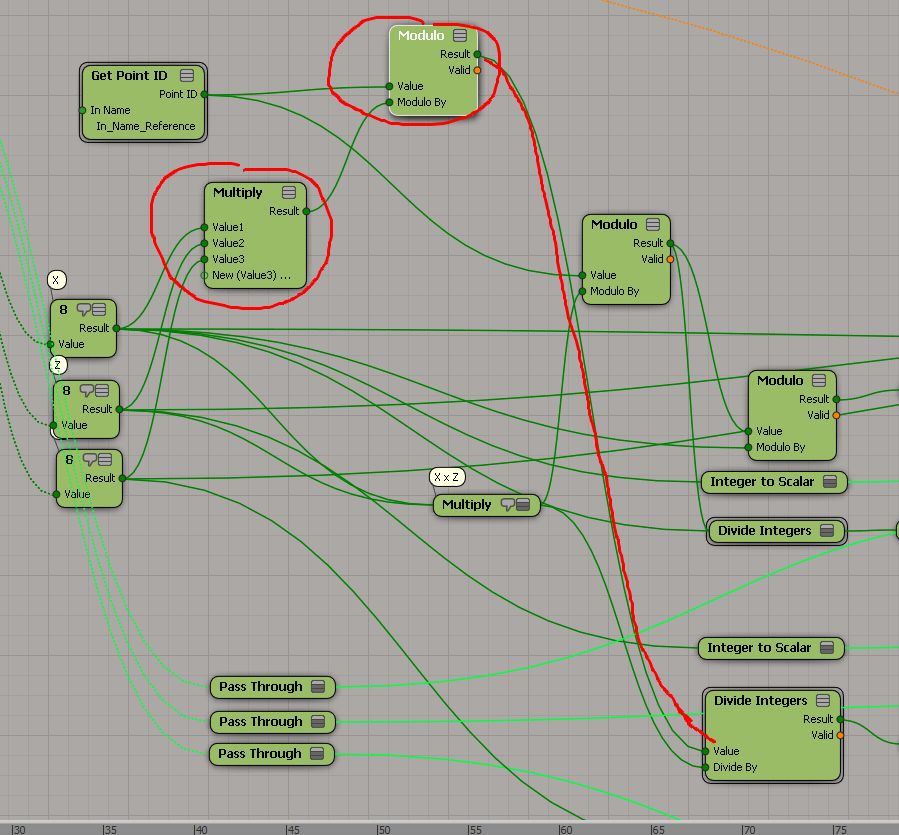
Generating 3d point grids in the Simulation stack
by Mr Core
emTopolizer
by Mootzoid
traveling the shortest distance between two points on a sphere?
by Gray

traveling the shortest distance between two points on a sphere?
by Alan Fregtman

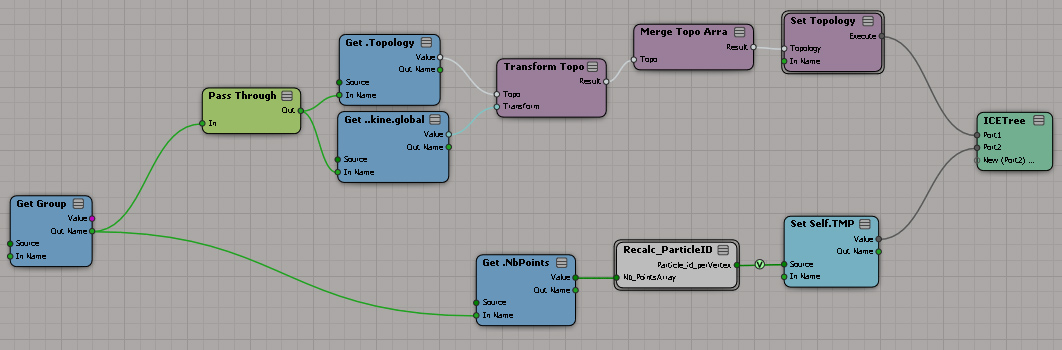
Merge Topo Array – getting the index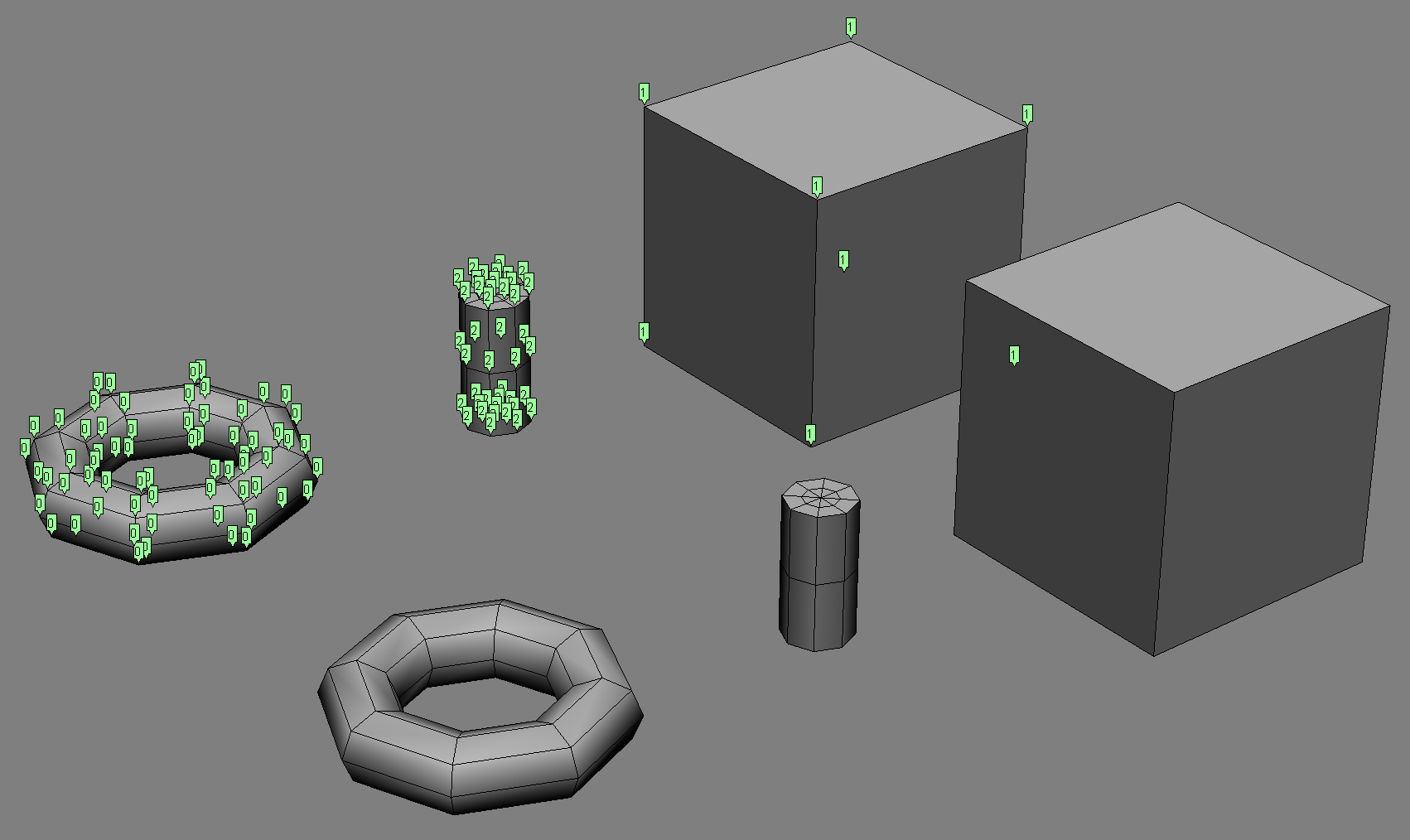

by V Ullmann
Here’s my addendum to Manny’s nice video on CrowdFX and goals. I use a CrowdFX setup with multiple emitters and multiple goal groups to illustrate the usage of the Select Case node. If you’re already familiar with scripting or programming, the Select Case is nothing new, it’s just like the switch statement in C/C++. But if you’re not a programmer, this will [I hope] help you understand when and how to use Select Case.



 eX-SI
eX-SI 