SOFTIMAGE|3D screenshot showing a bulge deformer in shaded and wire modes

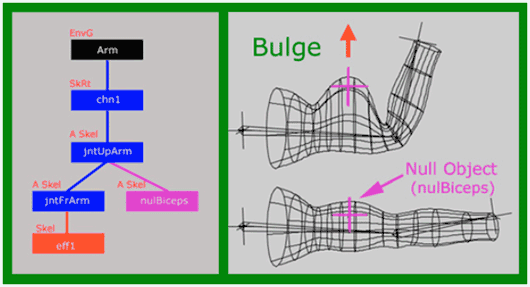

SOFTIMAGE|3D screenshot showing a bulge deformer in shaded and wire modes
Here’s a handy way to navigate through a scene and show the selected object and its connections in the Schematic: use the XSI Explorer with Viewer set to Schematic.
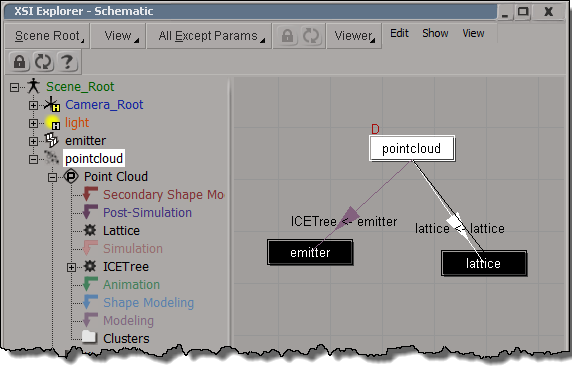
hat tip: David Barosin
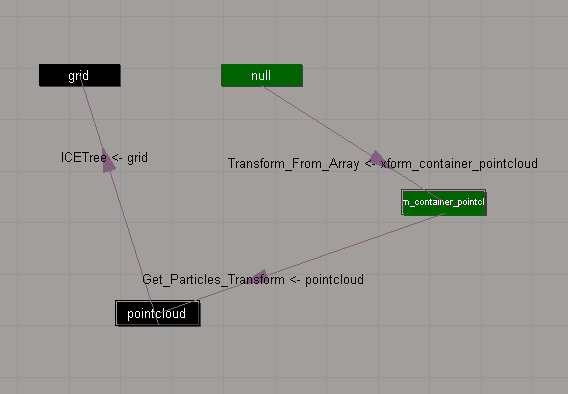
The Schematic view can show you the ICE scene references that “connect” different objects in a scene.
In this example:
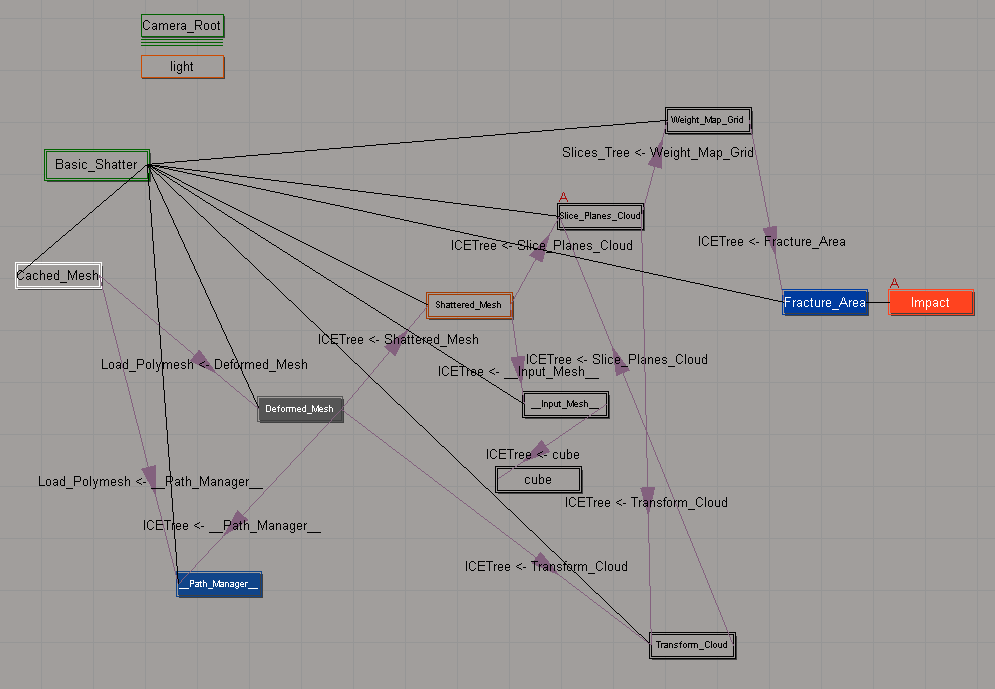
Here’s a slightly more complicated schematic, for the Modeling_Basic_Shattering sample scene:
 eX-SI
eX-SI 