Bullet Rigid Body Simulation with States


Softimage 2013 SP1 included a fix for a problem (aka a crash) with the Simulate Bullet Rigid Bodies nodes and states.

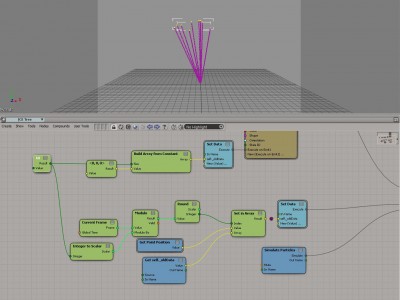
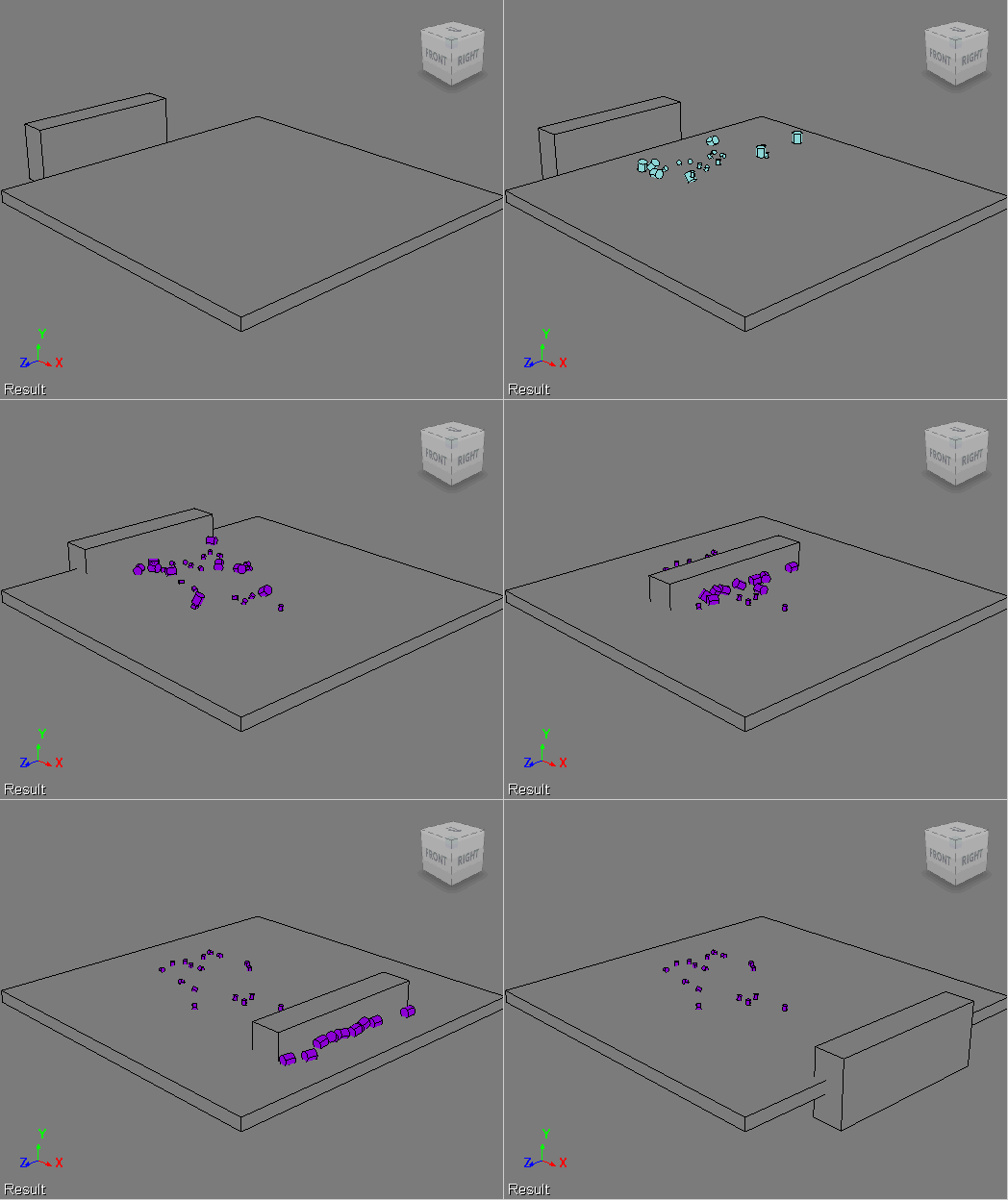
So, when a customer asked us how to do a two-part simulation, I gave Bullet + States a try. In the first part, the objects drop onto an obstacle, and in the second part, another obstacle comes along and pushes some of the objects away. Like this:
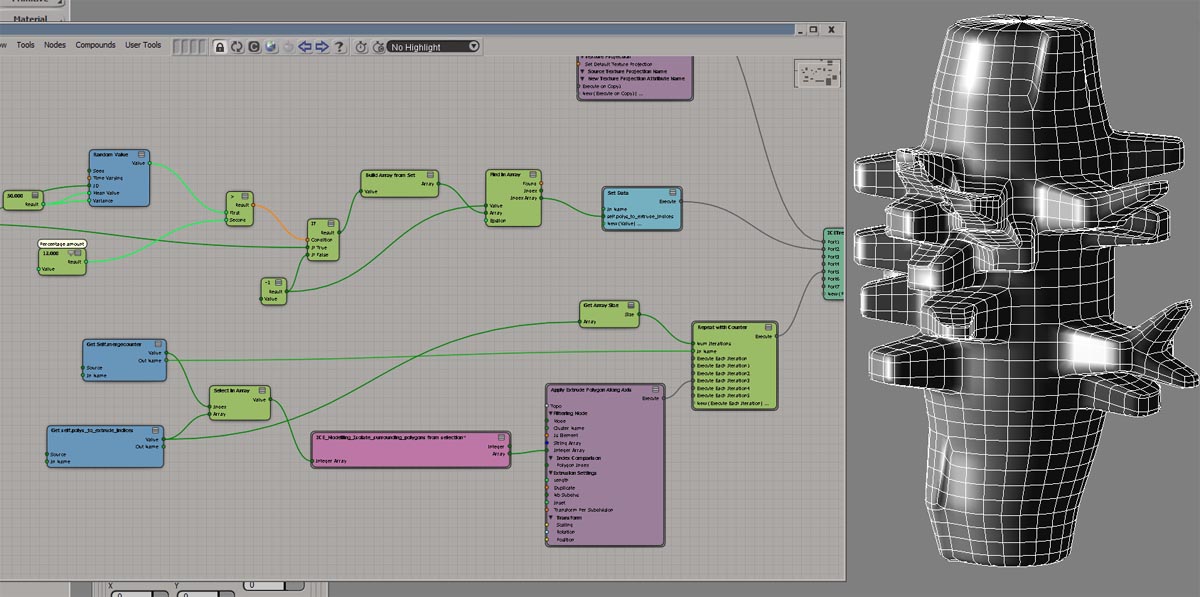
Here’s the ICE tree. I used Test Current Frame to trigger the state change. I did try some other triggers, like Test Particle Velocity and Test Particle Size, but I got some weird results with those triggers. By weird, I mean things like some, but not all, of the small cylinders being pushed away, even though they were still in the first state.

The idea here is to push just the big cubes. I make all the little cubes passive, so they get left behind.

Understanding backwards and forwards compatibility


You say backwards, I say forwards…

Backward compatible and forward compatible have specific meanings in the software world, but in collequial/conversational usage, the meanings are usually reversed.

For example, customers never ask me

Is Softimage 2012 forward compatible with Softimage 2013?

Rather, they ask me

Is Softimage 2013 backward compatible with 2012?

What the customer usually wants to know is can 2012 load a scene saved by 2013?

But that’s not backwards compatiblity, that’s forwards compatibility 😉

  • Forwards compatibility = ability of older versions to load data saved by newer versions.

    Softimage is not forwards compatible: it cannot load files from newer versions of Softimage

  • Backwards compatibilty = ability of the new versions to load data saved by older versions.

    Softimage is backwards compatible: it can load scene files [and models] saved by older versions of Softimage

In general:

  • Newer versions of Softimage can load scenes and models created by older versions.
  • Older versions Softimage cannot load scenes and models created by newer versions.
  • Newer versions of Softimage can load plugins compiled with older versions

Getting a list of all shaders in a render tree


Here’s a Python snippet that gets all the shaders in the render tree for a specific material. As usual, I always feel that my Python snippet could be made more pythonic; for now, this will have to do…

PS The Shader reference page has a VBScript example, but that doesn’t work anymore because it was written before ShaderParameters were introduced.

from sipyutils import si		# win32com.client.Dispatch('XSI.Application')
si=si()

import win32com.client
coll = win32com.client.Dispatch( "XSI.Collection" )

def doit( s, coll ):

	for p in s.Parameters:
		if p.Source and p.Source.IsClassOf( C.siShaderParameterID ):
			print p.Source.Parent.Name
			coll.Add( p.Source.Parent )
			doit( p.Source.Parent, coll )
	
	for l in s.TextureLayers:
		for y in l.Parameters:
			if y.Source and y.Source.IsClassOf( C.siShaderParameterID ):
				print y.Source.Parent.Name
				coll.Add( y.Source.Parent )
				doit( y.Source.Parent, coll )

# Get a material or shader to use as a starting point
mat = si.Dictionary.GetObject("Sources.Materials.DefaultLib.Architectural")
doit( mat, coll )

coll.Unique = True
coll.Add( mat.AllImageClips.GetAsText() )

This snippet worked for this [nonsensical test] render tree:

Context matters: point versus polygon


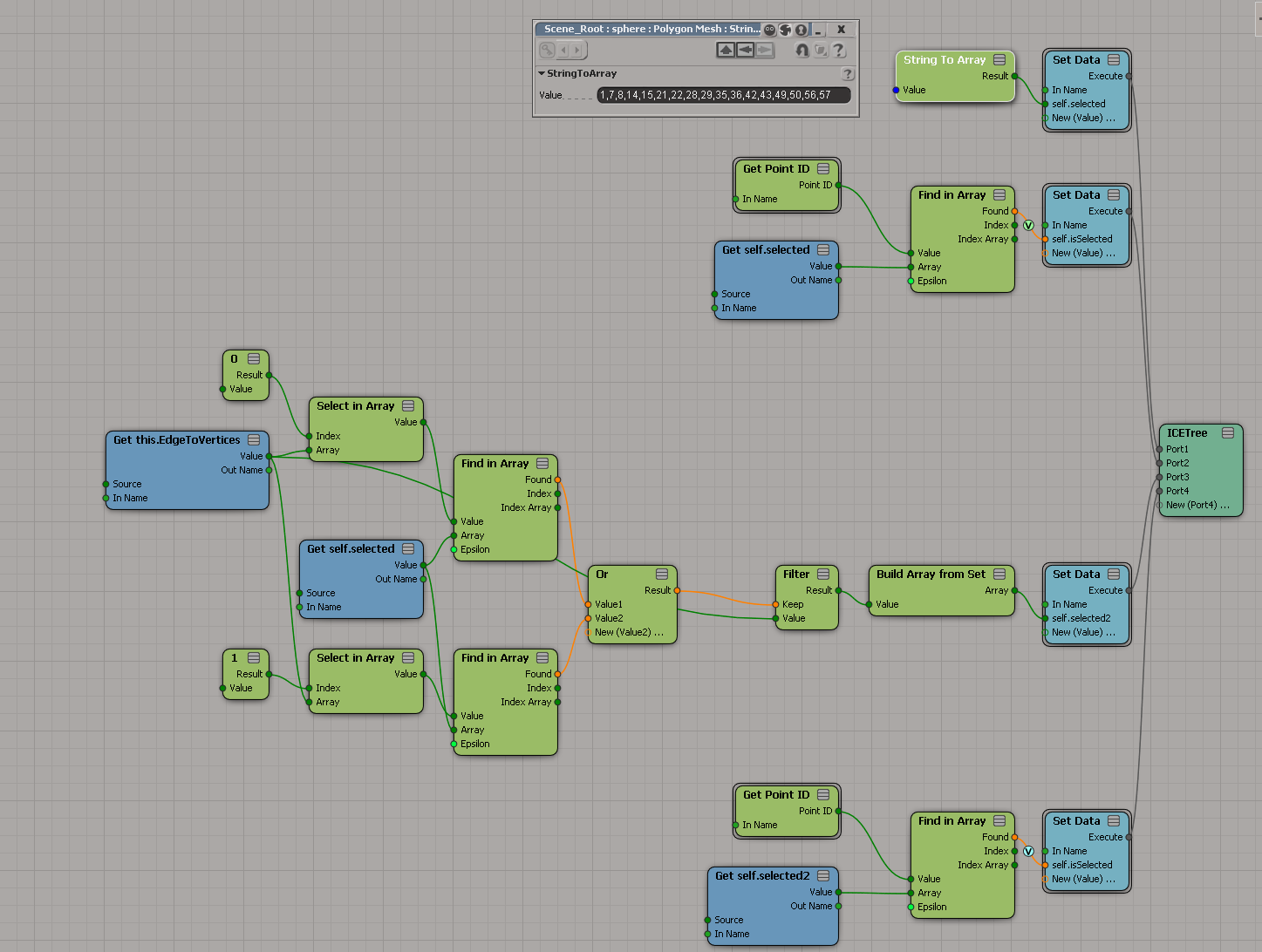
Since the introduction of ICE modeling, you may have hit context mismatches like this:

or this:

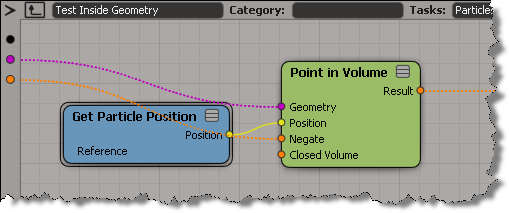
That’s because compounds like Test in Geometry and Randomize Around Value are built to work with points/particles. For example, if you look inside Test Inside Geometry, you’ll see it is getting the point position.

So, when you want to use these convenience compounds in a different context, you’ll have adapt them.