Friday Flashback #12


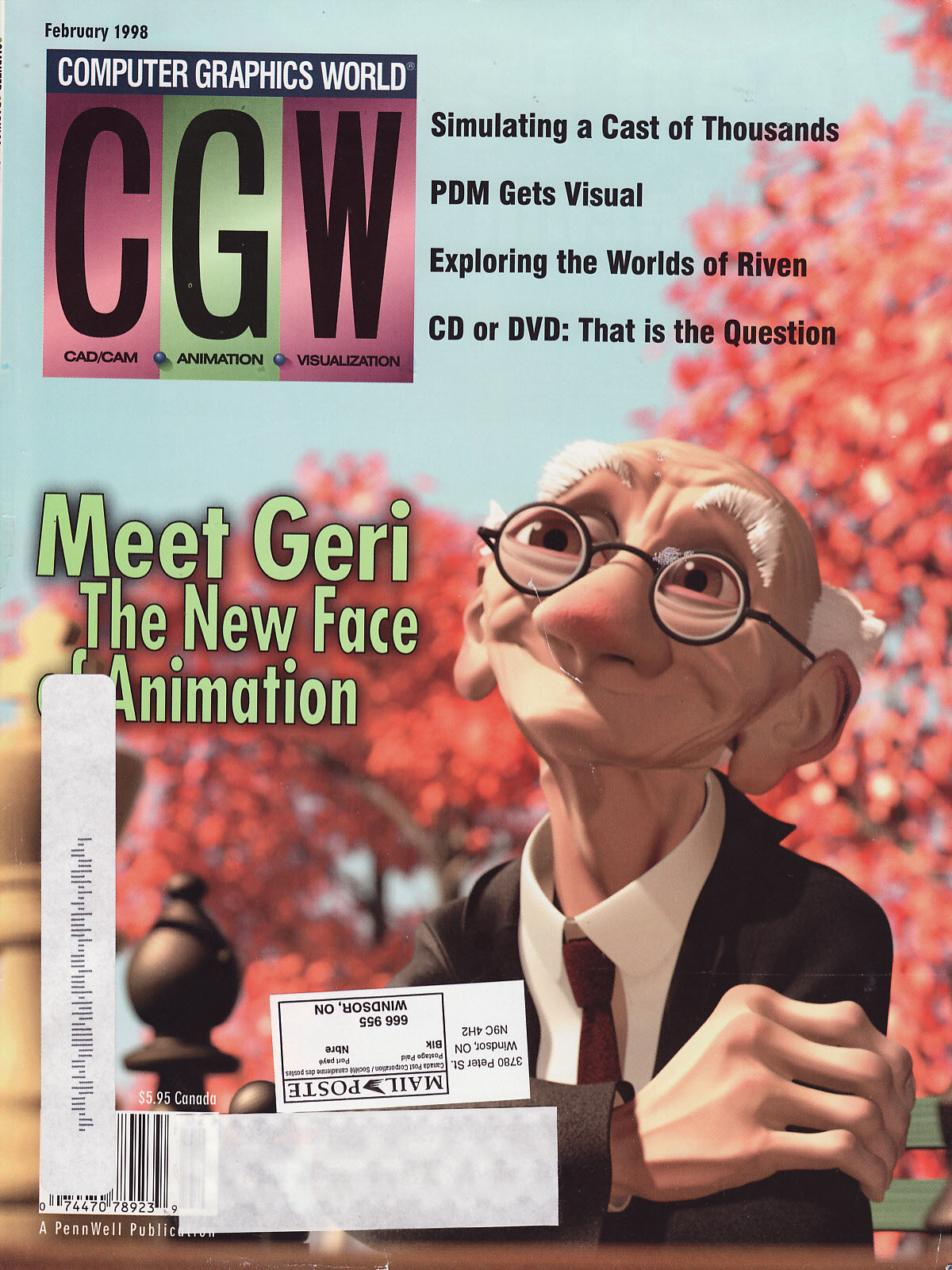
A little over 10 years ago, this review of XSI 2.0 appeared in 3D World, with the tag line “…is this the Softimage we’ve been waiting for?”.

Back then, XSI Essentials cost $8,200 US. Today, a Standalone license of 2012 costs $2995 US.
XSI Advanced costs $12,300. Now, a Network license costs $3745.

Here’s the intro:

Softimage has gone through a turbulent period over the last few years. It’s been tossed between parent companies (Microsoft and Avid) and seen its lead in high-end 3D animation wane, not least thanks to the popularity of Alias|Wavefront’s Maya.

The long-awaited and long-overdue upgrade to Softimage’s 3D animation system, the legendary Softimage|3D, was XSI 1.0, a somewhat lacklustre release in so much as it still relied heavily on Softimage|3D. There was no polygon modelling, import or exporting had to be done via Softimage|3D (and still does actually) and NURBS features were limited. However, it did feature two very important new technologies.

The first was Twister which was the seamless integration of Mental Image’s mental ray rendering system within XSI, complete with visual shading network and finalquality interactive preview rendering. The second was the non-linear animation system, the Mixer, that enabled artists to mix and blend animation clips as if they were mixing tracks of video.

The updated 1.5 version introduced polygon tools and Subdivision Surfaces, which helped workflow considerably. With version 2.0 it seems that Softimage has finally produce the version of XSI that everyone has been waiting for. It’s a beast, and frankly Alias should be worried.

Page 1

Page 2

Page 3

Page 4

Friday Flashback #11


Softimage and Maya releases are now synchronized (same release data, same “version” number), but it wasn’t always that way. Here’s a timeline comparison of the XSI and Maya releases between 1998 and 2003.

And at Siggraph 1998, back near the start of this timeline, here’s what was happening:

  • Alias announced price reductions of 25 percent to 40 percent, which was welcome news to many studios interested in adding Maya to their tool set.
  • Softimage showed the 2.0 version of Digital Studio (now shipping). 1.0 had been released in Nov ’97.
  • Softimage continued to tantalize customers with extended previews of Sumatra.

Friday Flashback #10


Splash screens through the years…

I couldn’t find anything older than these:

SOFTIMAGE|3D 4.0

SOFTIMAGE|SDK 3.9.2

Not much changed from 1.5 to 3.5:

SOFTIMAGE|XSI v1.5

SOFTIMAGE|XSI v2.0

SOFTIMAGE|XSI v3.5

4.2 and 5.11 were pretty much the same too:

SOFTIMAGE|XSI v4.2

SOFTIMAGE|XSI v5.11

It was Mr Hoodie for 6.x

SOFTIMAGE|XSI 6.02

7.0 was the last version of SOFTIMAGE|XSI.
After that, it was “Autodesk Softimage”.

SOFTIMAGE|XSI v7.01

SOFTIMAGE|XSI v7.5

And then the corporate branding…

Softimage 2010

Autodesk Softimage 2011


Autodesk Softimage 2012

Friday Flashback #8


GDC 1997

Theme: STONE FREE – Create any game you think. Think what you want.
Stone free is a rebellious attitude of confidence and freedom

Create any game you think: Softimage has the capabilities help create any game you can think of
Think what you want: With Softimage you do not have to limit your imagination

GDC 2000

Themes:
Softimage Sumatra: Animation redefined
Softimage|3D 3.9: Production proven, 3D workhorse
XSI Viewer Tools: Art pathway for interactive media

GDC 2001

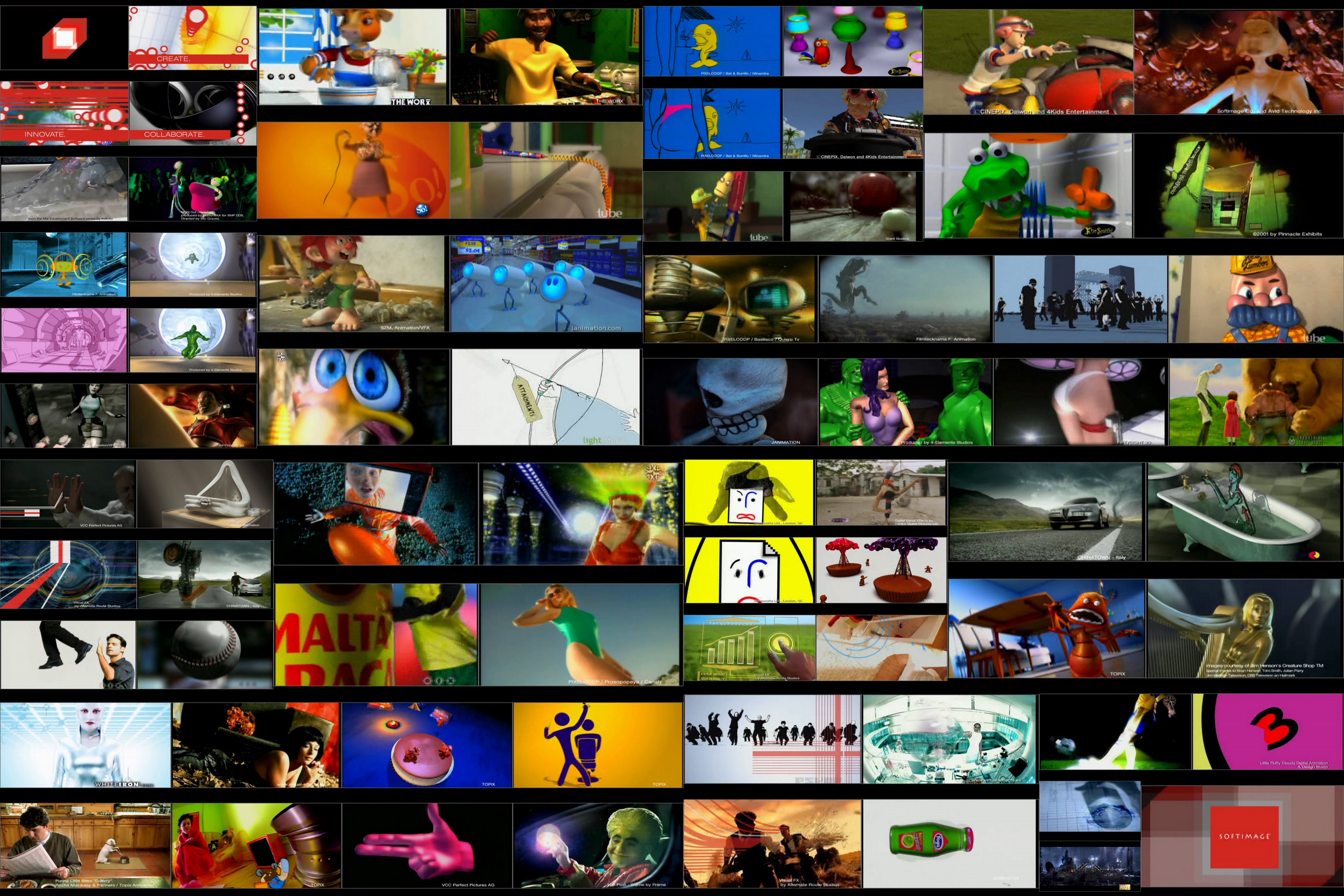
Theme: Innovate. Create. Collaborate.
Softimage games tools offering: Softimage provides a complete, open toolset for game creation that lets users pick and choose functionality to integrate with their existing pipelines and custom engines:

GDC 2004

Theme: Better Faster XSI

GDC 2006

Themes:
Characters at work, characters at play
Getting into characters: building performances for Next-Generation Productions.
All about being the leader in innovation

GDC 2007

Theme: Play Together

GDC 2008

Theme: ??? I don’t remember ???

Friday Flashback #6


Things have changed a little over the last decade or so.

Back in 1999, we had Sumatra/XSI 1.0 running on a Toshiba Tecra 730 CDT laptop (Pentium 150mhz, SVGA Color 12″ display, 144MB RAM, 3.7kg).

Fast forward to 2011, and we have Softimage running on an 11″ Macbook Air (1.4Ghz Intel Core 2 Duo, 11.6″ 1366 by 768 display, 4GB RAM, 1.07kg).
Update: On the Macbook Air, Softimage is running under bootcamped Windows 7.

1999: Softimage Sumatra running on a Toshiba Tecra 730CDT laptop

2011: Softimage 2012 running on an 11" Macbook Air

Another pic of Softimage on my Macbook Air

Friday Flashback #5


Someone on the XSI Mailing list asked about the old “10 reasons to try XSI”, which was published back in 2007 I believe. I managed to find a copy.

Here’s a comparison of the “10 reasons to try XSI” with the top reasons to buy Autodesk Softimage 2011

2007 (XSI 6)

  1. Non-destructive everything
  2. Gigapolygon processing
  3. Modeling that feels like sculpting
  4. Delta Referencing: breakthrough collaborative 3D animation
  5. Commitment to scripting & development standards
  6. Animation Mixer
  7. Asset reuse made simple
  8. Render Passes
  9. Built-in XSI Illusion compositor
  10. Custom Display Host

2010 (Softimage 2011)

  1. A Powerful Companion to Maya
  2. Node-Based Interactive Creative Environment (ICE)
  3. GigaCore High-Performance 3D Engine
  4. Complete Face Robot Toolset
  5. Nondestructive Workflow
  6. Interoperability
  7. Industry-Leading Nonlinear Animation and Mixing
  8. Production-Proven Solution
  9. Extensibility
  10. Autodesk Subscription and Support

And here are some other top 10 (or 9 or 11) lists:

Top ten new features in SOFTIMAGE|XSI v.5.0

  1. Work with ten times the detail (Gigapolygon core)
  2. Gator – property transfer that just works
  3. Film-quality normal map generation
  4. Easy migration from Maya
  5. Integrated Tools Development Environment (“TDE”)
  6. Native mental ray v.3.4
  7. Shape manager for easy shape creation and animation
  8. Tweak component tool for fast freeform modeling
  9. High-performance rigid-body dynamics

Top Ten Key Features in SOFTIMAGE|XSI v.4.2

  1. [NLA] SOFTIMAGE|BEHAVIOR v.2.0 In XSI Advanced
  2. [FX] Compositing and Hybrid Vector and Raster Paint In Essentials
  3. Character Development Kit
  4. Rigid Body Dynamics
  5. XSI Rendering and mental ray v.3.3
  6. Construction Modes
  7. [rendercore] AAF/MXF HD for Avid Editors
  8. [workforce] Alienbrain Studio 7.1 Plug-in
  9. Custom Display Host
  10. UV Unwrapping

Top 10 Reasons to Care About XSI 3.0

Long-Form Film/Series Broadcast

  1. Fastest development rate in the industry
  2. Fully integrated hair and fur simulation subsystem
  3. Unique fully integrated professional film quality compositing environment
  4. XSI SDK
  5. Unique fully integrated high-end interactive rendering
  6. Legendary Softimage character animation tools
  7. Native non-linear animation
  8. Crowd simulation tools
  9. Fully integrated, internet-enabled workflow (Net View, Synoptic View, ActiveX Scripting Technology)
  10. XSI Batch and XSI BatchUniversal (purchased separately)
  11. Lowest cost high-end technology on the market (versus A/W Maya and RenderMan)

Friday Flashback #4


I started at Softimage back in 1995, a few years after Jurassic Park. But everybody in Montreal knew about Softimage and Jurassic Park; I remember my neighbours were sooo impressed when they found out where I worked. It was always nice to be able to say I worked at Softimage (or at Microsoft). People [outside the industry] knew those names. In contrast, few people knew “Avid”, and most people don’t know the name “Autodesk” (I usually have to mention “Autocad”).

Behind-the-Scenes Photos of ILM’s Greats: Jurassic Park
(Thanks to Alan Fregtman for the link)

Appropriately enough, given that Jurassic Park gave Softimage’s reputation such a boost, our main meeting room in the 3510 St Laurent Softimage offices was named “Jurassic Park”. (Other meeting rooms were Jumanji, Casper, and Reboot.)
The Jurassic Park meeting room in the Softimage building, circa 2005