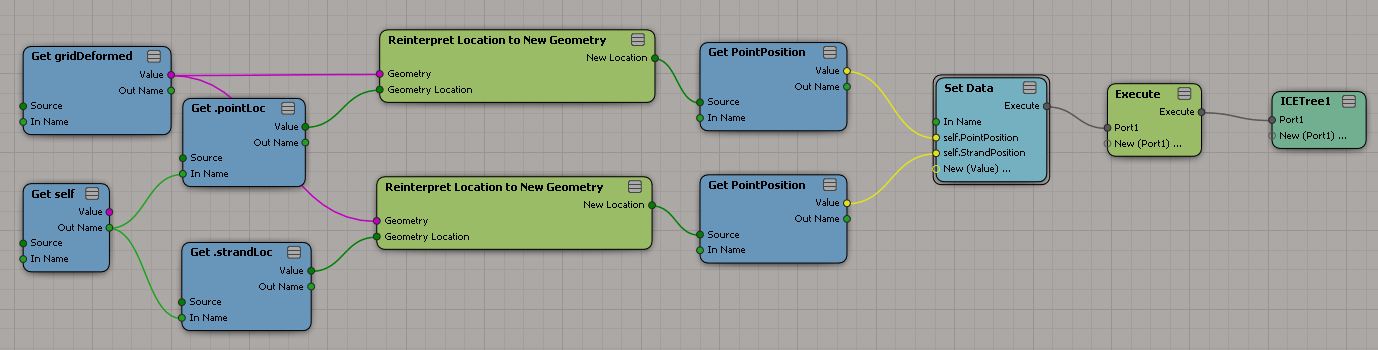
Constrain strand along simulated shape
by Renaud Bousquet

by Edy Susanto

Closest Location in UV space?
by Eric Thivierge

Gear PPGs with Embedded Layout & Logic
ICE Topo Symmetry Analyser

Constrain strand along simulated shape
by Renaud Bousquet
by Edy Susanto
Closest Location in UV space?
by Eric Thivierge
Gear PPGs with Embedded Layout & Logic
ICE Topo Symmetry Analyser
And old picture from 2004 that I found: Moving the Shape Tape.

What stands out to me is how ugly the old monitors were.
On the Read tab of the Cache Manager there’s a Dump Header button:
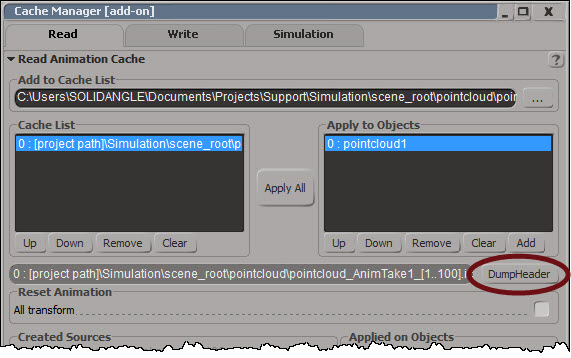
Dump Header dumps the cache header and attribute list to XML and pops up NetView:

If you want to dump the XML and parse it yourself, you can do it with this scripting command:
Application.DumpCacheHeader("[project path]\\Simulation\\scene_root\\pointcloud\\pointcloud_AnimTake1_[1..100].icecache", False)
Top 50 most common keyboard mappings in the default Softimage keymap.
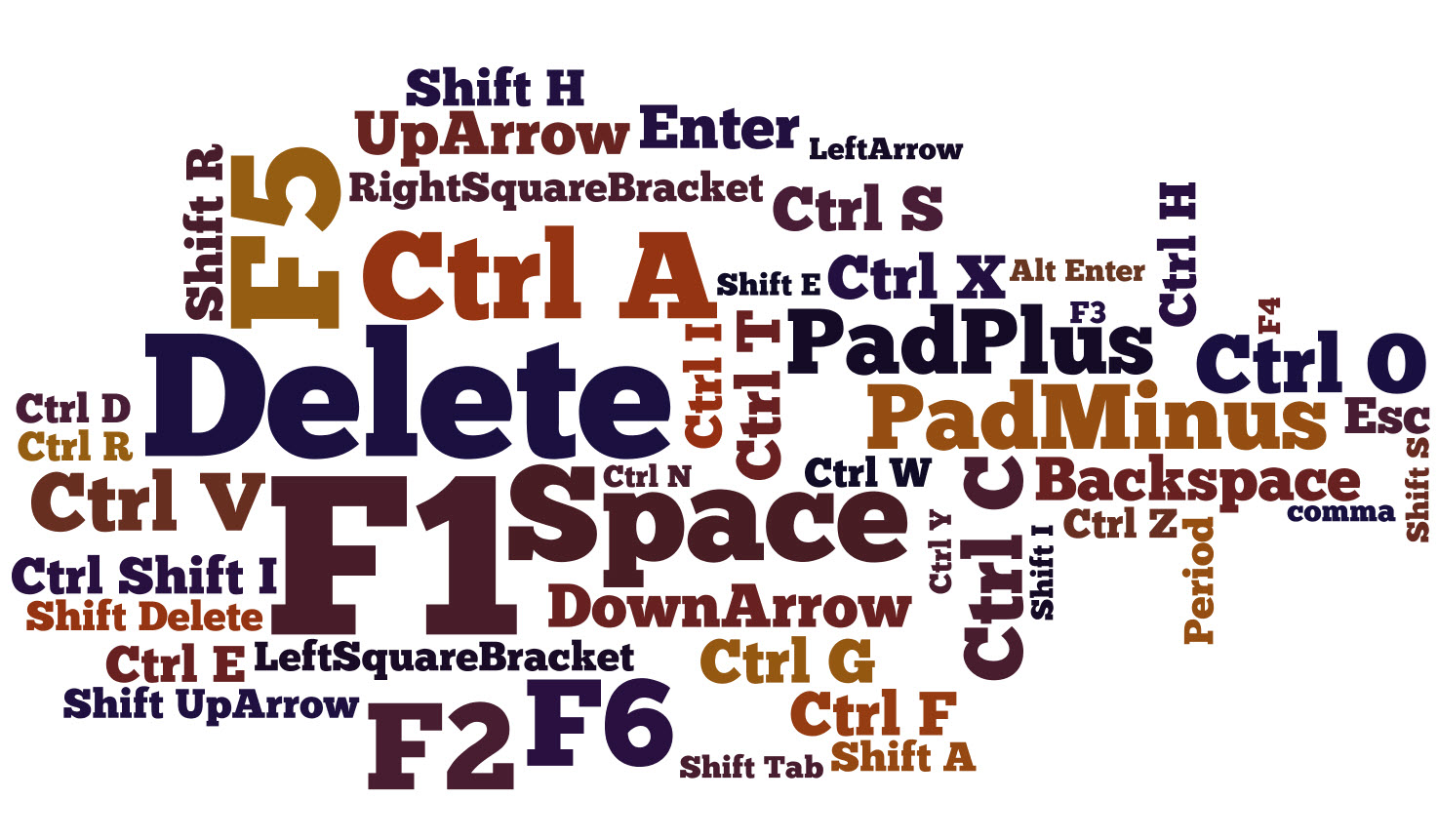
After the obvious F1 (22 assignments) and Delete (17), the next most-assigned key is F5 with 15.
You can use the PageUp and PageDown keys to move back and forward through the history of recently inspected nodes.

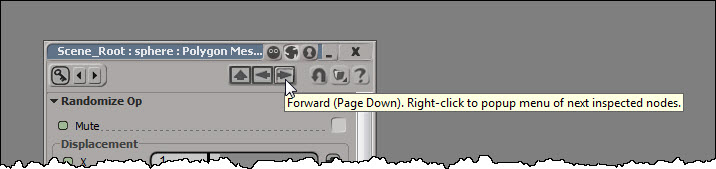
If you right-click one of those arrows, you can see the history list of inspected nodes, and select a specific node to inspect:
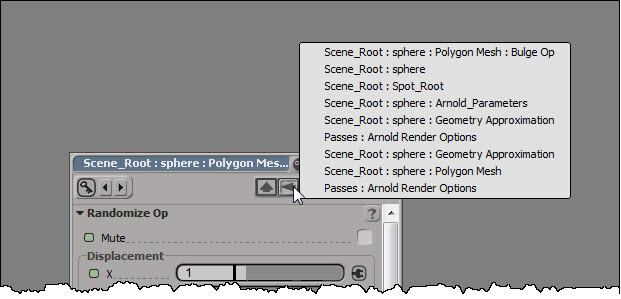
If there’s no property page open at the moment, pressing PageUp (or PageDown) will open a property page and load the most recently inspected node.
Here’s a related TD Survival video on PageUp (and some other handy shortcut keys):
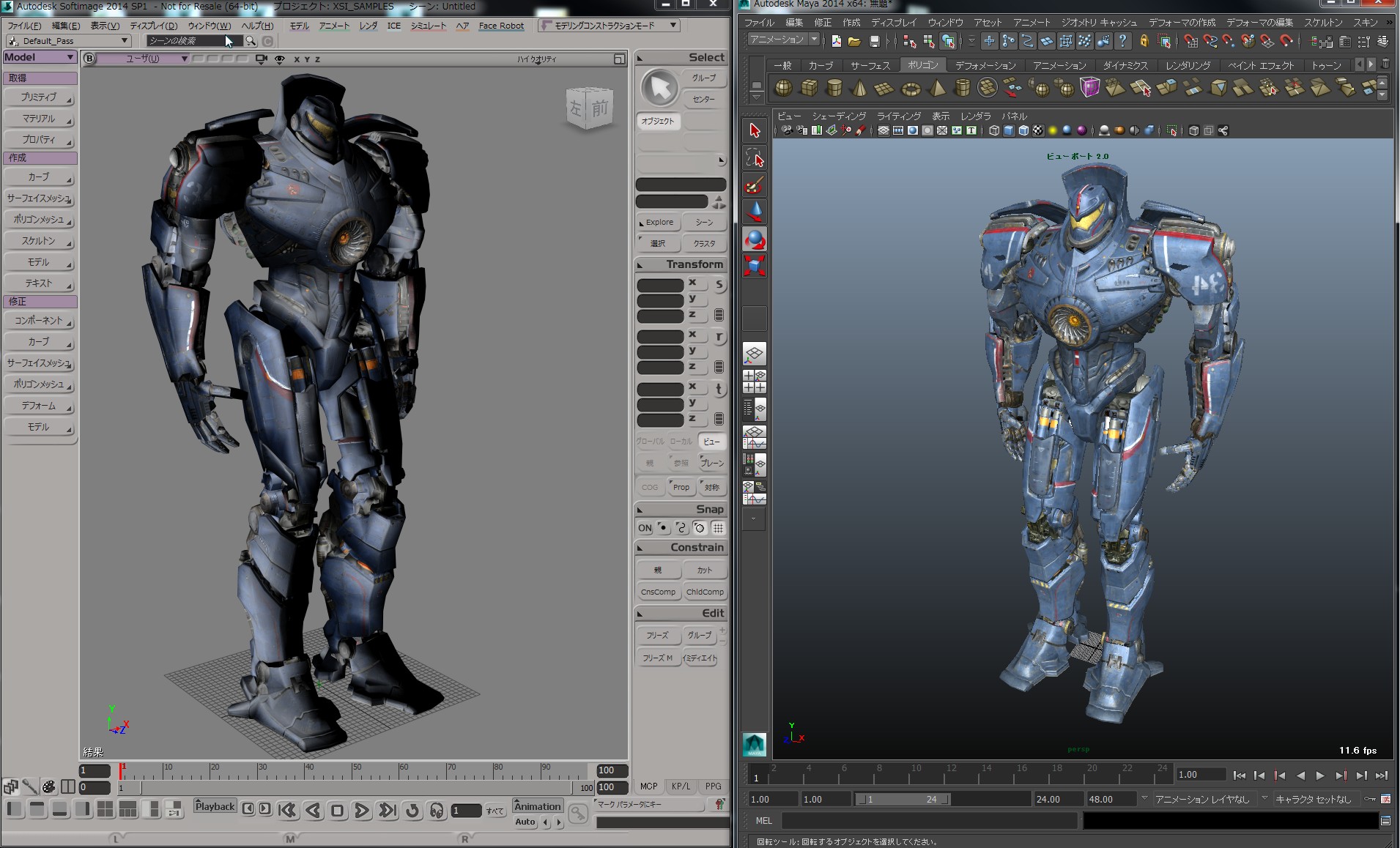
Contest of the Pacific Rim
by ADSK M&E Softimage @Japan
Making of Alice
by Frame Studio

Tips & Tricks – Symmetric Paint Selection Tool
Sneak Peek – ICE Balloons!
Foam effect in Softimage ICE Promo
Building your own Voronoi shattering effect with blackjack and hookers in Softimage ICE Promo
SIGGRAPH 2006 Eye Candy
https://vimeo.com/27618536
Here’s a quick tip if you need to re-download the original release version (for example, Mudbox 2013) instead of a service pack: use the Autodesk Virtual Agent.

Subscription customers can always download the release versions from the Sub center, but on the public autodesk.com site, only service packs and upgrades are available. For a product like Softimage, that isn’t usually a problem: you can just download the latest service pack. But that isn’t true for every product (for example, sometimes a SP is a patch that requires the original release version).


When you click Fit Subcomponent UVs to Image in the Texture Projection property editor, you’ll get these ERRORs in the script history:
' ERROR : Object doesn't support this property or method: 'in_uvprops.IsClassOf' - [line 1842 in C:\Program Files\Autodesk\Softimage 2014\Application\DSScripts\Texture.vbs]
' ERROR :  - [line 25]
' ERROR : Property Page Script Logic Error
' ERROR :    [23] 		end if
' ERROR :    [24] (null)
' ERROR :   >[25] 		FitSubcomponentUVsToImage Pset.InspectedObjects, filtered
' ERROR :    [26] 	End Sub
The fix for this requires that you edit $XSI_HOME\Application\DSScripts\Texture.vbs. You’ll probably need to edit the Permissions on Texture.vbs so that you have Full Control or Modify permissions.
Find line 1842 in Texture.vbs, and then replace the if..else..endif with this:
set coll = CreateObject("XSI.Collection")
if in_uvprops.Type = "XSICollection" then
	set coll = in_uvprops
elseif in_uvprops.IsClassOf( siUVPropertyID ) = True then
	coll.Add in_uvprops
end if
The fix I posted on the Softimage mailing list awhile ago was a one-liner that would enable you to use Fit Subcomponent UVs to Image on a single texture projection. This fix will work if you have multiple texture projections in the property editor.
 eX-SI
eX-SI 