Try or Activate is not for network licenses


This Try/Activate screen means that you are running in Standalone mode. Try gets you a Trial standalone license, which is good for 30 days and cannot be reset. Activate is for Standalone licenses only. If you try to activate a Network license, you’ll get an Error 123. I used to see these types of errors every release.

Softimage_2014_try_activate

Here are some related links:

Friday Flashback #115


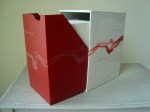
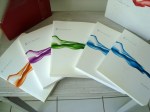
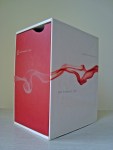
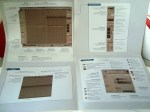
Many thanks to Ed Schiffer for these pictures.

The XSI 1.0 box set. They don’t package software like that anymore.

_DSC04625

_DSC04626

Copying colors from point cloud to polygonizer mesh


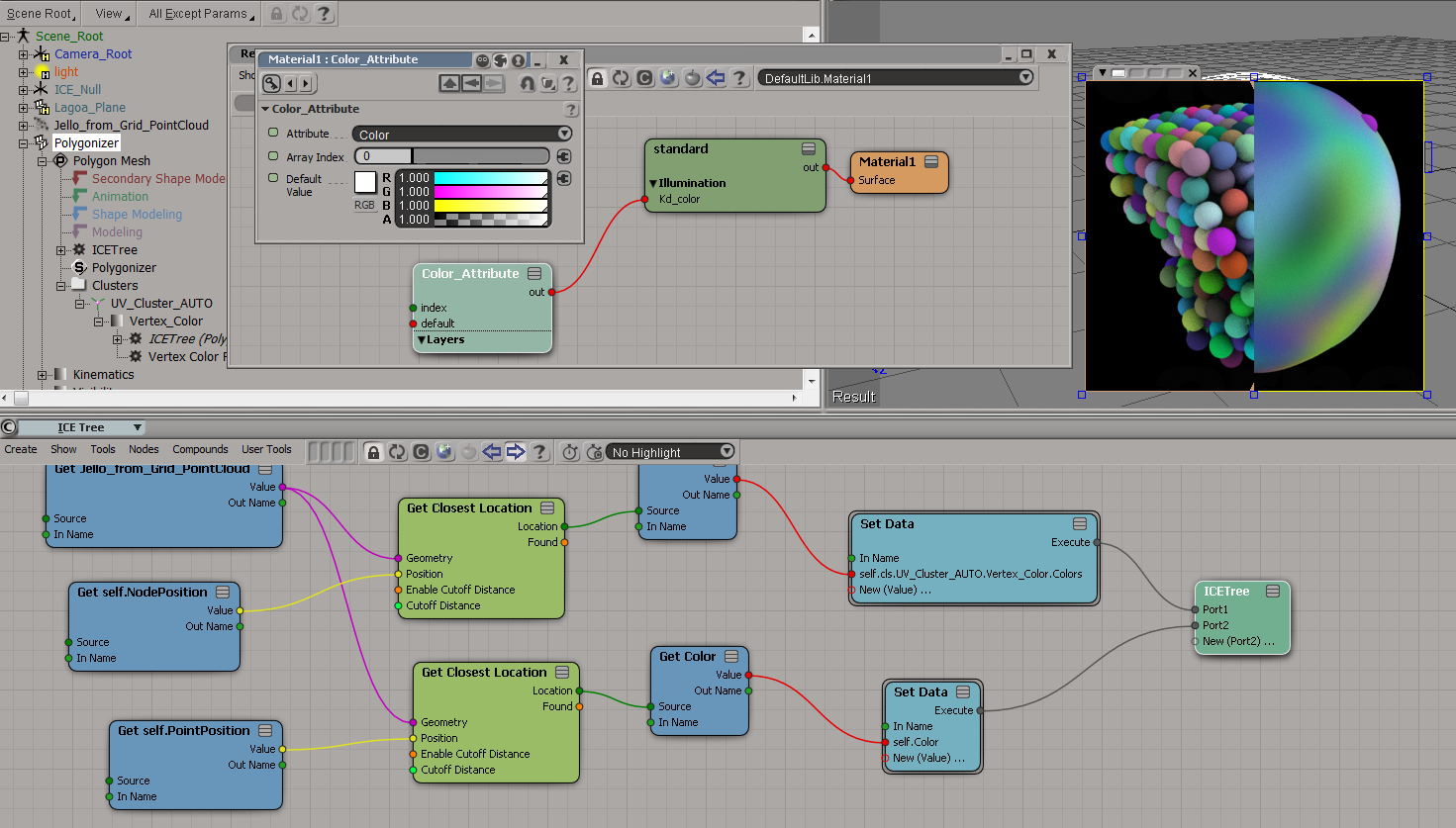
To get the colors from the point cloud onto the polygonizer mesh, you need to do something like this:

  1. On the polygonizer mesh, create an ICE Tree.
  2. Use Get Closest Location to get a location on the point cloud, get the color from that location.
  3. Store that color somewhere (eg in an attribute on the polygonizer mesh, or in a vertex color map).

Here I’m storing the colors in a CAV:
colors_to_polygonizer_CAV

And here I’m sticking the colors in a per-point Color attribute:
colors_to_polygonizer_Color

Copying StrandColors from cached strands to a point cloud


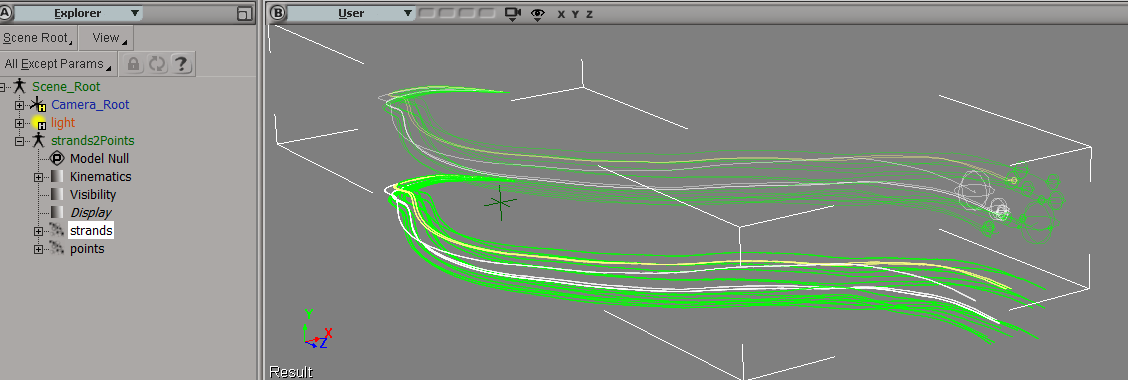
Suppose you had to load a cached strand simulation, and convert that to a point cloud of plain old points. Part of the job would be to copy the stand colors over to the new points, so let’s take a look at that.

First, and I didn’t know this, when you cache strands the StrandColor attribute isn’t cached, just a single Color per strand. So let’s rebuild the StrandColors:
rebuild-strandcolor
Now we have a per-point StrandColor array on the point cloud that reads the cached simulation. After spending awhile trying to avoid doing this, I found that this (the StrandColor array) was the easiest way.

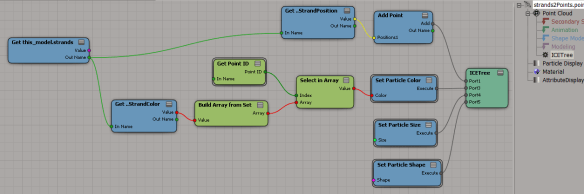
Add Point is a pretty friendly ICE node, because it lets you take per-point data (StrandPosition) from some other point cloud and just plug it in, with no context problems.
copy-strandcolors-to-points

It’s not so simple with the StrandColors. StrandColor is a per-point array on a different point cloud, and you can’t just plug it into Set Particle Color. Set Particle Color wants a color, not an array of colors. And it doesn’t want colors from some other point cloud either 😉

To get around that, I use Build Array from Set, which gives me a per-object array in the context of the current point cloud. Then I index into that array with Point ID, and I’ve transferred over the strand colors to the points.
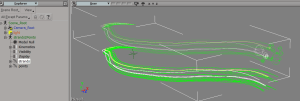
strands-points

Installing Softimage 2014


Here’s a quick walkthrough of the installation basics, plus a few install-related links.
https://vimeo.com/63592423

Saturday Snippet: Selection, LAST, and SubComponents


Selection.Clear();
var oCube = ActiveSceneRoot.AddGeometry( "Cube", "MeshSurface" );

var n = oCube.ActivePrimitive.Geometry.Points.Count

//SelectGeometryComponents(oCube.Name + ".pnt[1,3,5,LAST]");
Selection.Add( oCube.ActivePrimitive.Geometry.Points(1) );
Selection.Add( oCube.ActivePrimitive.Geometry.Points(3) );
Selection.Add( oCube.ActivePrimitive.Geometry.Points(5) );
Selection.Add( oCube.ActivePrimitive.Geometry.Points(n-1) );

var sel = XSIFactory.CreateActiveXObject("XSI.Collection");           
sel.AddItems(Selection);                  

LogMessage( sel.Count );
// INFO : 1

LogMessage( ClassName( sel(0) ) );
// INFO : CollectionItem

LogMessage( sel(0).Value );
// INFO : cube.pnt[1,3,5,LAST]

n = sel(0).SubComponent.ComponentCollection.Count
LogMessage( sel(0).SubComponent.ComponentCollection(n-1).Index );
// INFO : 7

LogMessage( VBArray( sel(0).SubComponent.ElementArray ).toArray()[n-1] );
// INFO : 7

//LogMessage( sel(0).SubComponent.ComponentCollection );
LogMessage( VBArray( sel(0).SubComponent.ElementArray ).toArray() );

And don’t do this. You’ll have to restart Softimage to get selection working again.

var sel = XSIFactory.CreateActiveXObject("XSI.Collection");           
sel.AddItems(Selection);                  
sel(0).Value = "cube.pnt[7]";