In this video, I look into downloading and installing ICE compounds (.xsicompound files):
- Dragging compounds from Web page to an ICE tree
- Downloading compounds
- Using workgroups to store compounds

In this video, I look into downloading and installing ICE compounds (.xsicompound files):
In 2012 AP, you can create groups for your ICE compound PPGs:

Editing the .xsicompound XML may still be the fastest way to do the grouping for large number of parameters. Especially if you’re a markup geek.
The SDK includes a new GetICECompoundPortProperties command that I think makes it possible to write a plugin that pops up a “group editor”. I’m thinking a grid control where you can edit the groups for all parameters, and then call EditExposedParamInICECompoundNode to apply the changes.
Before I knew about this new GetICECompoundPortProperties, I had started writing such a plugin only to find myself blocked because I couldn’t get all the port properties. I had managed to get the groups by parsing through the PPGLayout items, but now that will be even easier with GetICECompoundPortProperties.
After seeing Vladimir Jankijevic’s screenshot of an ICE tree with all factory nodes and compounds, I decided to try writing a script that creates all the factory nodes and compounds.
So, it takes forever to create all the ICE nodes, at least 10 to 15 minutes or so. At first I thought my script had crashed Softimage (until I used Process Monitor, which showed me that Softimage was still chugging away loading compounds and presets). Dragging and dropping all the compounds from Windows Explorer wasn’t any faster.
I did learn something about Python from this exercise. To find all the .xsicompound files, I used a Python snippet I found on stackoverflow (lines 10-15 below). See the yield statement on line 15? That makes the function a generator function, which means the function returns one item at a time, so you can process items right away without waiting for the function to build the whole list of all files.
o = Application.GetPrim("PointCloud", "", "", "")
tree = Application.CreateSimulatedICETree(o, "siNode", "")(0)
Application.LogMessage( tree )

import os, fnmatch
from siutils import siut	# XSIUtils
from siutils import si		# Application
from siutils import C		# win32com.client.constants

def find_files(directory, pattern):
     for root, dirs, files in os.walk(directory):
         for basename in files:
             if fnmatch.fnmatch(basename, pattern):
                 filename = os.path.join(root, basename)
                 yield filename


d = siut.BuildPath( si.InstallationPath( C.siFactoryPath ), "Data", "Compounds" );

#
# Compounds
#
for filename in find_files(d, '*.xsicompound'):
	print 'Found .xsicompound:', filename
	Application.AddICECompoundNode(filename, tree)

#
# Private Compounds
#
for filename in find_files(d, '*.xsicompoundp'):
	print 'Found Private .xsicompoundp:', filename
	Application.AddICECompoundNode(filename, tree)

#
# Presets (compiled nodes)
#
d = siut.BuildPath( si.InstallationPath( C.siFactoryPath ), "Data", "DSPresets", "ICENodes" );
for filename in find_files(d, '*.preset'):
	# There's one compound that generates an error
	try:
		Application.AddICENode(filename, tree)
	except:
		si.LogMessage( "AddICENode failed for " + filename )
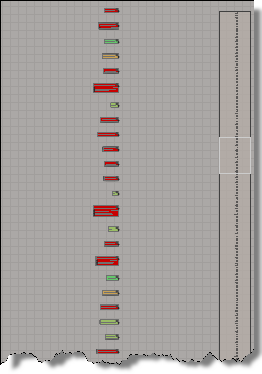 All nodes programatically created |
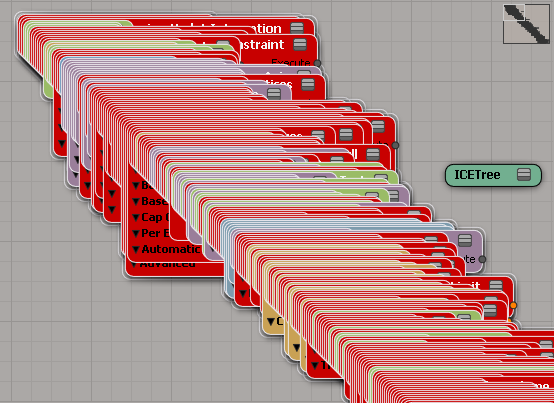 Drag-and-drop all compounds |
Here’s a video that uses ICE to demonstrate how to figure out whether a polygon faces in a certain direction, as described in Mathematics for Computer Graphics by John Vince
The Dot Product in Back-Face Detection
A standard way of identifying back-facing polygons relative to the virtual camera is to compute the angle between the polygon’s surface normal and the line of sight between the camera and the polygon. If this angle is less than 90◦ the polygon is visible; if it is equal to or greater than 90◦ the polygon is invisible.
New in the 2012 Advantage Pack: PPG logic for ICE compounds.
In the compound properties, there’s a PPG Logic button that opens up a script editor where you can define some PPG callbacks:
from siutils import log		# LogMessage

def OnInit( ):
	log("Modulate_by_Fcurve_OnInit called")
	oPPG = PPG
	oLayout = oPPG.PPGLayout
#
# Clamp exposed port
#
def Clamp_OnChanged():
	log( PPG.Clamp.Value )
#
# Input Range Start exposed port
#
def Input_Range_Start_OnChanged():
	log( "Input Range = ( %.2f, %.2f )" % (PPG.Input_Range_Start.Value, PPG.Input_Range_End.Value ) )

#
# Input Range End exposed port
#
def Input_Range_End_OnChanged():
	log( "Input Range = ( %.2f, %.2f )" % (PPG.Input_Range_Start.Value, PPG.Input_Range_End.Value ) )
The “PPG logic” is saved in the element of the .xiscompound file.
ICE Nodes
By Vladimir Jankijevic

Dragon’s Dogma
by Takayasu Yanagihara, apcom

ICE particles to many nulls
by David Barosin
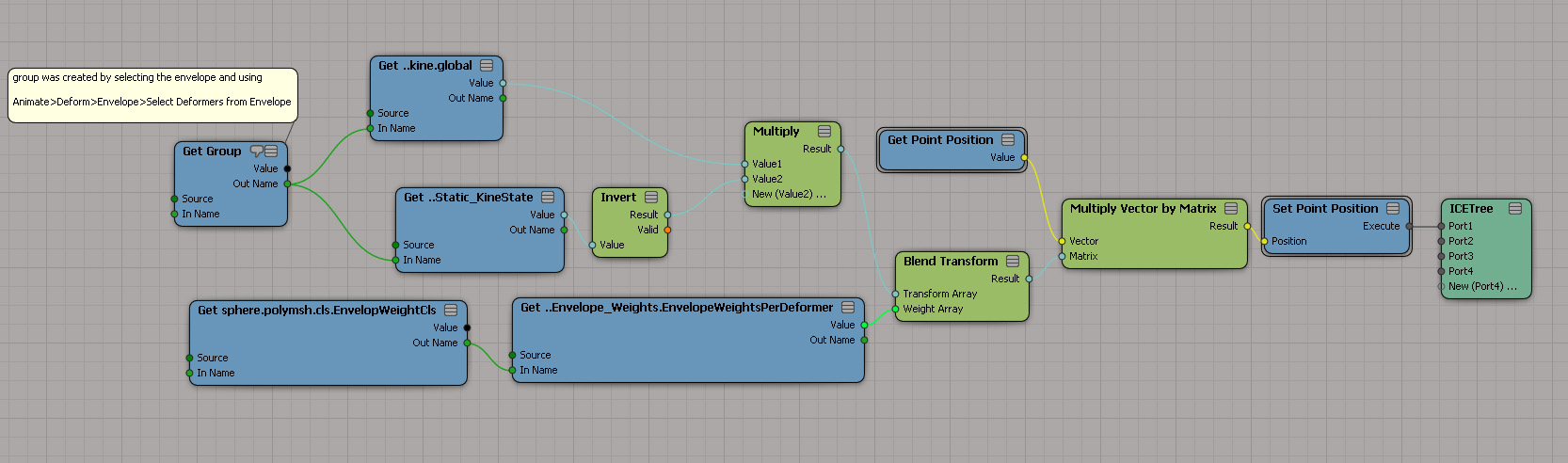
UV Tiles: Can XSI let you specify which UV space range to use for an image?
by mirkoj
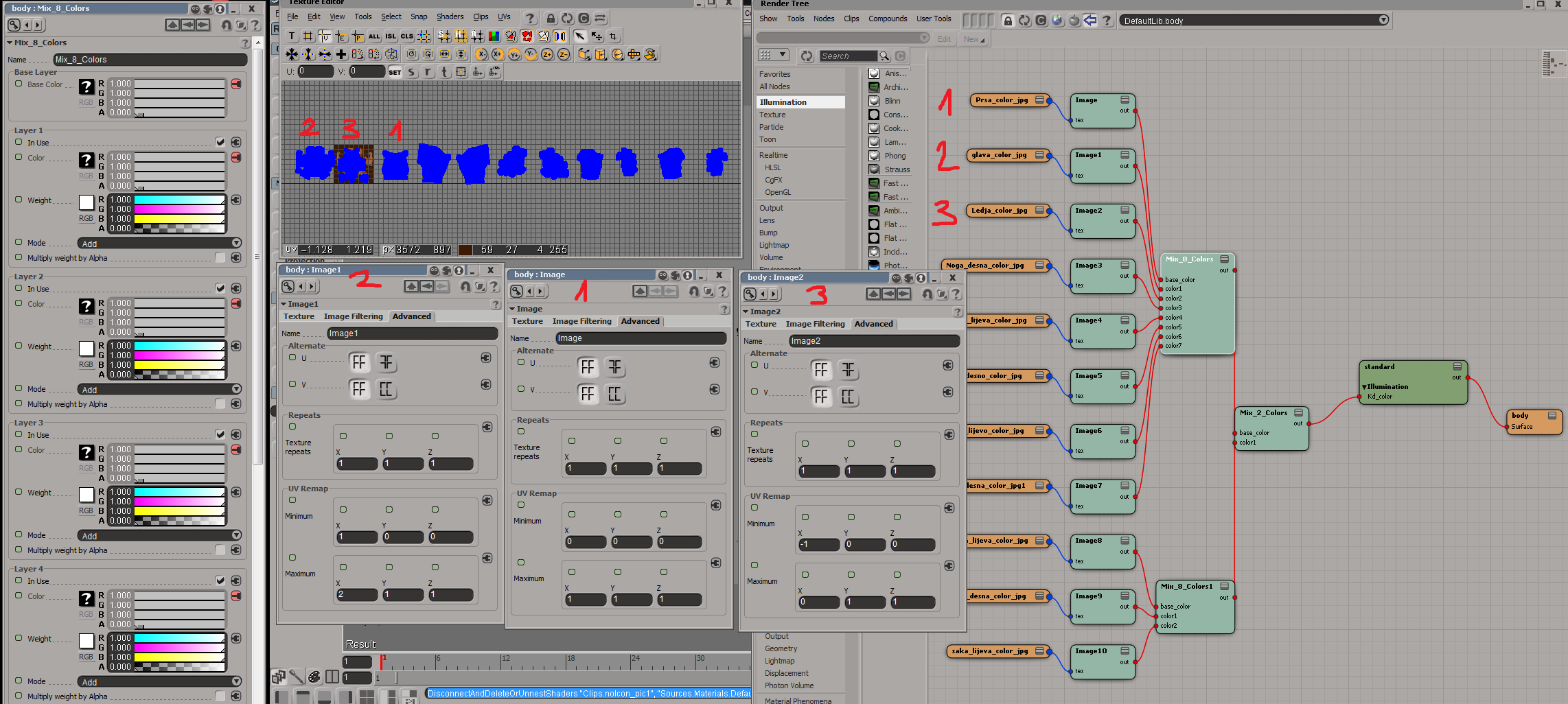
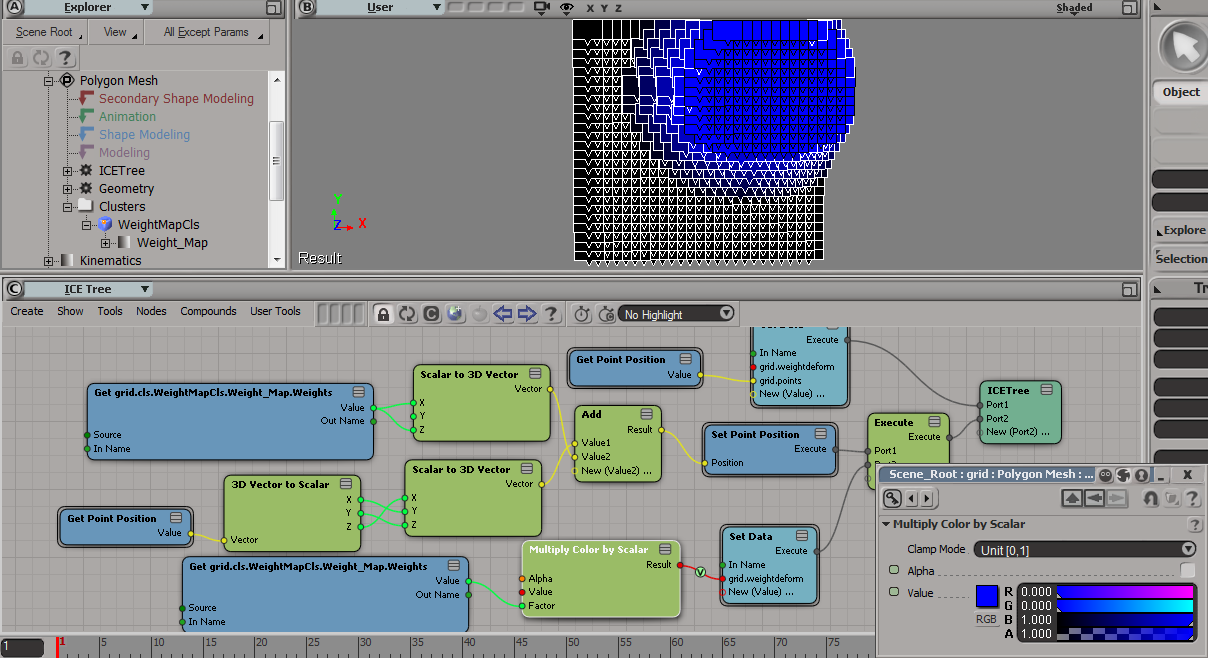
Weight maps and colors
by mjd3d
In ICE, you often work with vectors, so it’s helpful to understand things like the dot product of two vectors. This video uses ICE to visualize the geometric interpretation of the dot product.
A quick look at why some compounds turn red when you plug an Out Name into their In Name port.
http://vimeo.com/29254321
Daisy-chaining Using the In Name and Out Name ports to connect references on Get Data and other nodes in sequence, like a daisy chain.
 eX-SI
eX-SI 