Autodesk – Autodesk Softimage Services & Support – Documentation.
Category Archives: News
Particle grow effect tutorial
From Siddharth, our man in Mumbai, a good tutorial on creating a particle grow effect with ICE.
Softimage Blog » Simulated Shapes in Momentum 2.0
Q&A: Autodesk’s Project Skyline team
Project Skyline: Bringing Artistry Into Game Runtime
So the story we revealed at GDC was the notion of using Maya, a standard content creation tool and a known visual language, together with Softimage ICE-like visual programming technology to make the gameplay and game editing process interactive.
via Area :: Blogs :: Project Skyline: Bringing Artistry Into Game Runtime.
Area :: Tutorial :: Normal Mapping in Softimage with Ultimapper
From my colleague Manny, a tutorial on normal mapping with Ultimapper.
via Area :: Tutorial :: Normal Mapping Process in Softimage (Ultimapper).
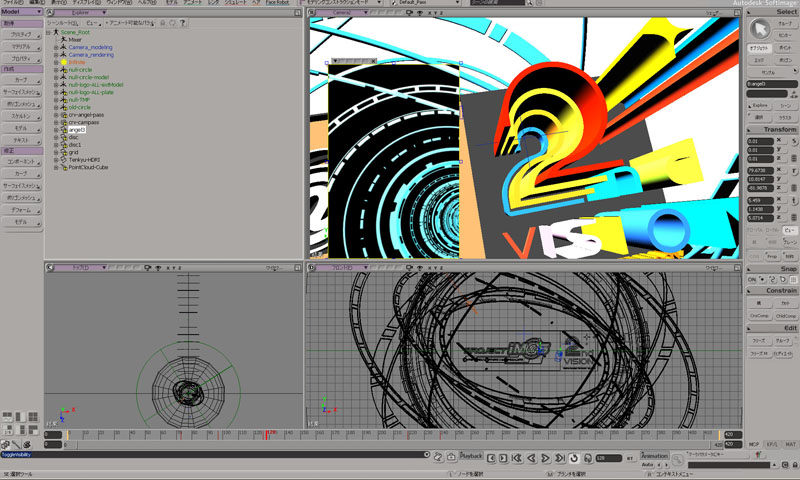
Bandai Namco Games uses Softimage for promotional videos of THE IDOLM@STER
This customer story was recently posted on the Japanese autodesk.com.
If, like me, you cannot read Japanese, here’s the Google page translation.
“Bandai Namco Games” used Softimage for creating promotion videos of / THE IDOLM@STER.
Softimage was used to create nifty effects in PV and it was also used for animating in-game cameras to capture idols. All the characters and most of other area works were done in Maya in this game at Bandai Namco.
Anyway, be ready for a unique Japanese culture!
via http://www.autodesk.co.jp/adsk/servlet/item?id=16307549&siteID=1169823
Exocortex | Momentum
Exocortex, in collaboration with Helge Mathee , is pleased to announce that Momentum 2.0, the ultimate high speed multi-physics simulator, is now immediately available for Autodesk Softimage 2010, 2011 and 2012.
via Exocortex | Momentum.
GDC 2011 product demos online
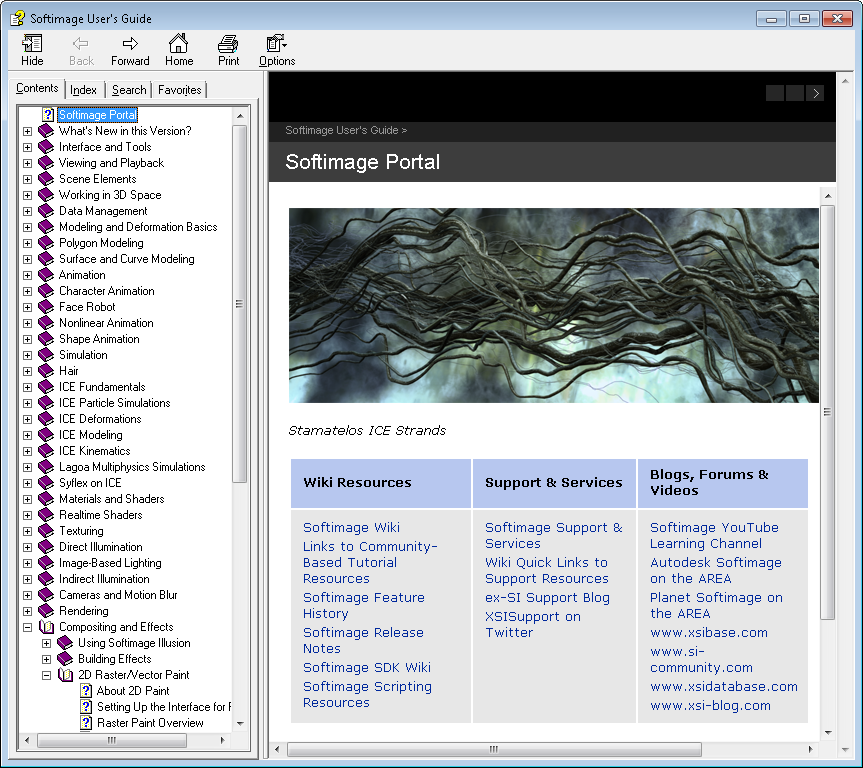
Documentation moves to the Web for 2012
The shrinking Softimage box set through the years (Softimage|3D, XSI 5, XSI 7, and finally, Softimage 2012).
One of the changes in the 2012 release is that both the User’s Guide and the SDK Guide have moved to the web. There’s no more compiled help files (chm). Everything is now web-based.
The Setup program doesn’t include the help files, but you can download them if you want a local copy.
The General preferences now include some Help Location settings to tell Softimage where to find the online help:
This is part of a wider initiative across all Autodesk products. Some of the potential benefits include:
- A more dynamic and up-to-date resource (compared to a static copy of the docs shipped with the product). Content can be updated on an on-going basis between releases.
- Documentation can be integrated with other online resources, such as the KB, blogs, and forums, so users can search across all available content.
- Standardization of help systems and formats.
- Reduction of application footprint.