Softimage 2014 SP2 available


Autodesk Softimage 2014 Service Pack 2 is available for download.

Bugs Fixed in this Release

  • SOFT-9094 Caching a Crowd FX simulation is broken
  • SOFT-9089 Very slow access to the ICE attribute arrays

To take advantage of the fix for slow attribute access, you’ll probably need to recompile your plugins.

Also of interest is this known issue:

  • SOFT-9095 Crowd scenes does not render with textures when rendered on multiple computers with skip flag set to on

The workaround: don’t use the skip flag 🙂
Instead, you’ll need to specify frame ranges.

Finding materials used by a model


Here’s one way to get the materials used by model. Note that this will also get any materials applied to clusters.

si=Application

def get_mdl_materials( m ):
	from win32com.client import constants as c
	return m.FindObjects( c.siMaterialID )

Application.GetPresetModel("Man_Character", "Man_Character", "", "Character.Character_Designer")
for m in get_mdl_materials( si.Dictionary.GetObject( 'Man_Character' ) ):
	print m

And here’s an old-school way that uses a couple of string expressions:

si=Application
mdl = si.Dictionary.GetObject( 'Man_Character' )

import win32com.client
mats = win32com.client.Dispatch( "XSI.Collection" )
mats.Items = '{0}.{1},{0}.{2}'.format(mdl.Name, "*.cls.*.material", "*.material")

for m in mats:
	print (m)

Checking what attributes are in a cache


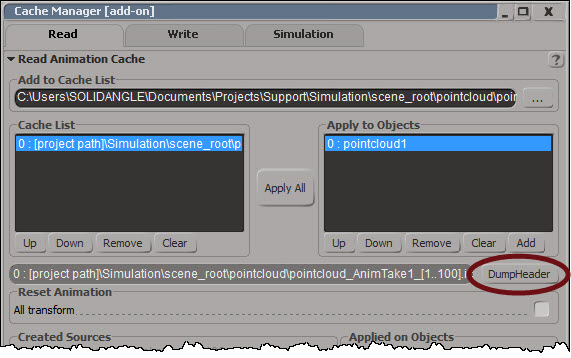
On the Read tab of the Cache Manager there’s a Dump Header button:
CacheManager_DumpHeader

Dump Header dumps the cache header and attribute list to XML and pops up NetView:
DumpHeader_XML

If you want to dump the XML and parse it yourself, you can do it with this scripting command:

Application.DumpCacheHeader("[project path]\\Simulation\\scene_root\\pointcloud\\pointcloud_AnimTake1_[1..100].icecache", False)

Fun with PPG shortcut keys


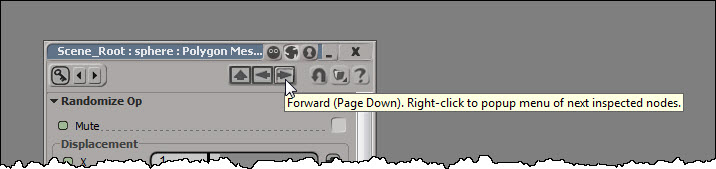
You can use the PageUp and PageDown keys to move back and forward through the history of recently inspected nodes.
PPG_Back_PageUp
PPG_Forward_PageDown

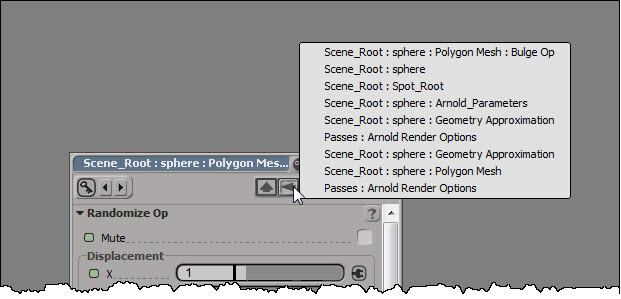
If you right-click one of those arrows, you can see the history list of inspected nodes, and select a specific node to inspect:
PPG_History

If there’s no property page open at the moment, pressing PageUp (or PageDown) will open a property page and load the most recently inspected node.

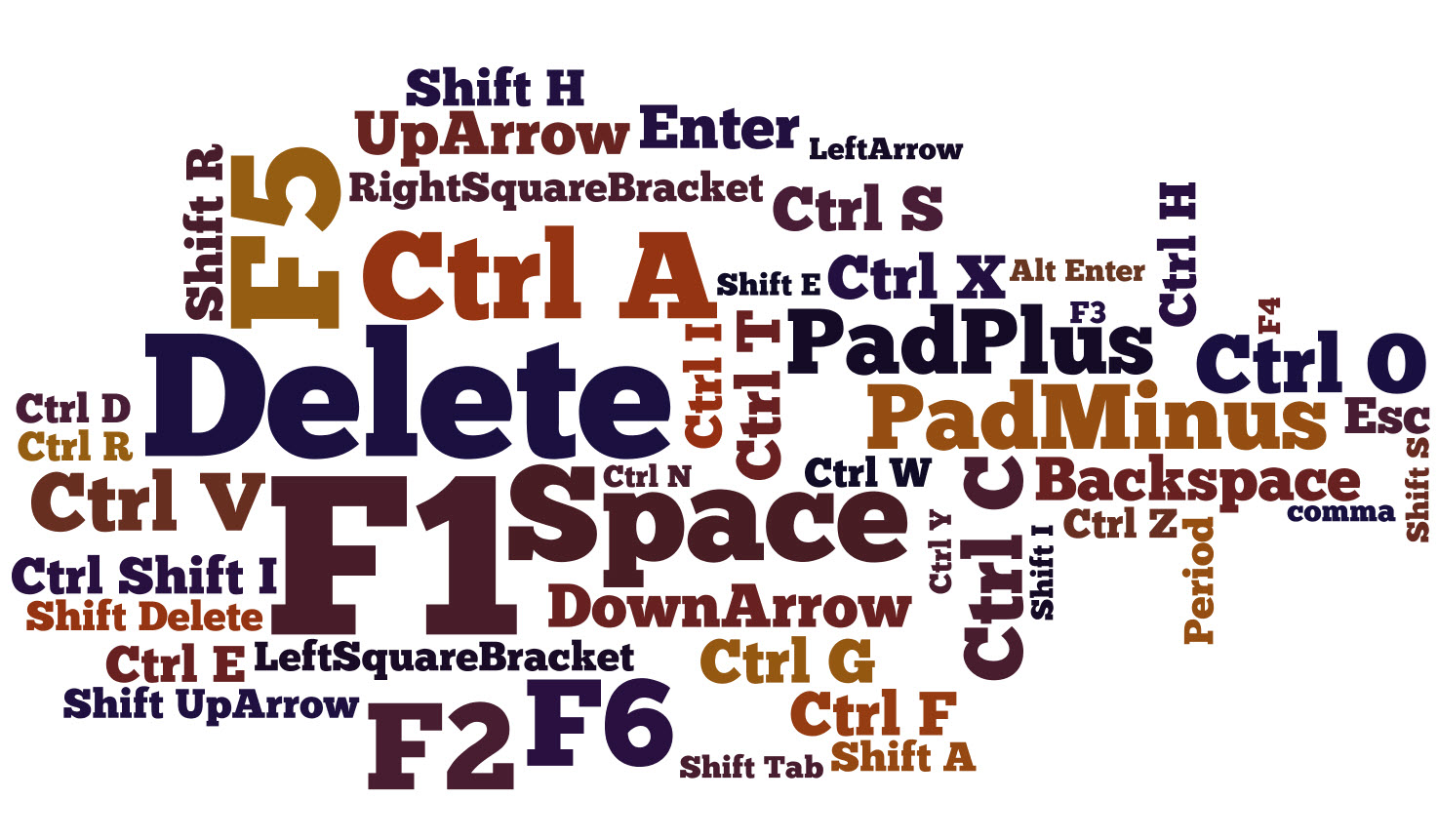
Here’s a related TD Survival video on PageUp (and some other handy shortcut keys):

Re-downloading Autodesk software


Here’s a quick tip if you need to re-download the original release version (for example, Mudbox 2013) instead of a service pack: use the Autodesk Virtual Agent.

  1. Go to autodesk.com/customer-service.
  2. Click ASK to use the virtual agent.
    Ask
  3. Click Downloading and Installation
  4. Click Software Download links
  5. Click I need to redownload my product

Subscription customers can always download the release versions from the Sub center, but on the public autodesk.com site, only service packs and upgrades are available. For a product like Softimage, that isn’t usually a problem: you can just download the latest service pack. But that isn’t true for every product (for example, sometimes a SP is a patch that requires the original release version).