


When you click Fit Subcomponent UVs to Image in the Texture Projection property editor, you’ll get these ERRORs in the script history:
' ERROR : Object doesn't support this property or method: 'in_uvprops.IsClassOf' - [line 1842 in C:\Program Files\Autodesk\Softimage 2014\Application\DSScripts\Texture.vbs]
' ERROR :  - [line 25]
' ERROR : Property Page Script Logic Error
' ERROR :    [23] 		end if
' ERROR :    [24] (null)
' ERROR :   >[25] 		FitSubcomponentUVsToImage Pset.InspectedObjects, filtered
' ERROR :    [26] 	End Sub
The fix for this requires that you edit $XSI_HOME\Application\DSScripts\Texture.vbs. You’ll probably need to edit the Permissions on Texture.vbs so that you have Full Control or Modify permissions.
Find line 1842 in Texture.vbs, and then replace the if..else..endif with this:
set coll = CreateObject("XSI.Collection")
if in_uvprops.Type = "XSICollection" then
	set coll = in_uvprops
elseif in_uvprops.IsClassOf( siUVPropertyID ) = True then
	coll.Add in_uvprops
end if
The fix I posted on the Softimage mailing list awhile ago was a one-liner that would enable you to use Fit Subcomponent UVs to Image on a single texture projection. This fix will work if you have multiple texture projections in the property editor.
I see there is an Extra for Softimage Subscription customers. It’s a plugin that adds two commands for exporting CrowdFX:
Export Crowd as FBX (Null Rig) – Exports a null rig for each actor including the animations created by the crowd simulation
Export Crowd as FBX (Null Rig and Geometry) – In addition to the null rig, it exports one geometry per actor enveloped to the null rig
There’s some docs on the Documentation tab in the Sub center.

particle flow control with turbulence
by Peter Agg

path through points
by Enduk
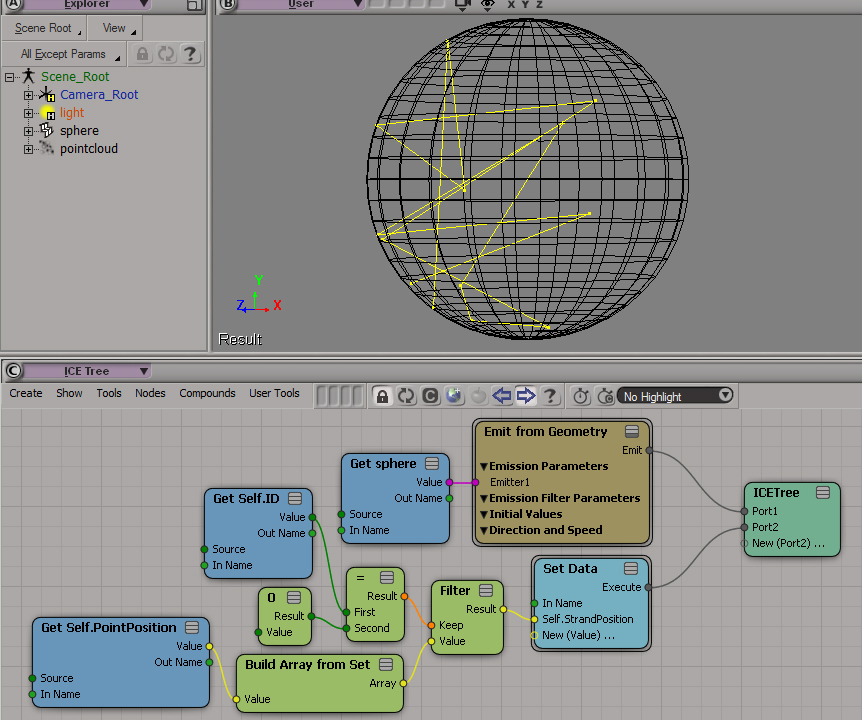
The Lorenz Attractor.Monkey style code retyping from C to Softimage ICE part 1
Understanding the “Doritos” (KineState Hack) Technique
Making Hurricane Andy
Vectors 101: Tubular Push with ICE
Vectors 101: Spherical Push with ICE
A Look Inside Gear – Parts 1 and 2
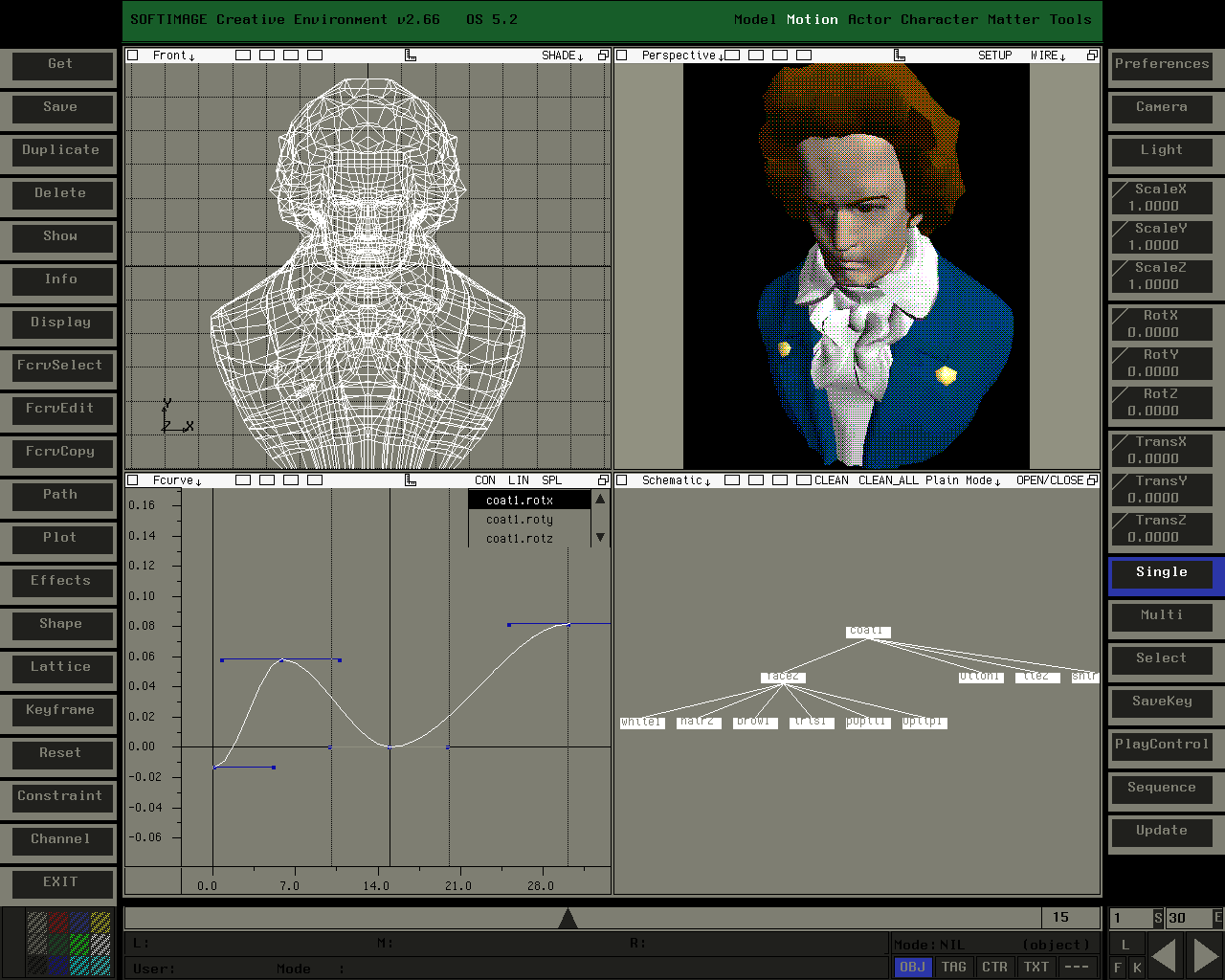
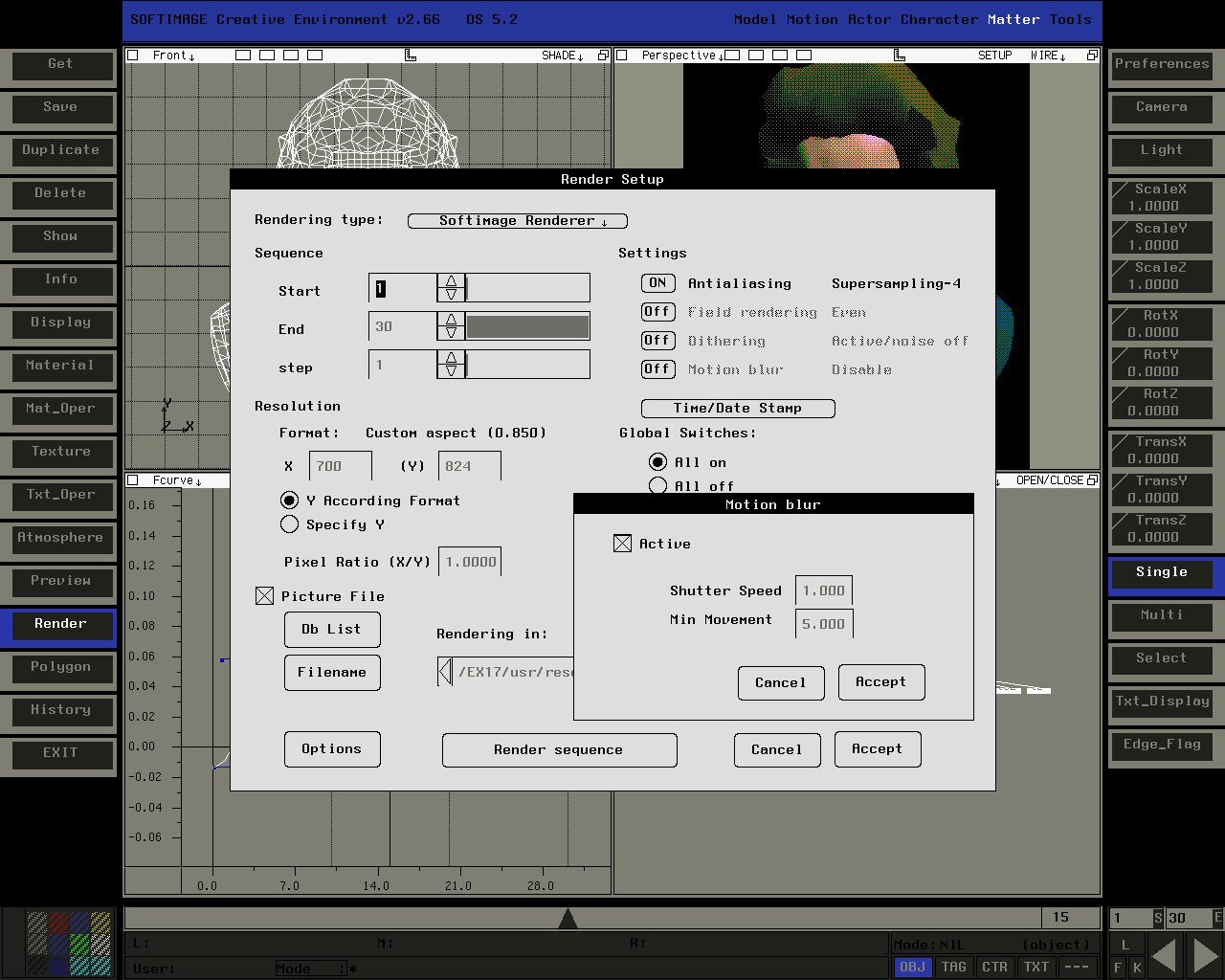
Screenshots from SOFTIMAGE Creative Environment v2.66 (captured on an SGI Indy running IRIX 5.3; it only has 8-bit graphics, hence the dithering in the shaded view).
Many thanks to Aaron Rodgers for contributing these screenshots.

Ever wonder what happens if you lose your connection to the license server?
Well, two hours after the connection is lost, you’ll get a warning:

When you click OK, you’ll be prompted to either save or discard your work.
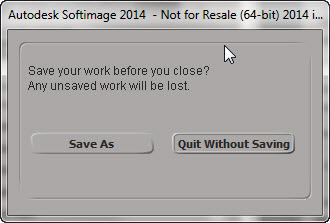
And after you save your scene, Softimage will exit.

Word cloud for the Customer Guide to Autodesk Advanced Support.

On this subject, now that the AREA forums have been updated, I suspect Maya/3dsMax/Softimage customers are one step closer to forum support. From the Advanced Customer Guide:
Proactively Escalate Forum Posts to Autodesk
Autodesk Advanced Support provides you with all the benefits of Basic Support, including expedited community forum support: if the community does not respond to your posts within 24 hours, they are automatically escalated to Autodesk.
Use the Items property. You won’t get any errors, you just have to check whether or not the collection is empty.
import win32com.client

oColl = win32com.client.Dispatch("XSI.Collection")
oColl.Unique = True
oColl.Items = "*.*.dontexist_*"
print oColl.Count
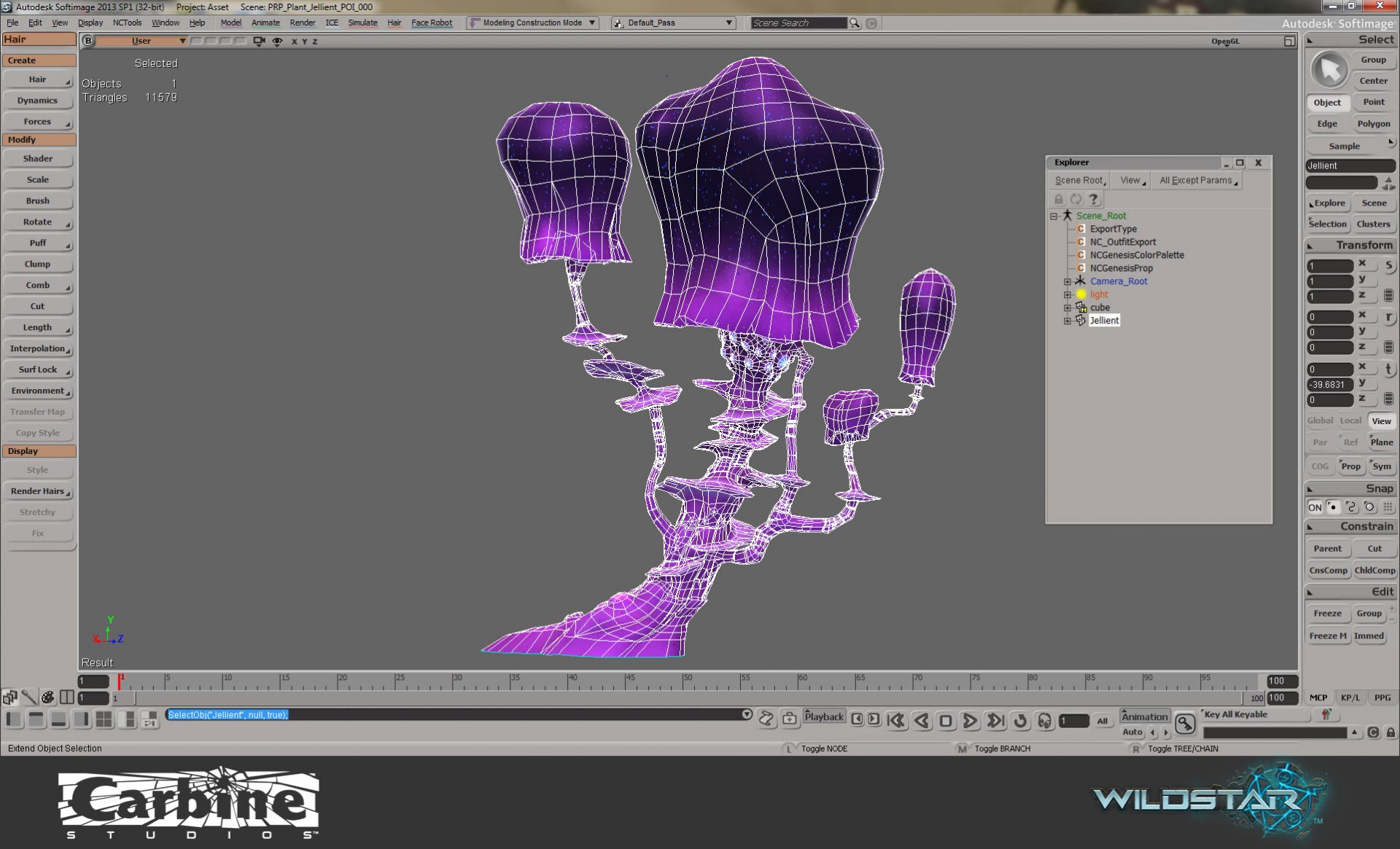
WildStar, Behind the Scenes
by Eric Chadwick on polycount
UI customizations
by kovalex

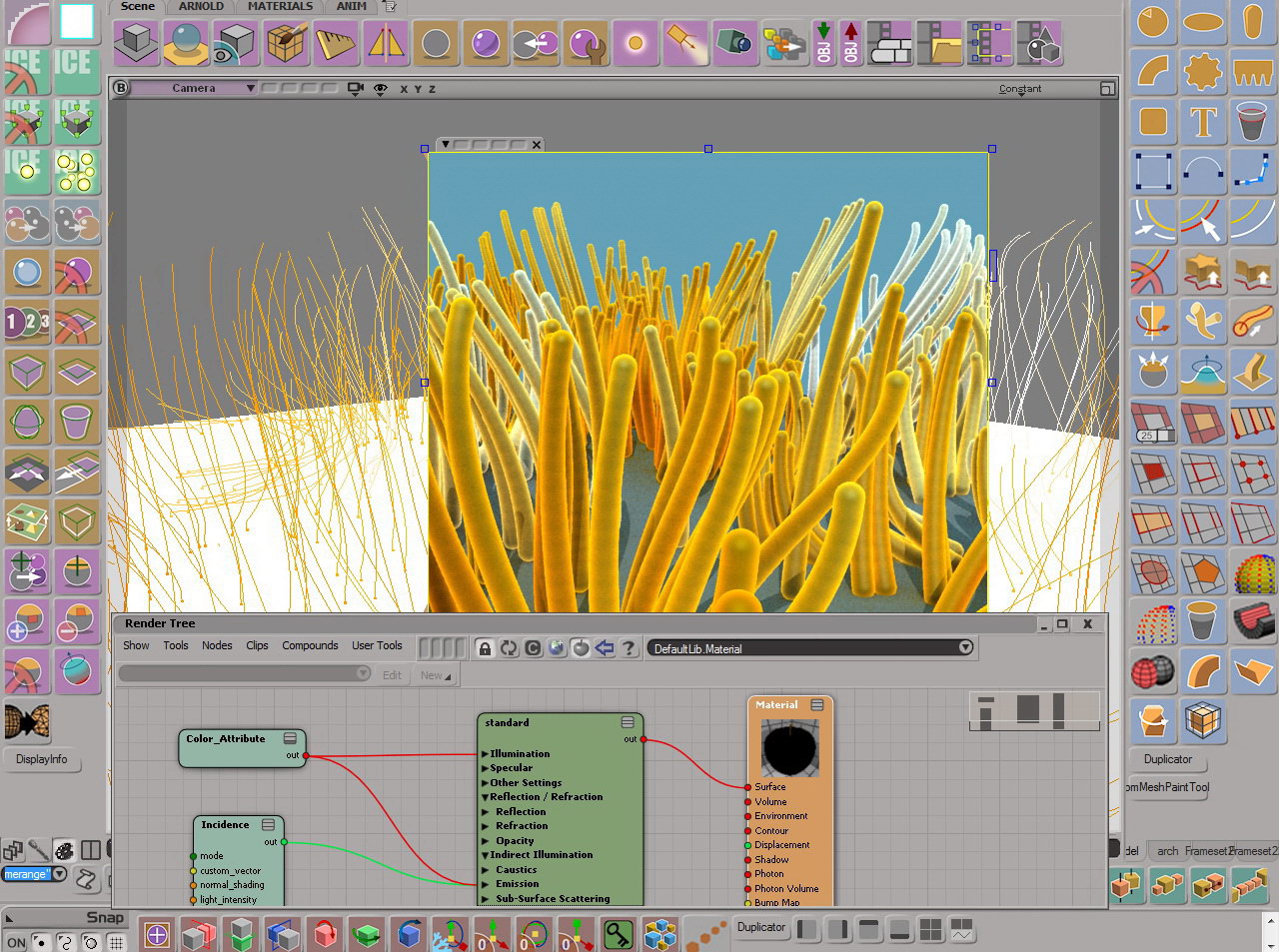
Flow along curve speed control
by Vincent Ullmann

Randomize image sequence per particle.
Fixing Scrambled UVs in Softimage
Tool for adding overrides
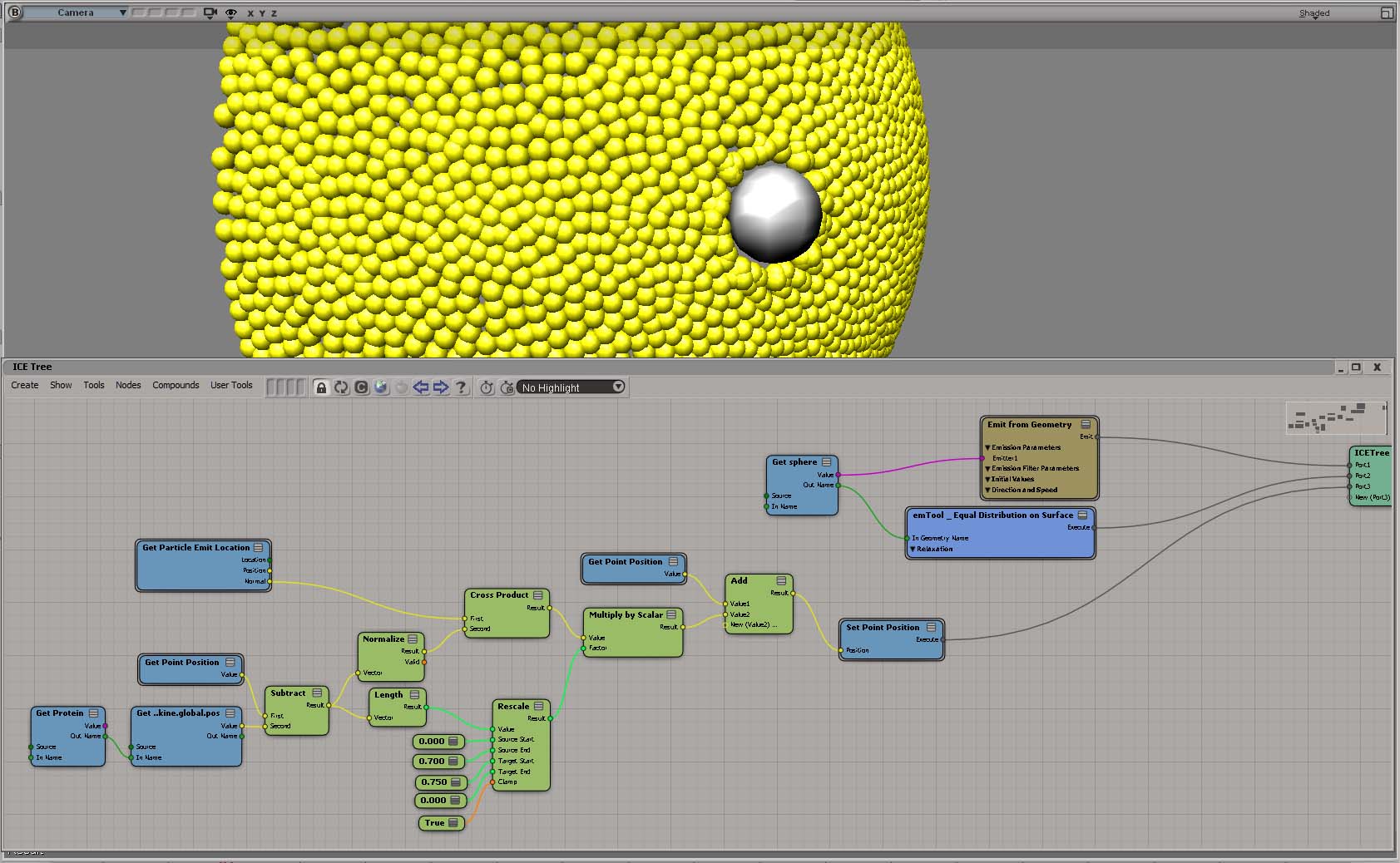
Protein through membrane
by gotchee
Gesture. Unparalleled Artistry. XSI v.3.5
The new tools and interface in
SOFTIMAGE|XSI are really exciting.
XSI allows for a thoroughfare between
imagination and creation that we’d
never seen or experienced before.That mad us very ecited and made
us adopt XSI into our pipeline
as quickly as possible.PSYOP,Inc.

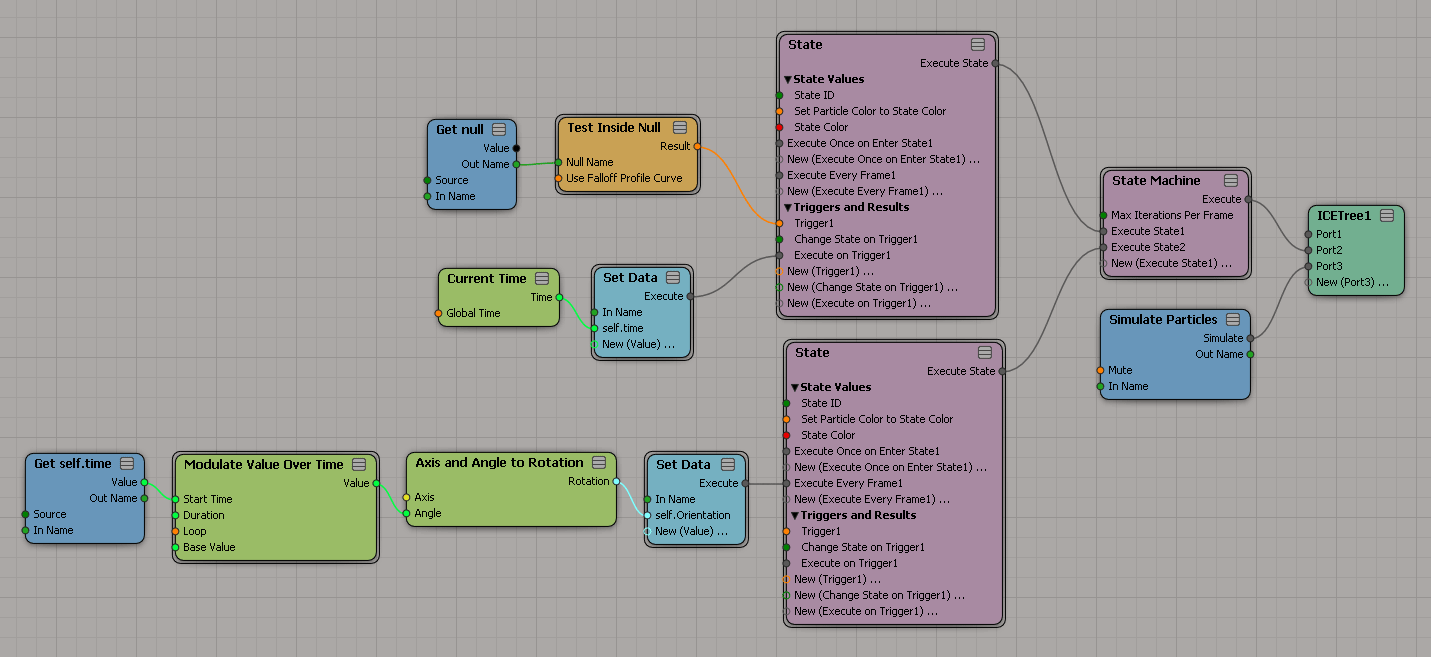
 eX-SI
eX-SI 