Friday Flashback #118
2

On the emitter, get the texture map and use Color to Brightness to set an attribute. You’ll use this attribute to filter the Generate Sample Set.
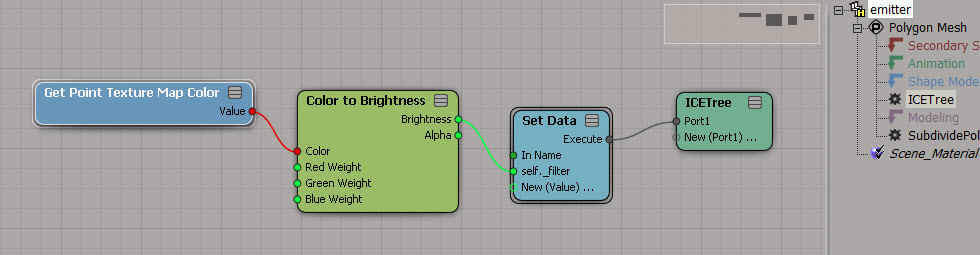
On an empty point cloud, use Generate Sample Set to add points. Use the emitter attribute to filter the added points.

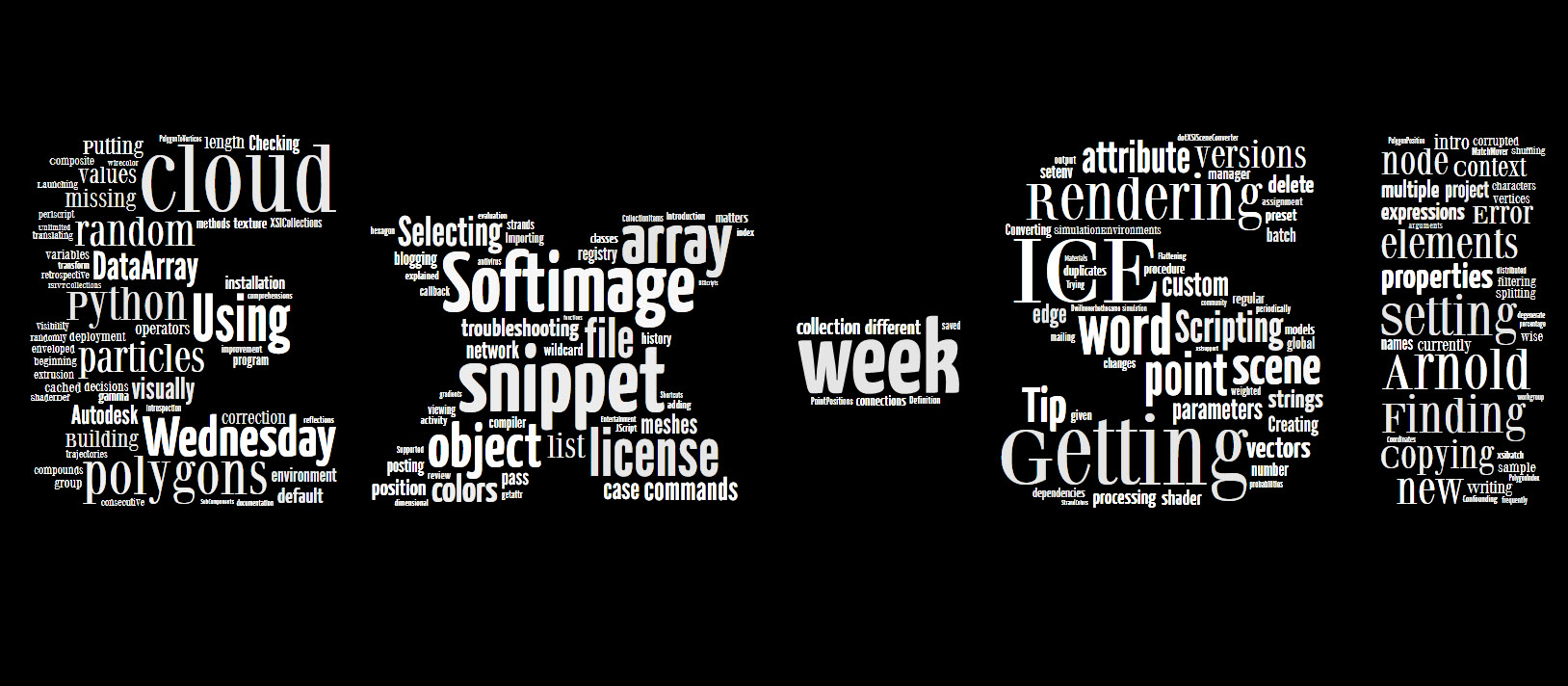
Word cloud for xsisupport blog posts (titles only) since I left Autodesk.
Softimage 2014 now supports scene (.scn) and model (.emdl) files of size up to 4 GB. That’s on Windows. On Linux, the limit is [still?] 2 GB.
Note that this applies only to scenes and models saved from Softimage 2014. You can’t save a huge 3GB scene out of Softimage 2013 and load it into Softimage 2014. Large files saved by 2013 and older are not saved properly, and won’t load into 2014.
On Linux, Softimage 2014 will warn you if you save a file that exceeds 2GB. Presumably that will give you a chance to reduce the file size, or save out models, so you can re-load the assets later.
From the docs:
Getting Scene data on Groups
When getting per-component data, such as PointPosition, the results are correct only when all objects in the group have the same number of components. As a workaround, one possible way to get, for example, all point locations is to plug the Get Data (group) node’s value into the Geometry port of a Generate Sample Set node with Emission Type set to Point and Rate Type set to All Points.
Here’s a screenshot of that workaround:

Compare with: Getting point positions from a group
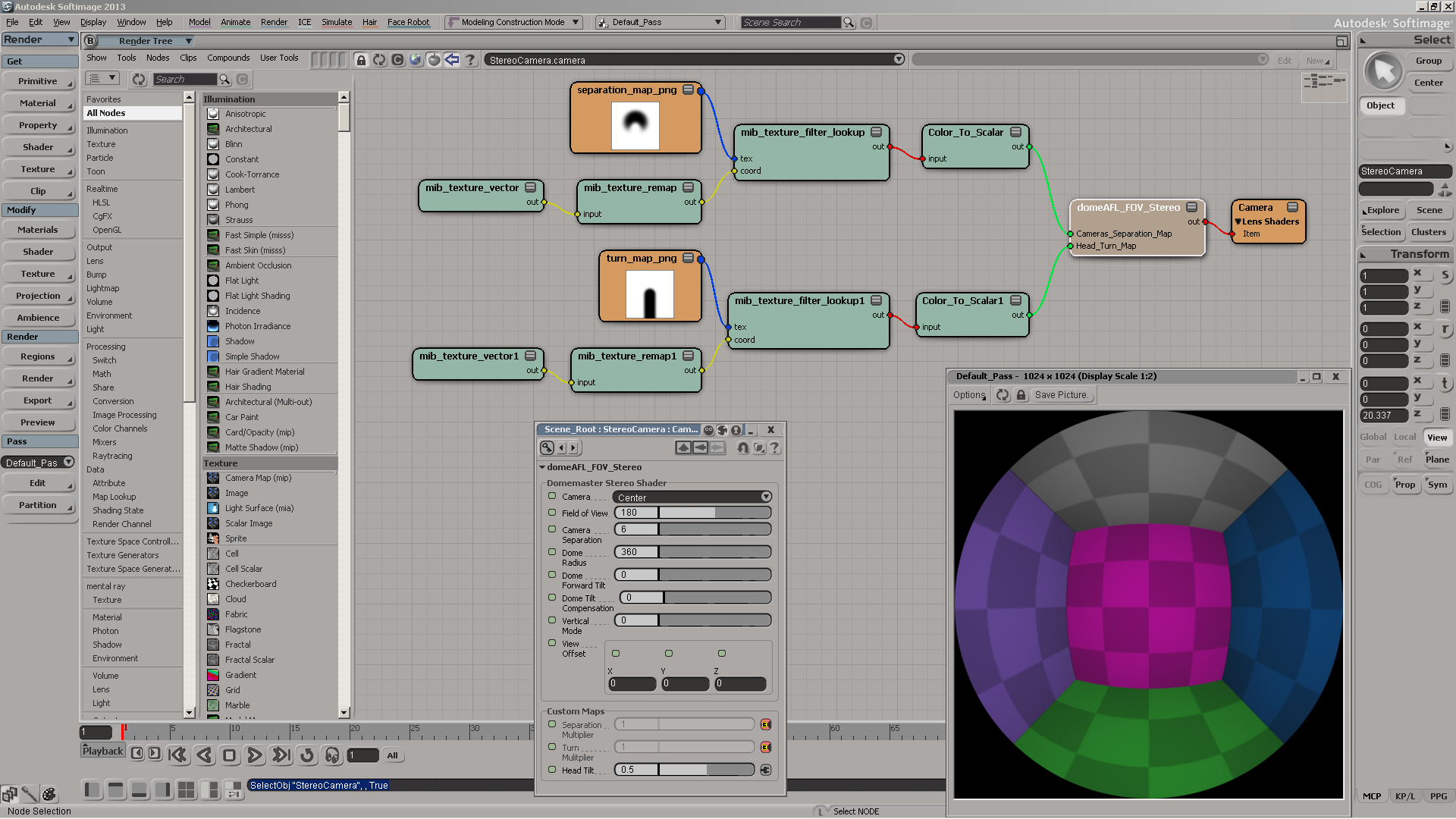
Domemaster3D lens shader for Softimage
by Andrew Hazelden
Autodesk promos Softimage

Some tips on working with large numbers of particles
by Tekano

Softimage ICE and Maya Fluids collaboration
Instance on curve
by julca

Strand clip
by Tekano

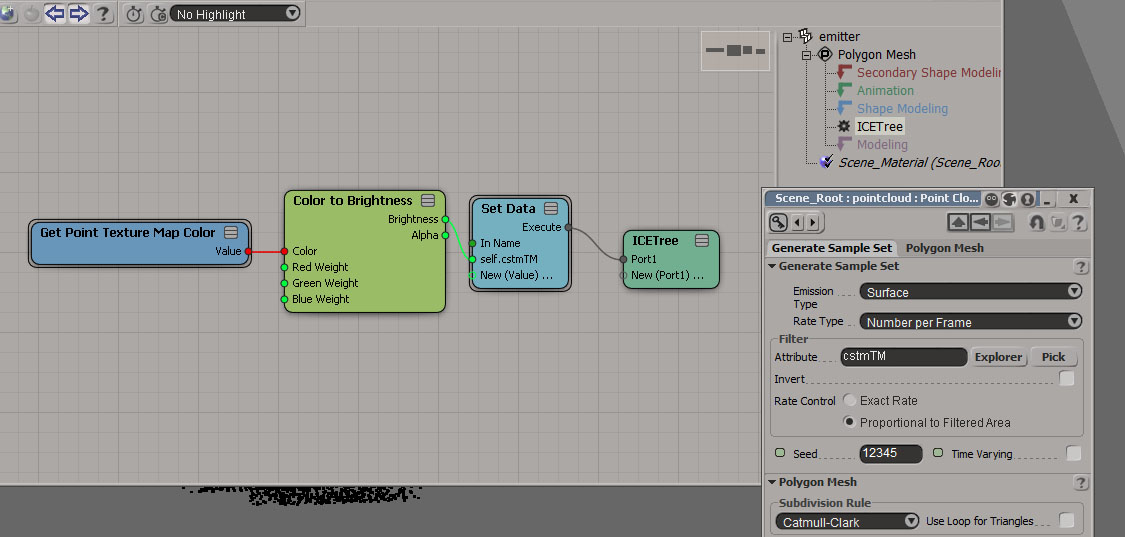
Generate Sample set with texture map
by gotchee
ICE Create “real” copies along curve and more
by NNois

stBasket compounds set
Softimage 2014 Pickup: Camera Sequencer
by born digital Kitamura

ICE Framework: Context
by SoftimageHowTos
Some site news…
In less than two weeks, I’ll be going on a three-week vacation. I’ve scheduled Friday Flashbacks to automatically post while I’m away, plus a few other posts here and there. I probably won’t be checking in during that time 🙂


March 2000 SOFTIMAGE|3D 3.9 was the first release distributed via “the world wide web”.
The SOFTIMAGE|3D Version 3.9 release also represents a milestone for the company as it will be the first ever release that Softimage distributes to customers via the world wide web. Rather than waiting the customary 6-8 weeks that it takes for reproduction and shipping, customers under a valid support contract will be able to log on to the Softimage Support web site to download the software.

Commands that don’t explicitly define a return value, but do have output arguments, have an implicit return value: an ISIVTCollection.
The ISIVTCollection is a “special type of collection”, but it may help to think of it as [something like] a dictionary. An ISVTCollection holds a collection of key, value pairs (like a Python dictionary). You use the key names, like “Value”, to extract the associated value.
For example, the PickElement command has three “output arguments”; that is, parameters that return some value. These output arguments are PickedElement, ButtonPressed, and ModifierPressed.
So PickElement returns an ISIVTCollection collection with three key-value pairs. The keys are “PickedElement”, “ButtonPressed”, and “ModifierPressed”.
You can use the ISIVTCollection.Value method to get the value of a key:
from sipyutils import si			# win32com.client.Dispatch('XSI.Application')
from sipyutils import log		# LogMessage
from sipyutils import C			# win32com.client.constants
si = si()

vtcol = si.PickElement(C.siObjectFilter, "Pick deformer")

button = vtcol.Value( "ButtonPressed" )
modkey = vtcol.Value( "ModifierPressed" )
o = vtcol.Value( "PickedElement" )
There’s also an Item property, but like most Item properties it fails in Python:
vtcol = si.PickElement(C.siObjectFilter, "Pick deformer")
o = vtcol.Item( "PickedElement" )
# ERROR : Traceback (most recent call last):
#   File "<Script Block >", line 7, in <module>
#     o = vtcol.Item( "PickedElement" )
# TypeError: 'NoneType' object is not callable
Fortunately, Item is the default property, so you can omit it:
vtcol = si.PickElement(C.siObjectFilter, "Pick deformer")
o = vtcol( "PickedElement" )
You can also use an integer index instead of the key string. It just so happens that ISIVTCollections are sorted by key name (case insensitive), so you can work out which index to use.
# ISIVTCollection is sorted by name (case insensitive)
# 0 = ButtonPressed
# 1 = ModifierPressed
# 2 = PickedElement
o = si.PickElement(C.siObjectFilter, "Pick deformer")(2)

print ( si.ClassName(o) )
# X3DObject
There are 770 functions in the VBS files in $XSI_HOME\Application\DSScripts. Here’s a word cloud of the function names. To create the word cloud, I took the camel-case names like SetCameraSequencerLayoutProc and split them into Set, Camera, Sequencer, Layout, and Proc.
Proc indicates a function that is the implementation of a command. So the command SetCameraSequencerLayout would ultimately end up running SetCameraSequencerLayoutProc. So you see a lot of commands are actually implemented in VBS 🙂

 eX-SI
eX-SI 