Did you know? The 2014 version of setenv.bat has 1418 more characters, 140 more “words”, and 52 more lines.

Did you know? The 2014 version of setenv.bat has 1418 more characters, 140 more “words”, and 52 more lines.
If you find that you’re missing nodes in the render tree Preset Manager, then check the Softimage install folder. In particular, check
In a working Softimage installation, like mine , the content of the Preset Manager is determined by spdl/mi files in those folders (and perhaps others too).
For example, if I delete mia_lens_bokeh.spdl from $XSI_HOME\Application\phenolib\spdl\mibase, then Bokeh (mia) disappears from the render tree preset manager. If I put it back, and refresh the preset manager, the shader re-appears.
This Try/Activate screen means that you are running in Standalone mode. Try gets you a Trial standalone license, which is good for 30 days and cannot be reset. Activate is for Standalone licenses only. If you try to activate a Network license, you’ll get an Error 123. I used to see these types of errors every release.

Here are some related links:
si = Application
o = si.Selection(0)
o1 = si.Selection(1)
c = o.Properties("Display").Parameters("wirecolorrgb").Value
c1 = o1.Properties("Display").Parameters("wirecolorrgb").Value
print c == c1
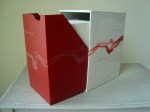
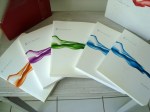
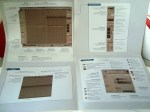
Many thanks to Ed Schiffer for these pictures.
The XSI 1.0 box set. They don’t package software like that anymore.








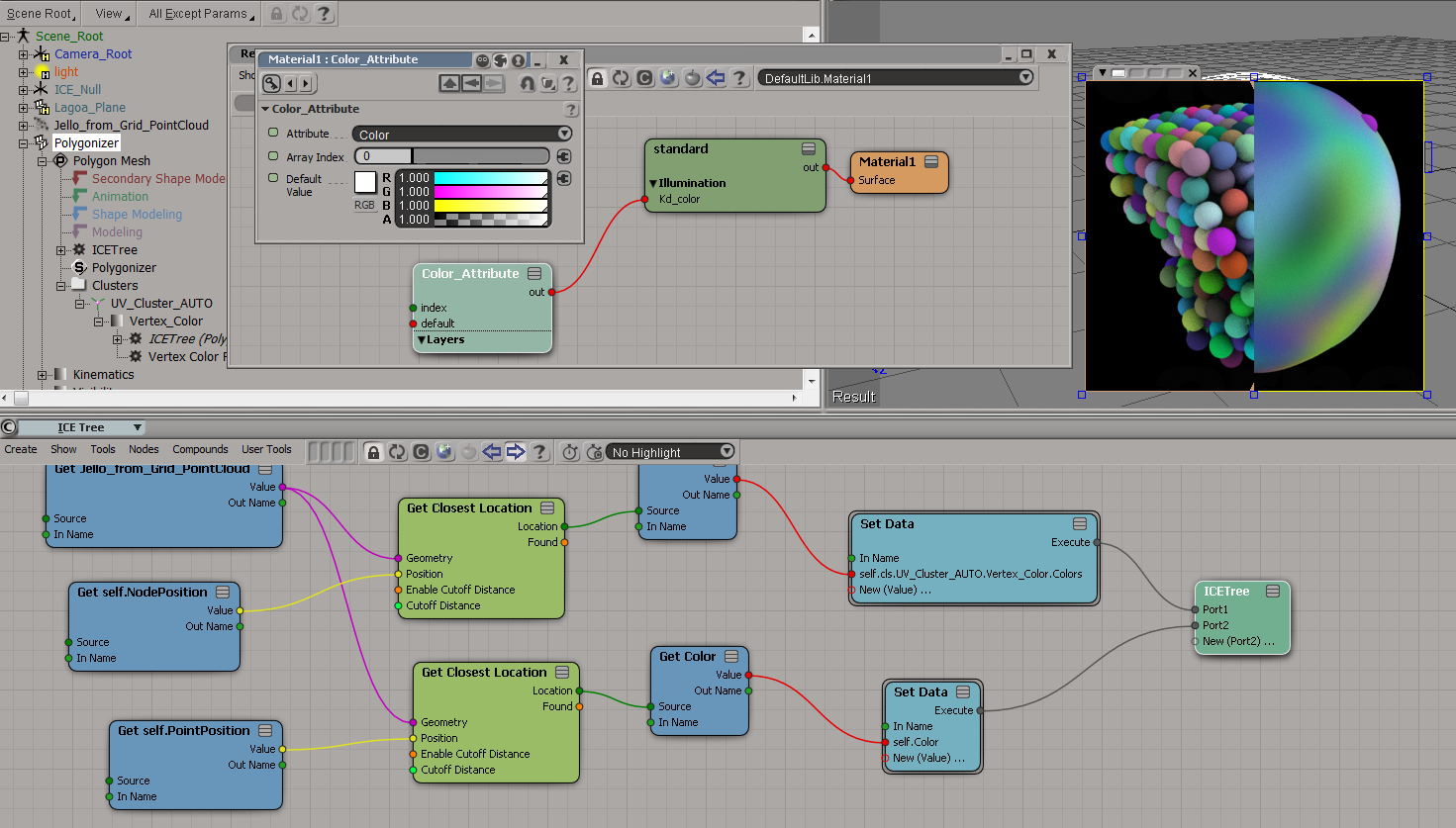
To get the colors from the point cloud onto the polygonizer mesh, you need to do something like this:
Here I’m storing the colors in a CAV:

And here I’m sticking the colors in a per-point Color attribute:

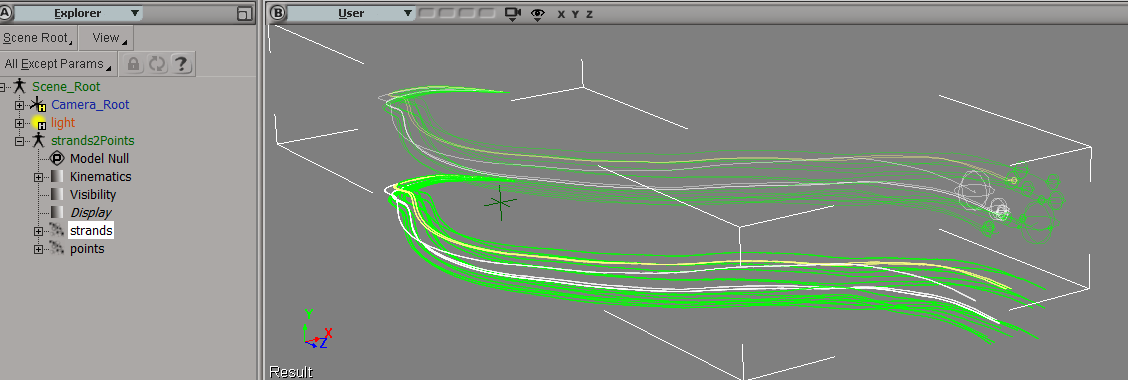
Suppose you had to load a cached strand simulation, and convert that to a point cloud of plain old points. Part of the job would be to copy the stand colors over to the new points, so let’s take a look at that.
First, and I didn’t know this, when you cache strands the StrandColor attribute isn’t cached, just a single Color per strand. So let’s rebuild the StrandColors:

Now we have a per-point StrandColor array on the point cloud that reads the cached simulation. After spending awhile trying to avoid doing this, I found that this (the StrandColor array) was the easiest way.
Add Point is a pretty friendly ICE node, because it lets you take per-point data (StrandPosition) from some other point cloud and just plug it in, with no context problems.

It’s not so simple with the StrandColors. StrandColor is a per-point array on a different point cloud, and you can’t just plug it into Set Particle Color. Set Particle Color wants a color, not an array of colors. And it doesn’t want colors from some other point cloud either 😉
To get around that, I use Build Array from Set, which gives me a per-object array in the context of the current point cloud. Then I index into that array with Point ID, and I’ve transferred over the strand colors to the points.
Here’s a quick walkthrough of the installation basics, plus a few install-related links.
https://vimeo.com/63592423


 eX-SI
eX-SI 