How to make a DDS cube map with the FXTree and OpenEXR
by SI_UserNotes

Multi-strand clumps with ICE
Random colour on polygon islands
by Mathaeus

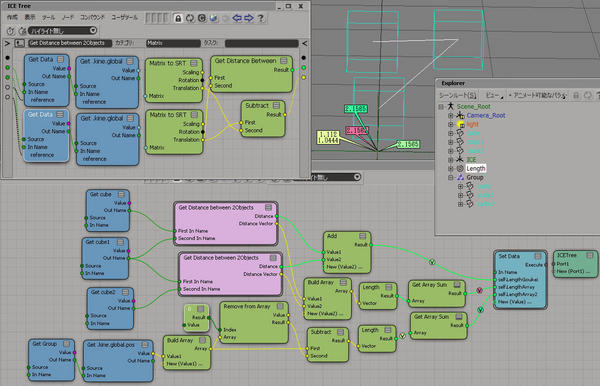
Total distance of three points
by SI_UserNotes

How to make a DDS cube map with the FXTree and OpenEXR
by SI_UserNotes

Multi-strand clumps with ICE
Random colour on polygon islands
by Mathaeus

Total distance of three points
by SI_UserNotes

var oCustomProperty = Selection(0).AddCustomProperty("whatever");
// add parameters
oCustomProperty.AddParameter( "number", siFloat, siClassifUnknown, siPersistable, "", "", "", 0.5, 0, 1, 0, 1 );
// hide Name
p = oCustomProperty.Parameters("Name")
p.SetCapabilityFlag( siNotInspectable, true );
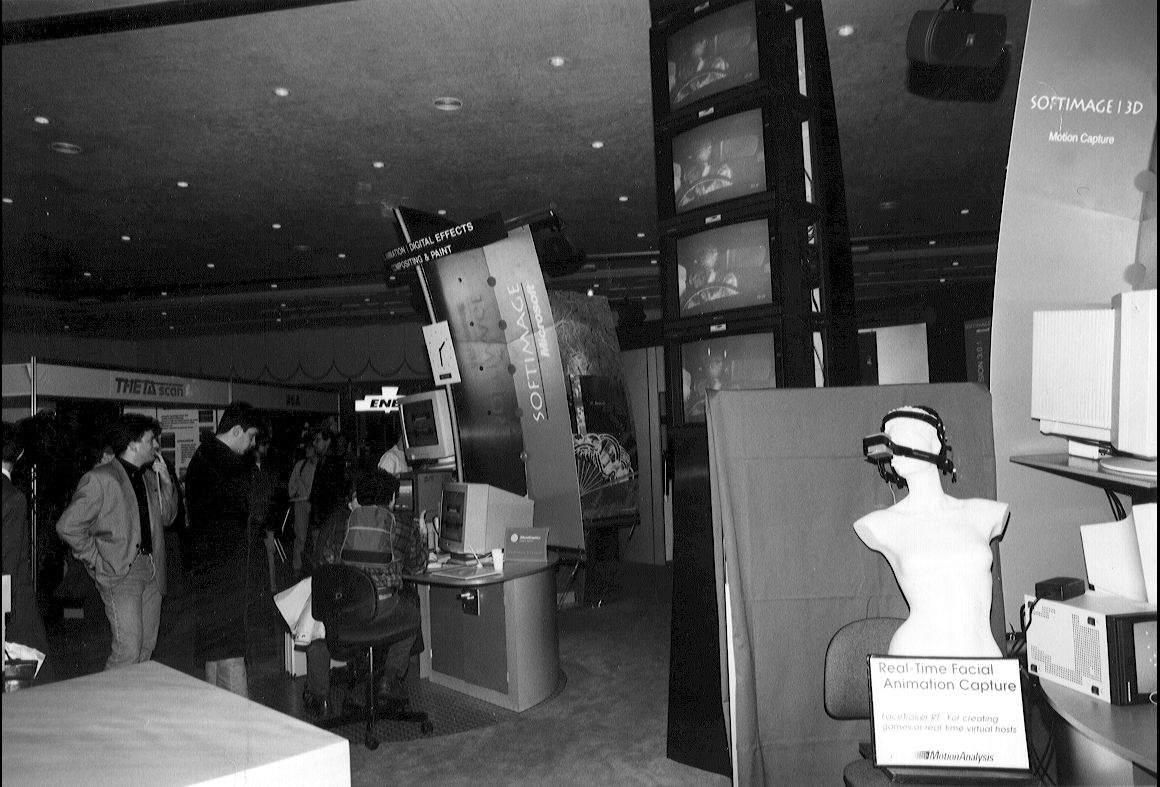
Softimage booth at Imagina 1995.

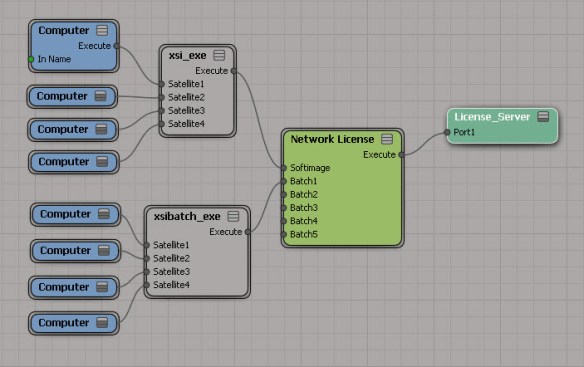
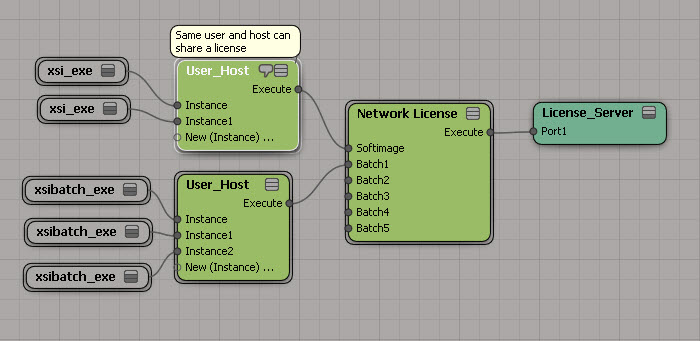
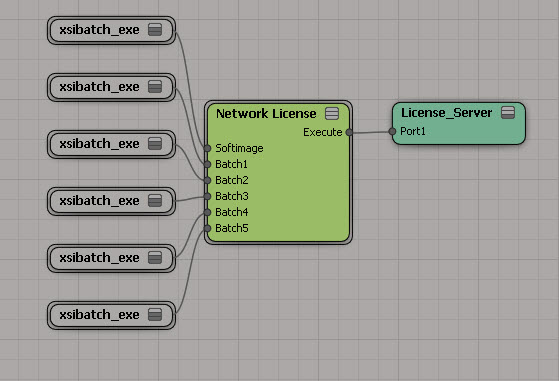
With a little help from Process Monitor, I figure out Composite licensing…
http://vimeo.com/53083211
While it is true that non-zero values are considered True, this applies only to input values. ICE nodes that return a boolean value will always return either 1 or 0.
Based on this, you can do an element-wise logical operation on array by summing up the array elements.
If the sum is greater than zero, then you know there was at least one True value, so a logical OR would return True. And if the sum was less than the array size, then at least one boolean element is False, so a logical AND would return False.
Originally posted here: usa.autodesk.com/getdoc/id=TS14206145
When you try to start XSI.exe or xsibatch, you get a pop-up dialog box that looks something like this:
--------------------------- XSI --------------------------- Unable to access c:\Softimage\Softimage_2010_x64Data\Preferences\Default\OutputFormat\Cine_16.xsipref Another process is currently using it. Click Cancel to continue. --------------------------- Retry Cancel ---------------------------
The actual file could be any file in the factory location or in a workgroup location. When you look in the specified folder, you find a .lock file for the file that could not be opened.
Typically, there are two situations when you may encounter this problem:
The .lock files are created when a process (like xsi.exe) opens certain files (.xsitb, .xsicompound, .xsiprefs, and a few others) through the Windows API. Usually you’ll never see the .lock files. But if something happens to interrupt the file access (such as a network problem), you can get .lock files left around, which causes a sharing violation the next time a process tries to access the file.
You might want to try Process Monitor or Process Explorer to see what is going on. If you cannot delete the .lock file, try using Process Monitor to free the .lock file handle.
A possible workaround is to make the folder read-only, so xsi.exe and xsibatch cannot write a lock file. Then there can be no concurrent access to the lock file.
Here’s a few threads about lock files:
compound locks
lock files causing render problems
Two ways…
OneUndo decorater by Cesar Saez
from functools import wraps
def OneUndo(function):
@wraps(function)
def _inner(*args, **kwargs):
try:
Application.BeginUndo()
f = function(*args, **kwargs)
finally:
Application.EndUndo()
return f
return _inner
#
# And a basic example...
#
@OneUndo
def CreateNulls(p_iCounter=100):
lNulls = []
for i in range(p_iCounter):
lNulls.append( Application.ActiveSceneRoot.AddNull() )
return lNulls
CreateNulls()
Undo with statement by ethivierge
from win32com.client import constants as c
from win32com.client.dynamic import Dispatch as d
xsi = Application
log = xsi.LogMessage
collSel = xsi.Selection
class xsiUndo():
def __enter__(self):
xsi.BeginUndo()
def __exit__(self, type, value, traceback):
xsi.EndUndo()
def testFunc():
log("running test")
with xsiUndo():
testFunc()
“Spiro” graphic from back around 2001. This graphic was used in presentations, and as a background in the XSI 2.0 New Features document. The “Innovate, Create, Collaborate” tagline was introduced in 2001 (for example, at GDC 2001) and was created by Therese Bruno (for the XSI 1.5 campaign I think).