Q: How can a seemingly empty array create user normals ???

Continue reading
Confounding String to Array gotcha
2

Q: How can a seemingly empty array create user normals ???
Continue reading
You can quickly copy colors by dragging and dropping color chips. This comes in handy when you’re copying colors from one shader to another.

Multiple uniquely textured objects – having only one shader
Strands
Q: If I emit Strands from particles ( like rain streaks), and then spawning particles based on collisions with say a grid, the spawned particles inherit the strands, but they have this behavior where the strands are actually ahead of the actual particle from which they are supposed to trail.
A by PetrZ

Camera Sequence Tool
Face Robot Workflow – Part 7: Working with Mocap Files
Softimage Gear Advanced Character Rigging
http://vimeo.com/52018225
Softimage ICE Rigging Bone Strech
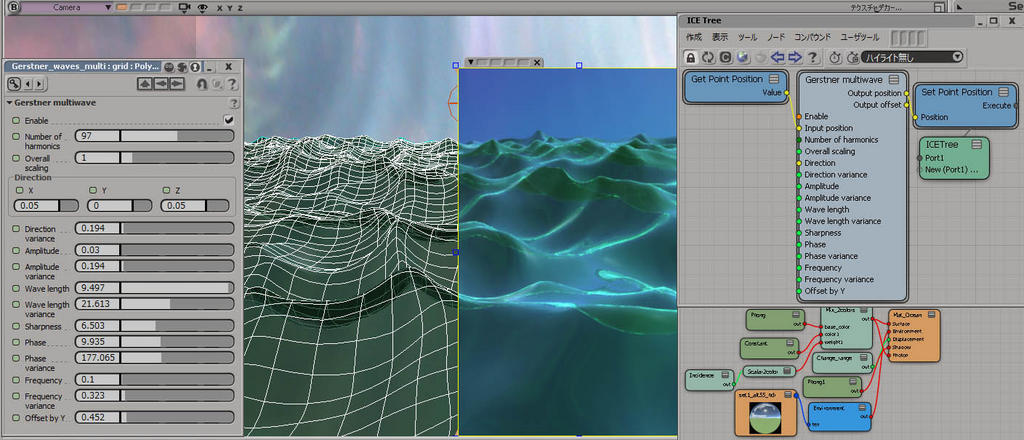
Gerstner muliwave
by SI_UserNotes
Sometime last week this blog reached a minor milestone of a half-million page views. Thanks to everybody for keeping coming back 🙂

The Yearning3D still images, created in 1993 by Char Davies using Softimage|3D on Silicon Graphics hardware. Char Davies was the Vice President of Visual Research at Softimage.
Char Davies, The Yearning, 1993.
3D digital still image.
Distinction Prix Ars Electronica 93 in the category Computer Graphics.All of my work, including the paintings I made for many years before using 3D software, is concerned with communicating a particular vision of the world. I do not consider these images, The Drowning (Falling from One into the Other) and The Yearning, to be computer graphics or computer art, but rather art created through computer technology. I call them 3D still-images for they are essentially frames of 3D virtual worlds. They were made interactively with the 3D animation software SoftImage. In my research I am constantly pushing the software’s capacity as an intuitive and emotionally expressive instrument, for it is this capacity that I value most.
…
Interactive 3D software (and I should specify SoftImage because my creative method is dependent on it and was in fact born from it) enables me to virtually embody the metaphorical content of these images, bringing them across a threshold from the realm of dim intuition into a “real” world of light and three-dimensional form. By working extensively with simulated light and shadow in virtual 3D space, combining photo-realism and abstraction, solidity and transparency, volume and spatial ambiguity, I am able to integrate subjective and objective, metaphysical and physical realms, in a way that technique and content become synonomous.Char Davies,The Drowning (Falling from One into the Other), 1993.
3D digital still image.
Distinction Prix Ars Electronica 93 in the category Computer Graphic.
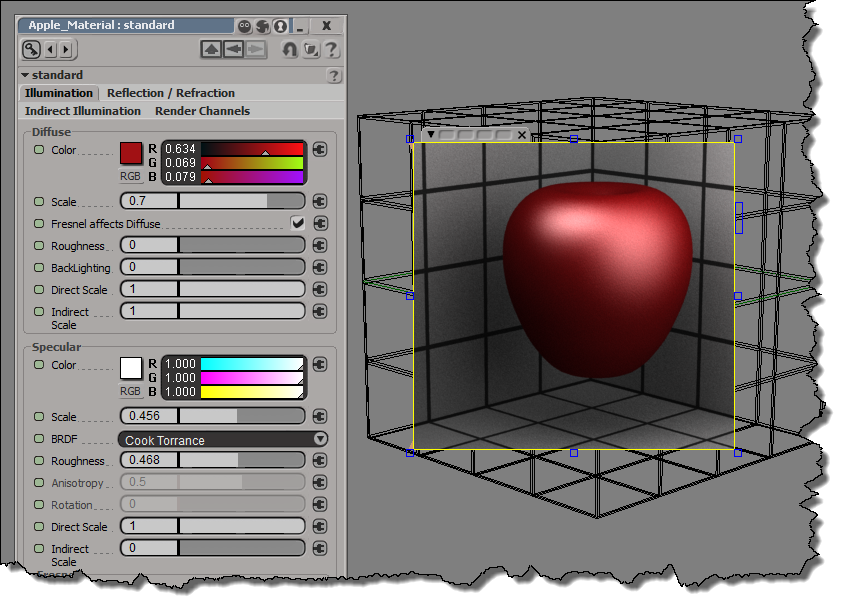
In the Arnold standard shader, you use specular reflections when you want glossy reflections. There’s direct specular (the “classical” specular hightlight) and indirect specular (glossy/blurry reflections), and both are part of the same BRDF behaviour. In this screenshot, direct specular (Direct Scale) is turned off, so you see only the indirect specular reflections. The Roughness makes those reflections glossy.

So what’s up with the separate Reflection/Refraction tab? Well, that tab gives you an alternate way to do sharp, mirror reflections (with no blurring or glossiness). However, with Specular, you can get pretty much the same thing by setting the Roughness to 0:

Finally, since I mentioned the direct specular, here’s the shaderball with just the direct spec:
Here’s a quick overview of how to use Dependency Walker to troubleshoot problems like “entry point not found”. Afer watching this video, you should be able to at least find your way around in Dependency Walker.
http://vimeo.com/52105703

Here’s a modified version of Mr Laforge’s compound that does the extrusion length and inset based on polygon area. Yeah, it uses a Repeat so I don’t think you would use it on a dense mesh and then just leave it in the stack to be reevaluated over and over.

The main idea is that you have to store the polygon indices (and the lengths and insets) before you do the extrude.
See also ICE Modeling – extruding polygons with random lengths
Goodbye for now, mental ray. Arnold is now my default scene renderer 🙂
File > Preferences > Rendering
Now everytime I start Softimage or create a new scene, Arnold will be the scene renderer. And I’ll have an Arnold light by default (Arnold doesn’t support the default Softimage lights).
And you’ll have all the Arnold render channels.
The SItoA addon includes some events for setting up new scenes when Arnold is the default renderer.

Starship Troopers: Invasion
by SOLA DIGITAL ARTS INC.
Greeble
by iamVFX
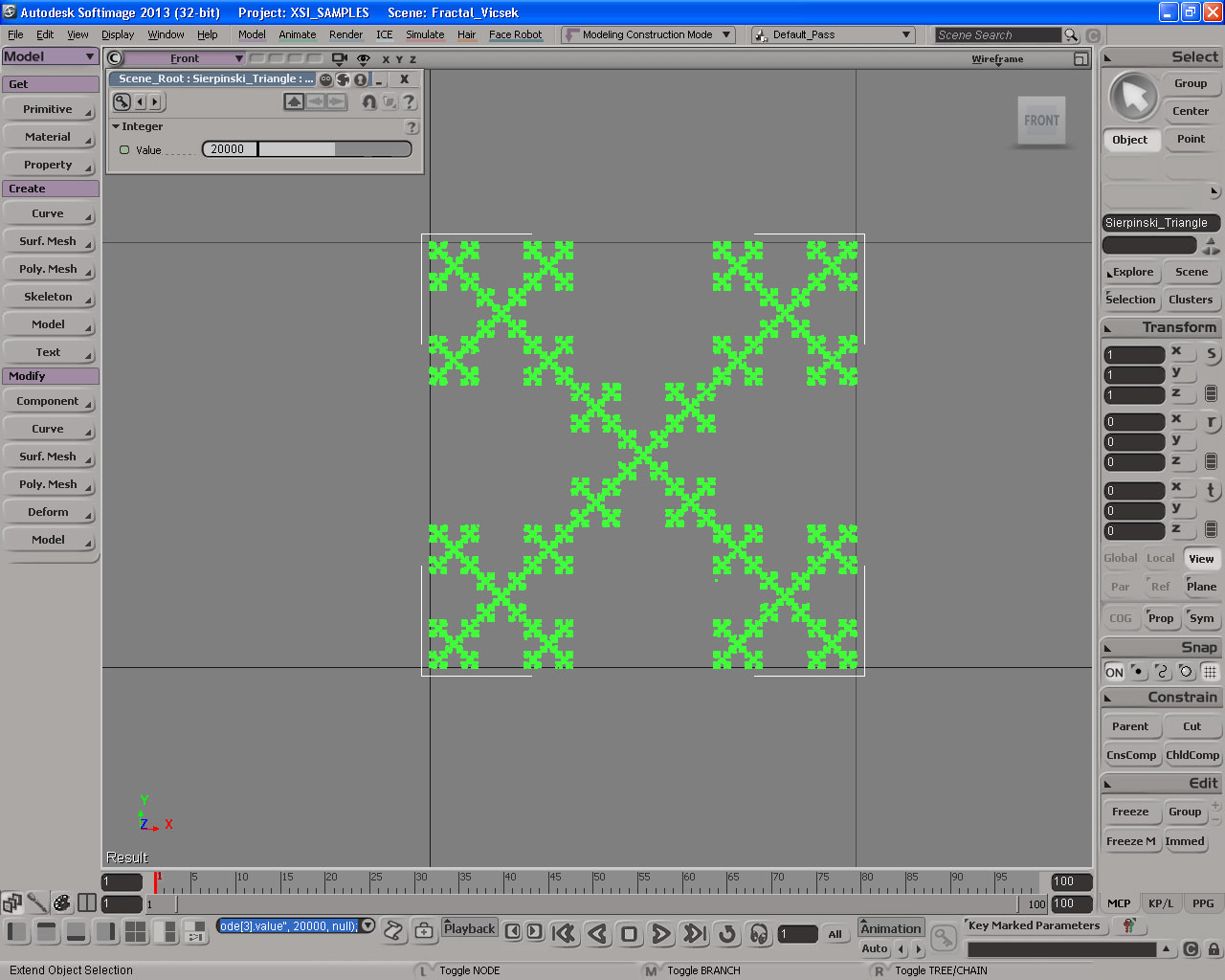
Fractal with ICE
by Daniel Brassard
Lagoa Vs Bullet Physics
etRenamer3.0 Demo
csDevManager almost done
by csaez



 eX-SI
eX-SI 