Unlimited batch rendering with xsibatch -processing


Hat tip: Andy Jones on the Softimage mailing list

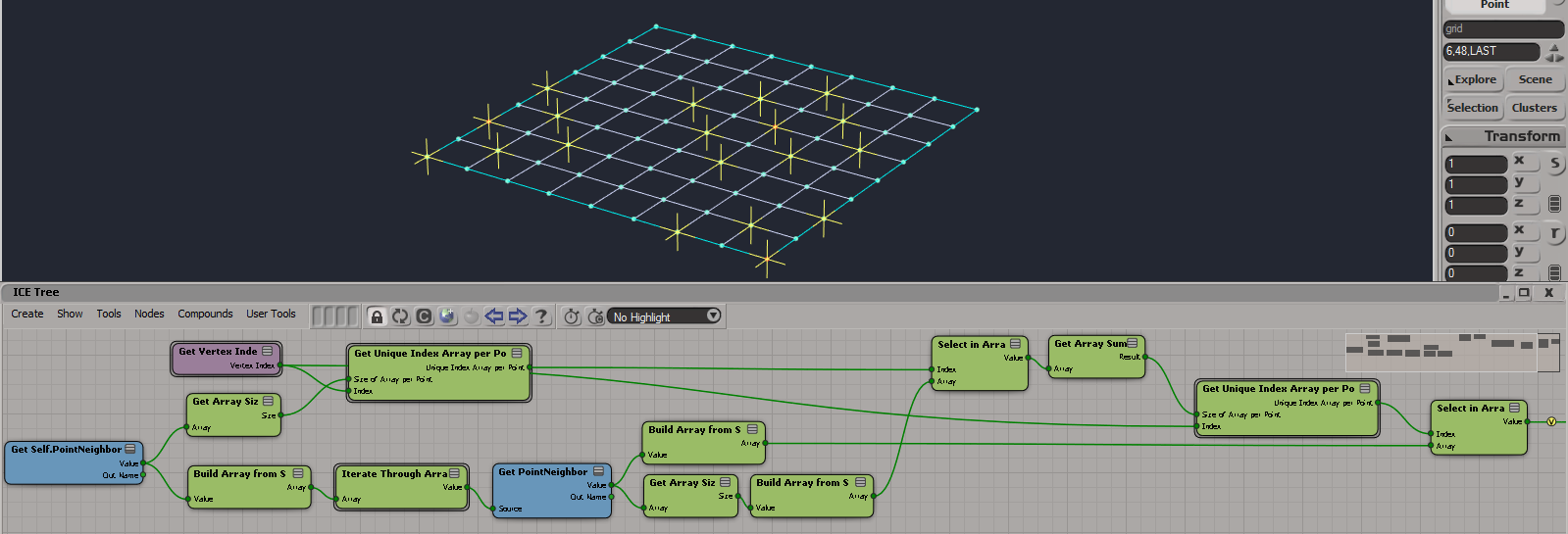
You can use xsibatch -processing to render scenes with third-party renderers like Arnold. With -processing, xsibatch uses a Processing token instead of a Batch license, so you’re not limited by the number of Batch licenses you happen to have. Back in the days before third-party renderers, -processing for was for non-rendering tasks. Now it’s for non-mental ray tasks!

I was sure I tested this long ago, but obviously I must have made a mistake on my command line.

xsibatch -processing -render //server/project/Scenes/example.scn

=======================================================
 Autodesk Softimage 11.1.57.0
=======================================================

License information: using [Processing]
# INFO : [sitoa] SItoA 2.7.1 win loaded.
# INFO : [sitoa] Arnold 4.0.12.1 detected.

Here’s actual proof in the form of a screenshot 🙂

xsibatch_processing_render

Starting the license server service from a batch file


It’s rare, but the occasional customer has a problem where the license server keeps stopping (for example, after the computer goes to sleep). Normally the license service should always be running, but if you were really stuck and needed a workaround, you could add something to XSI.bat to start the license server before starting xsi.exe.

For example, here’s something I got from stackoverflow. You probably could just call sc start; if the service is already running, sc will just report that and nothing bad will happen.

@echo off
for /F "tokens=3 delims=: " %%H in ('sc query "Softimage License Server" ^| findstr "STATE"') do (
  if /I "%%H" NEQ "RUNNING" (
   sc start "Softimage License Server"
   echo "Starting Softimage License Server"
  )
)

The service name (on lines 2 and 4) is the same name you specified in LMTOOLS:
LMTOOLS-Service_Name

Friday Flashback #116


Marketing collateral for SOFTIMAGE|DS (from the Avid days).
DS_noelle
I was originally hired at Softimage to be the lead writer on the DS documentation. That never happened. I sat around for months reading specs, going to meetings, and endlessly preparing doc plans, until I was drafted into doing some actual writing work on DKit. Then I moved on to the SOFTIMAGE|SDK, and I never did work on the DS docs, except for the DS|SDK.

Compiled CHM version of the Softimage 2014 SDK guide


Here’s a compiled CHM version of the XSI SDK guide.

There’s no index, but you can always use Search with Search titles only enabled. If I can find my old python scripts, maybe I’ll get around to adding one (but it will just be an index of objects, methods, and properties).
xsisdk_2014_chm

This year I tried the Maxscript 2013 Help CHM creator, but really all that got me was the TOC for the Programmer’s Guide. I still had to add the Ref Guide TOC, and fix up the scripting errors, and remove the unneeded navigation buttons. I do all that with a few global search and replaces.

Missing shaders in the preset manager


If you find that you’re missing nodes in the render tree Preset Manager, then check the Softimage install folder. In particular, check

  • $XSI_HOME\Application\phenolib\spdl
  • $XSI_HOME\Application\phenolib\spdl\mibase

In a working Softimage installation, like mine , the content of the Preset Manager is determined by spdl/mi files in those folders (and perhaps others too).

For example, if I delete mia_lens_bokeh.spdl from $XSI_HOME\Application\phenolib\spdl\mibase, then Bokeh (mia) disappears from the render tree preset manager. If I put it back, and refresh the preset manager, the shader re-appears.

Try or Activate is not for network licenses


This Try/Activate screen means that you are running in Standalone mode. Try gets you a Trial standalone license, which is good for 30 days and cannot be reset. Activate is for Standalone licenses only. If you try to activate a Network license, you’ll get an Error 123. I used to see these types of errors every release.

Softimage_2014_try_activate

Here are some related links:

Friday Flashback #115


Many thanks to Ed Schiffer for these pictures.

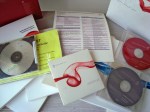
The XSI 1.0 box set. They don’t package software like that anymore.

_DSC04625

_DSC04626