From Dec 2003, an end-of-the-year, once-in-a-lifetime promotion!

Friday Flashback #50
4

From Dec 2003, an end-of-the-year, once-in-a-lifetime promotion!
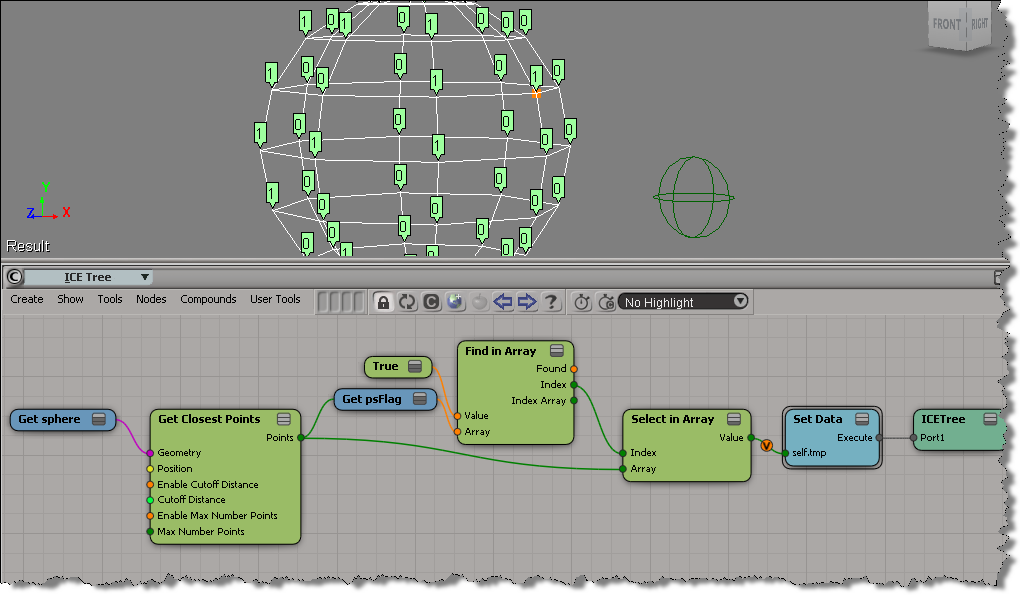
Here’s an example (from a question posted on the XSI list back in 2009) that illustrates some aspects of using arrays in ICE.
Compounds are useful for organizing your ICE trees. Even if you don’t intend to reuse or distribute your compounds, using compounds can help make your ICE trees readable and understandable. Kinda like paragaraphs in written text. Use compounds to separate blocks of functionality, and give your compounds meaningful names. It’ll help later when you come back to an ICE tree you haven’t worked on for awhile.
Consider this basic emission. Looks pretty simple, right? You can tell at a glance what’s happening, and what scene references are used in this ICE tree.

If you explode all the compounds in a Basic Emission, you get something a lot more complicated looking:
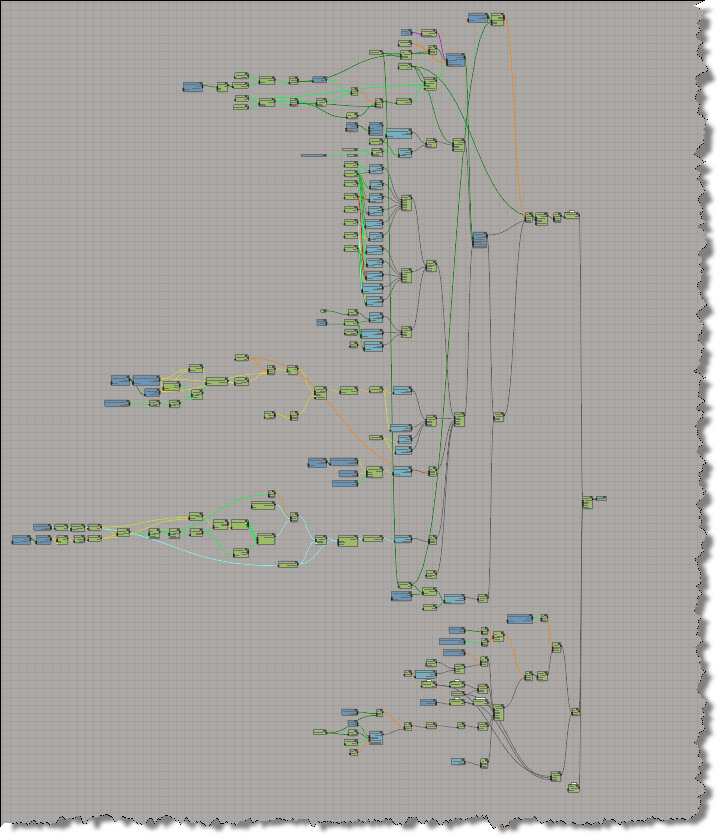
Without any compounding, you’re looking at a 195 total nodes (and 46 different nodes).
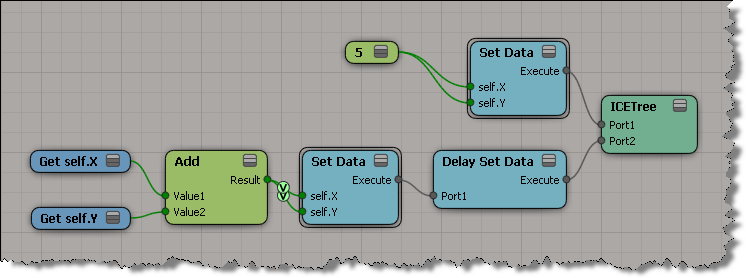
Here’s the screenshots to illustrate the example described on the Delay Set Data reference page.
“For example, if you want to swap values of A and B, just using two Get Data nodes and two Set Data nodes (A=B and B=A) would result in both attributes having the same value.”

“However, if you connect the Set Data nodes in the Delay Set Data node, the Set Data operations will be executed at the same time, thus setting the values before any of the Set Data nodes are executed. ”

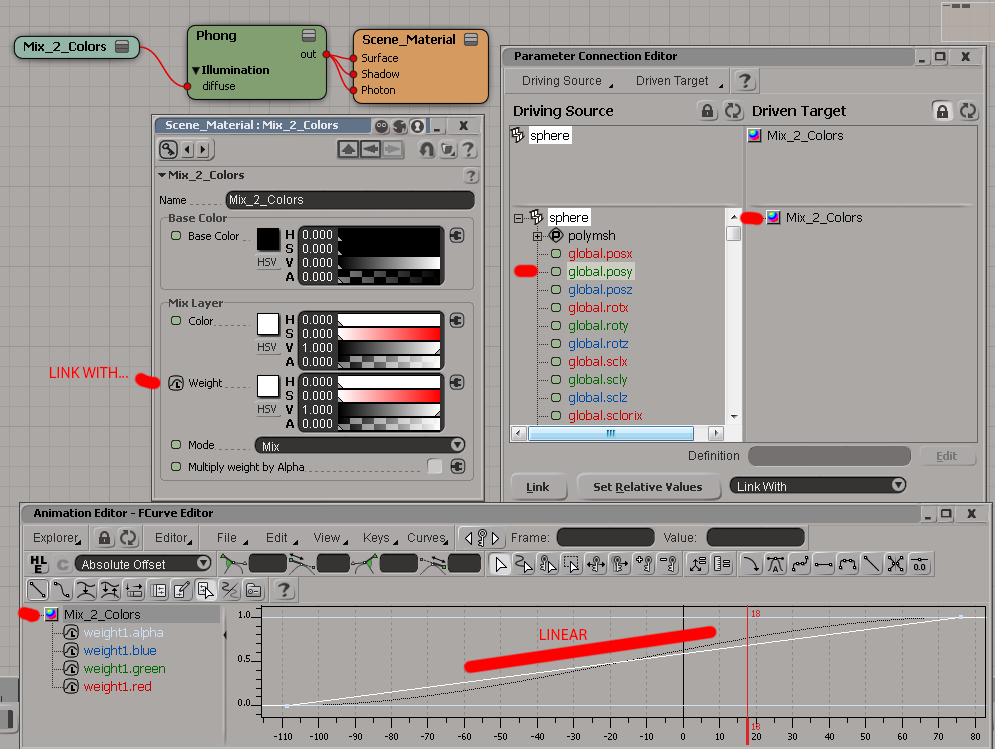
Material falloff based on world space
by Memag
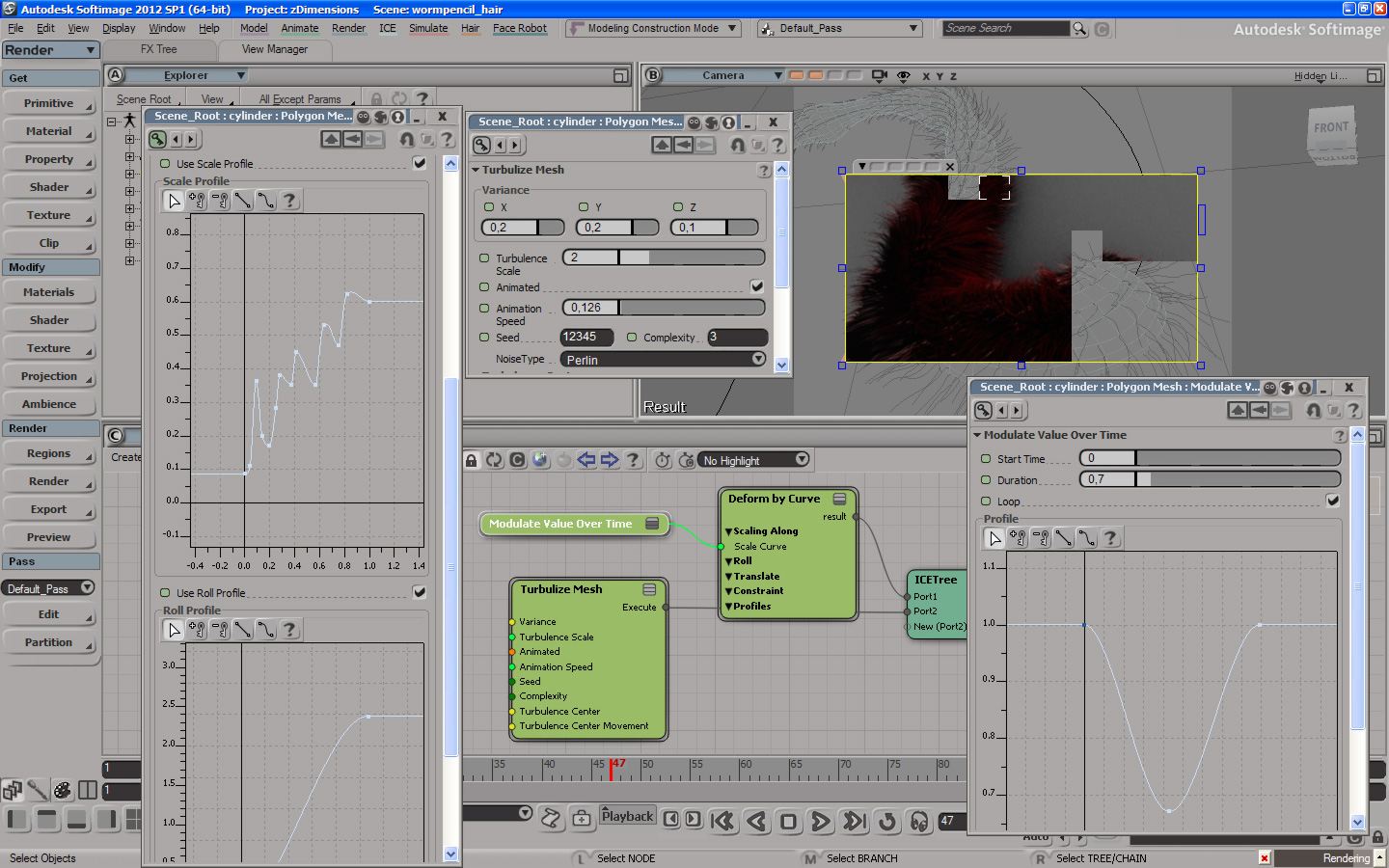
Animated ICE worm
by md_axe
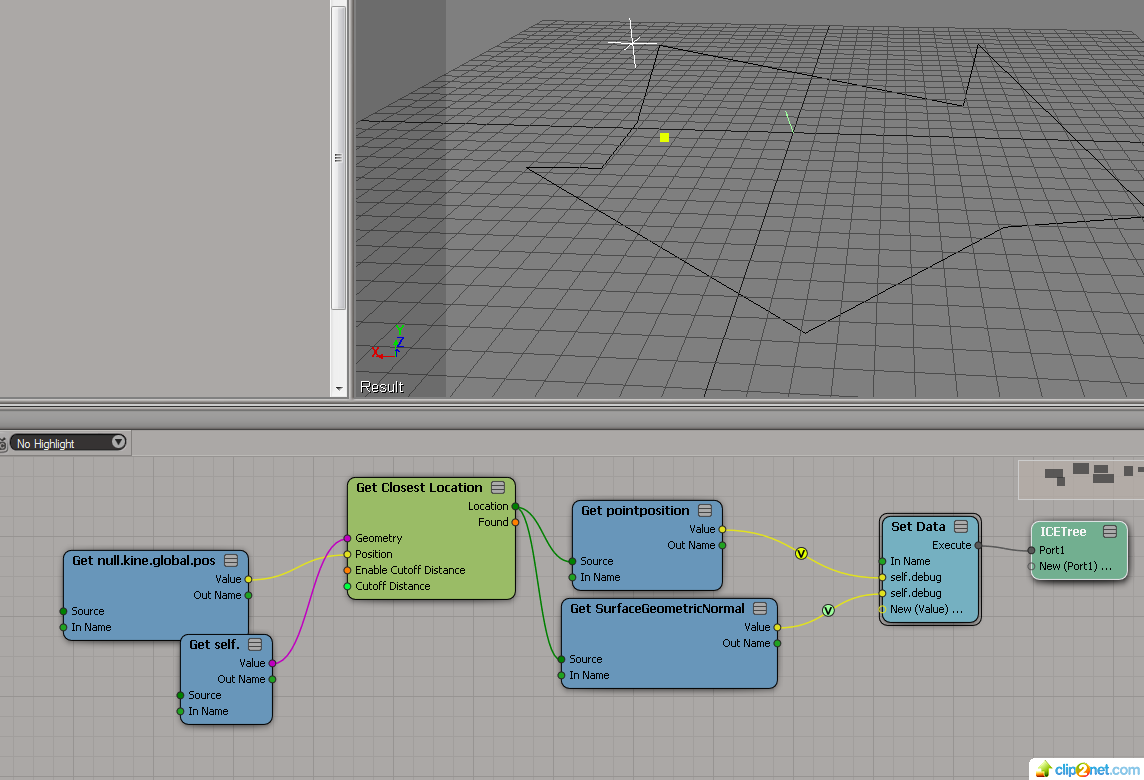
triangle normals
by Mr.Core

To quickly find Or, And, or Not nodes in the Preset Manager, use these search strings:
When you use a wildcard character like ?, the whole node name has to match the search string. So “o?” matches “Or”.
But the search string “or” finds any node whose name contains “or”, like Deform by Curve.
From softimage.com back in 2001.
Joyeux Noél / Merry Christmas everbody

I never really looked into Delay Set Data, so I never really understood what it did. I just assumed that it delayed setting data until something else happened. What it really does is handle situations where a multi-output port is connected to multiple Set Data ports.
Consider this ICE tree. You might think that X and Y are set to the same value (10), but that’s not what happens. You end up with X=10, and Y=15.
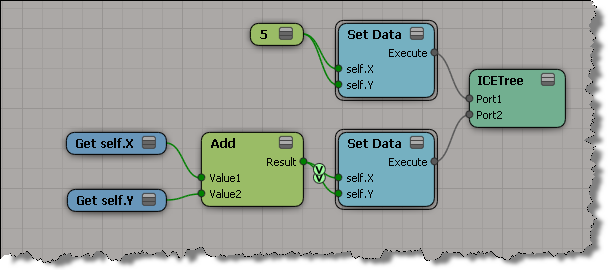
That’s because each Set Data forces an evaluation of the branch connected to the Set Data port. So in a tree like this, where the Add output port is plugged into two Set Data ports, you get two evaluations. First when you set X, and second time when you set Y. Consequently, X is first set to 5, and then to 10, and that all happens before the value of Y is set.
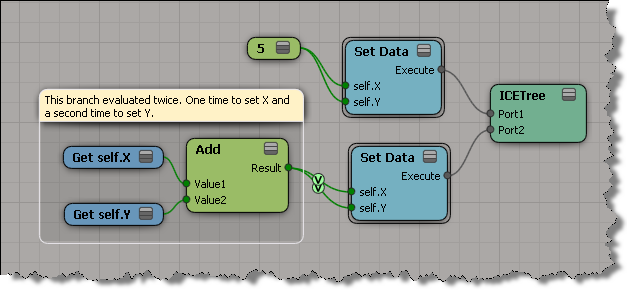
What happens with this ICE tree is like what happens in this Python snippet.
X = 5
Y = 5
X = X + Y
Y = X + Y
print X
print Y
# 10
# 10
Not like this:
X = 5
Y = 5
Y = X = X + Y
print X
print Y
# 10
# 10
To get the expected results and eliminate the extra evaluation, you could change the ICE tree so that the Add node has only one connection to the Set Data. This tree will run faster, because it has one less evaluation of the Add branch.

The Delay Set Data node addresses this issue by caching (for each Set Data port connection) the values from the first evaluation of the branch, and then setting the values all at once.
Occasionally I’ll see reports of this kind of error. Sometimes I see it when I’m investigating some other problem in a scene.
// WARNING : 3000 - Save: [1] objects were not saved normally
// WARNING : 3000 - -- [Framebuffer<1004>] was saved, but is disconnected from the scene. (Floating object)
You can use Dictionary.GetObject to get the floating object and interrogate it:
var x = Dictionary.GetObject( "Framebuffer<1004>" );
LogMessage( ClassName(x) );
LogMessage( x.Parent );
// INFO : C:\Program Files\Autodesk\Softimage 2012.SAP\Application\bin\XSI.exe
LogMessage( x.Parent3DObject == null );
// INFO : True
LogMessage( x.Owners.Count );
// INFO : 0
LogMessage( x.RenderChannel );
// INFO : Normal
//LogMessage( x.GetResolvedPath(0) );
// ERROR : 21000 - Unspecified failure - [line 15]
And you could even delete the floating object before you save the scene:
DeleteObj( Dictionary.GetObject( "Framebuffer<1004>" ) );
However, there is a scene debugging preference that allows you to “skip the loading of floating objects”. This preference was added back in 2004 or so to deal with “ghost models” (which are basically floating or disconnected objects).
You could also try printver -cleanfloating to remove floating objects. I don’t know if that still works, I haven’t used it three or four years.
Another thing you can try is to merge your scene into a new scene. The warning could be a “false positive”. If the warning is gone after the merge, then it was indeed a false positive (which means that something, such as the schematic view, was still holding on to a reference to a deleted object).
 eX-SI
eX-SI 