Move towards sorted points
by stevegh

Goal sort by ID
by olivier jeannel
ICE Topo grow polygon array
by Rob Chapman
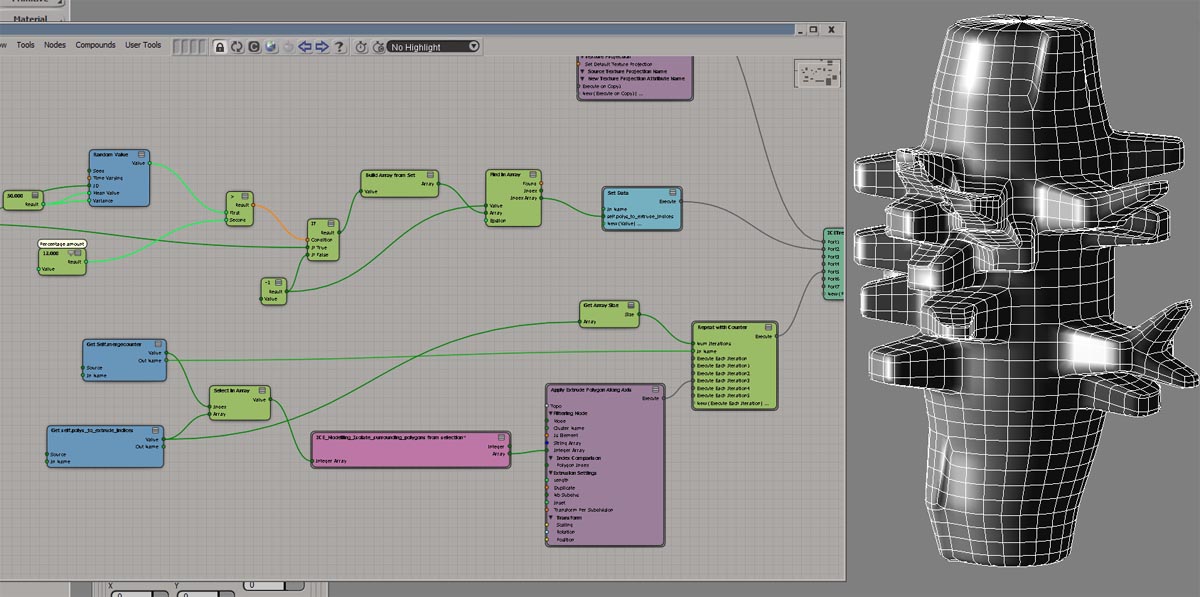
ICE Topo grow polygon array
by Chris Marshall


ICE Topo grow polygon array
by Peter Agg


Move towards sorted points
by stevegh
Goal sort by ID
by olivier jeannel
ICE Topo grow polygon array
by Rob Chapman
ICE Topo grow polygon array
by Chris Marshall
ICE Topo grow polygon array
by Peter Agg
A location always refers to the same relative place on an object, even if the object moves or deforms.

From a 2004 flyer introducing a “new range of SOFTIMAGE|XSI products”
SOFTIMAGE|XSI the perfect fit!

Since the introduction of ICE modeling, you may have hit context mismatches like this:

or this:

That’s because compounds like Test in Geometry and Randomize Around Value are built to work with points/particles. For example, if you look inside Test Inside Geometry, you’ll see it is getting the point position.
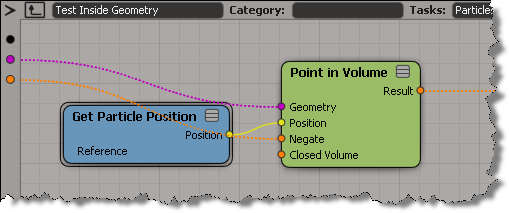
So, when you want to use these convenience compounds in a different context, you’ll have adapt them.

A customer recently asked me how to write a command that adds a node to an ICE tree. His ultimate goal was to assign a keyboard shortcut to the command, so that he could quickly insert commonly-used nodes.
Unlike menus, which can easily get the current ICE tree view, commands have to do a bit more work. A command has to find the ICE tree view in the active desktop layout (and there’s no way the command can figure which view is the “active” view).
So, here’s a Python snippet that finds an ICE Tree view and adds a Get Data node. If you make this into a command, then you can assign a shortcut key to it. I look first for a docked ICE Tree view, and if I don’t find that, I look for a floating view.
si = Application
views = si.Desktop.ActiveLayout.Views

# Find docked ICE Tree views
oICETreeViews = views.Filter( "View Manager" )(0).Views.Filter( "ICE Tree" )

# If no docked ICE Tree view, then look for floating
if oICETreeViews.Count == 0:
    oICETreeViews = views.Filter( "ICE Tree" )

if oICETreeViews.Count > 0:
    # Get the ICE tree that is loaded into the view
    sICETree = oICETreeViews(0).GetAttributeValue( "container" )

    si.AddICENode("$XSI_DSPRESETS\\ICENodes\\GetDataNode.Preset", sICETree )
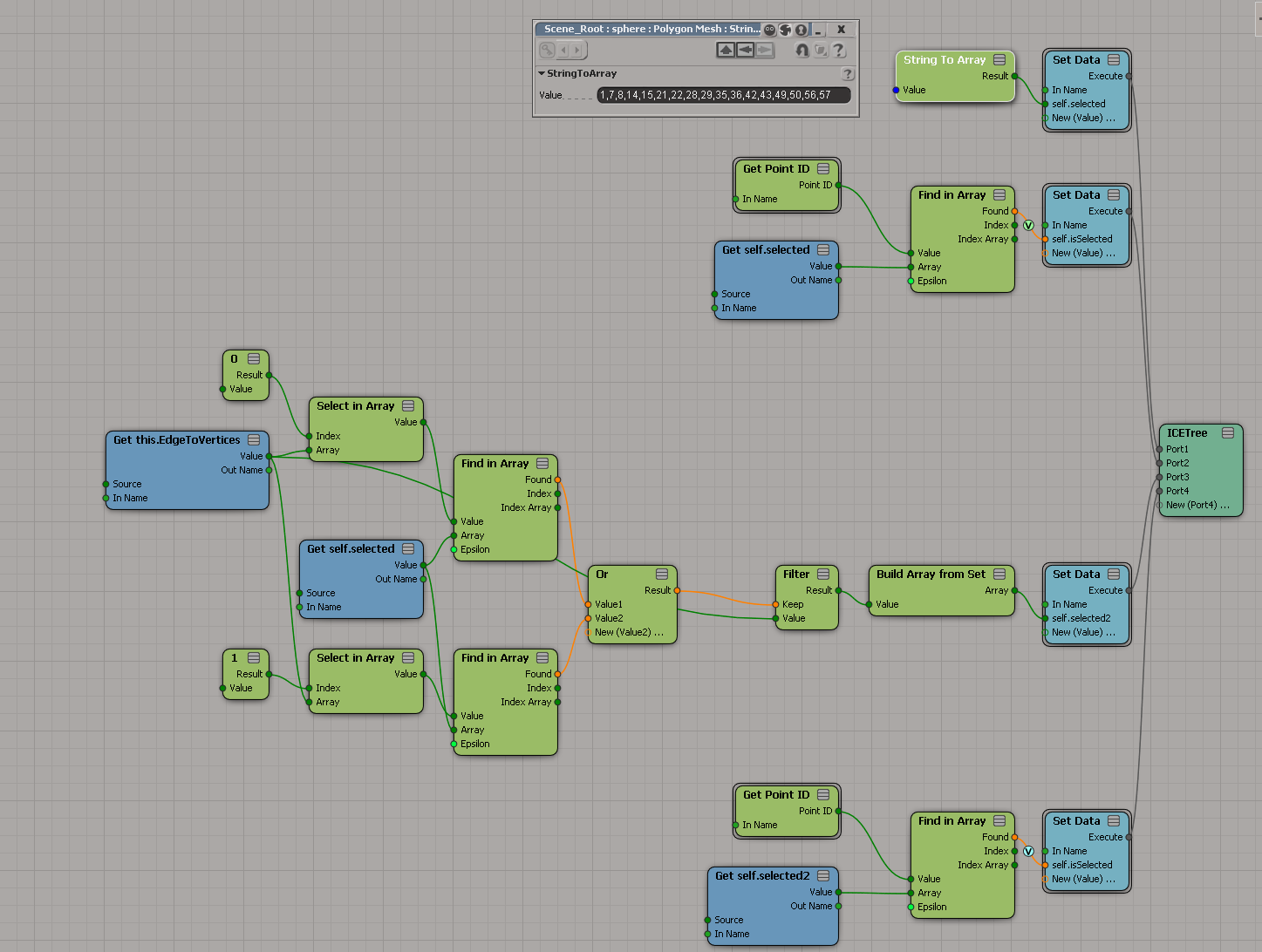
This ICE tree builds an array that holds the point IDs, sorted by their distance from a null:

Now, here’s how to move the “index in sorted array” and the “distance from null” down to per-point data.
(For clarity, I changed the Show Values to show only for tagged points.)

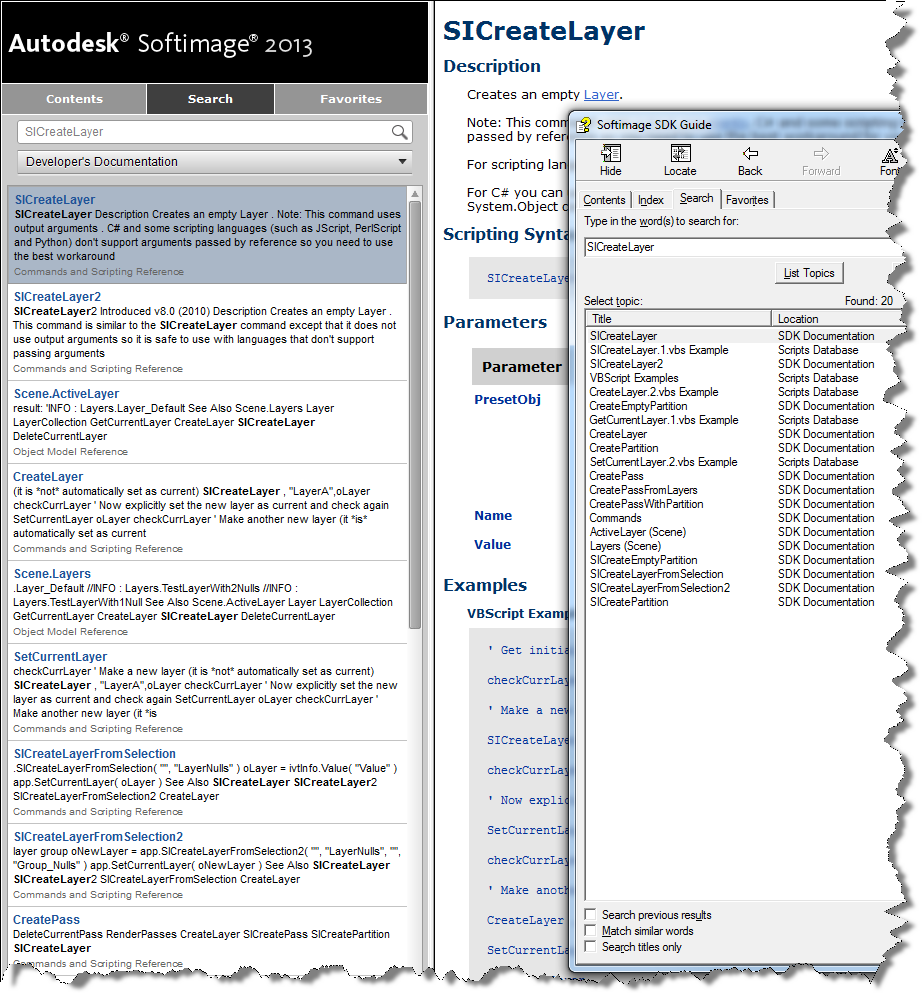
The Search tab is working again for the online Softimage documentation. Previously it wasn’t returning many hits for the SDK searches.
Here’s the search results for “SICreateLayer”, both in the browser and, for comparison, with the old CHM search.
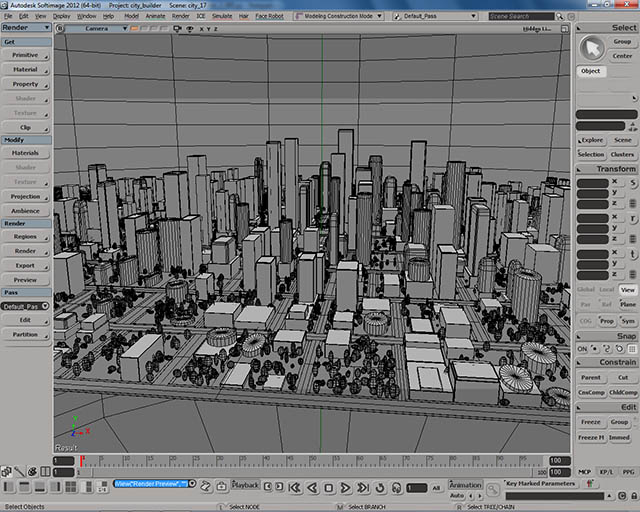
City Builder
by Pierre Lalancette
PolyDeleter compound
by kovalex

Building Softimage projects with cmake
by scaron
Motion Tools 1.0
by gustavoeb
ICE LEDs
by derJanosch
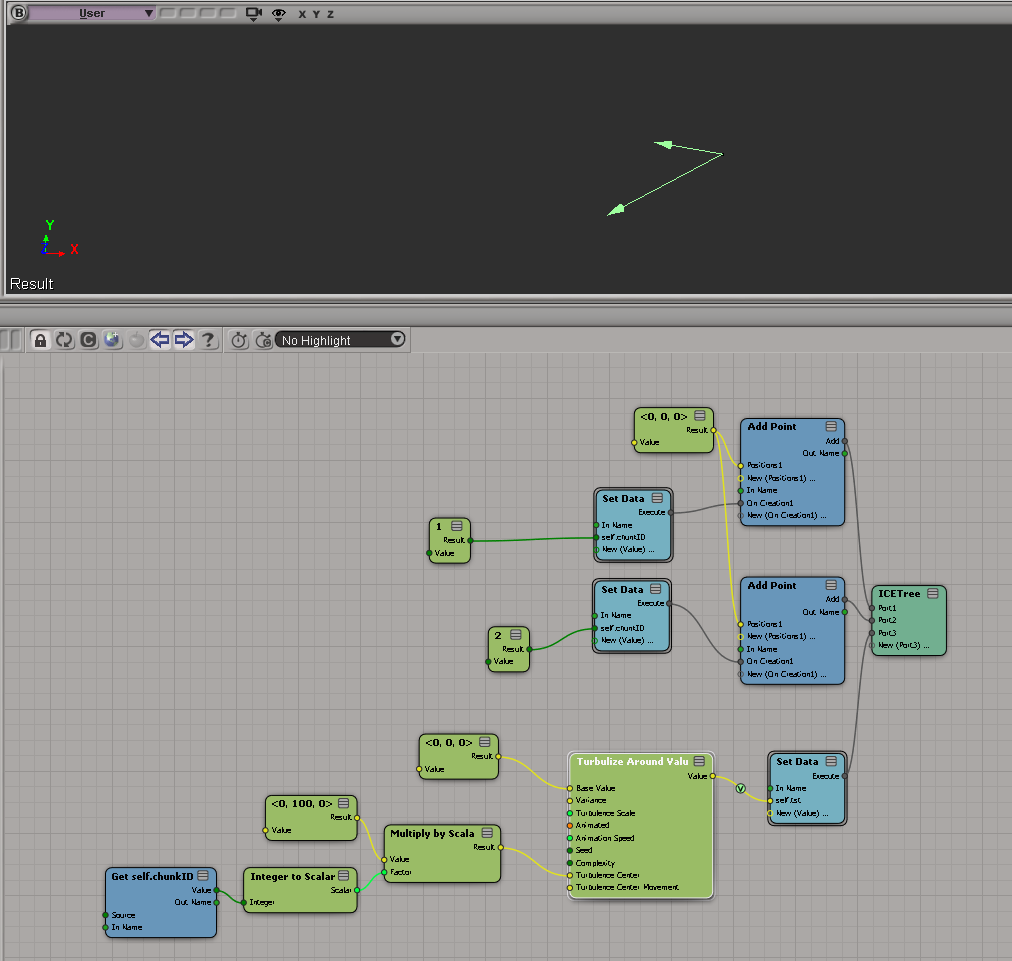
Turbulize points by chunk
by Peter Agg
Elevation rendering
by gustavoeb

This was another case of the dreaded “No interactive network license available” message when you start Softimage. The customer was pretty savvy, so he set FLEXLM_DIAGNOSTICS=3 and tried to start Softimage again, and got this FLEXnet Licensing error:-97,121 error:
---------------------------
FLEXible License Manager
---------------------------
FLEXnet Licensing checkout error: The desired vendor daemon is down.
Check the lmgrd log file, or try lmreread.
Feature: 85934SFTIM_2013_0F
Vendor:Host: EXAMPLE
License path: @EXAMPLE;@127.0.0.1;EXAMPLE;@example;
FLEXnet Licensing error:-97,121
For further information, refer to the FLEXnet Licensing documentation,
available at "www.flexerasoftware.com".
---------------------------
OK
---------------------------
Now, this is not typical. -91,121 is almost always an error that happens on the license server, not on the workstation (it usually indicates a problem with the SERVER line in the license file).
The %TEMP%\SoftimageLicense.log had this:
4268	2012/07/27	07:38:23	Reason=Fatal error
4268	2012/07/27	07:38:23	ComputerName=MEGACORE
4268	2012/07/27	07:38:23	OS=6.1.7601.Service Pack 1
4268	2012/07/27	07:38:23	File=AdlmIntNWFBLicense.cpp,Line=769
4268	2012/07/27	07:38:23	VendorID=3 [FLEXLM-NW]
4268	2012/07/27	07:38:23	VendorError=-97 [The desired vendor daemon is down]
4268	2012/07/27	07:38:23	FLEXLM-NW=v11.10.0.0 build 95001 x64_n6
4268	2012/07/27	07:38:23	Reason=Fatal error
4268	2012/07/27	07:38:23	ComputerName=MEGACORE
4268	2012/07/27	07:38:23	OS=6.1.7601.Service Pack 1
4268	2012/07/27	07:38:23	File=AdlmIntNWFBLicense.cpp,Line=752
4268	2012/07/27	07:38:23	AdlmIntError=20 [License check out failed]
Note that both the FLEXLM_DIAGNOSTICS and the SoftimageLicense.log say that The desired vendor daemon is down. This was the real clue, and the problem turned out to be that LMTOOLS was running multiple vendor daemons from different vendors. Assigning a specific port to each vendor daemon solved the problem.
Softimage stopped selling and supporting BatchServe back in late 2006/early 2007, so I never had the pleasure of supporting that product 😉
Here’s some BatchServe screen grabs and a quickstart video from the XSI 3.0 Experience CD (so this stuff is from early 2003):


 eX-SI
eX-SI 