A quick-and-dirty way to get a custom color chooser in the Palette:
http://vimeo.com/45148964
Custom wire colors in the palette
3

A quick-and-dirty way to get a custom color chooser in the Palette:
http://vimeo.com/45148964
I missed this one for yesterday’s screenshots of the week.
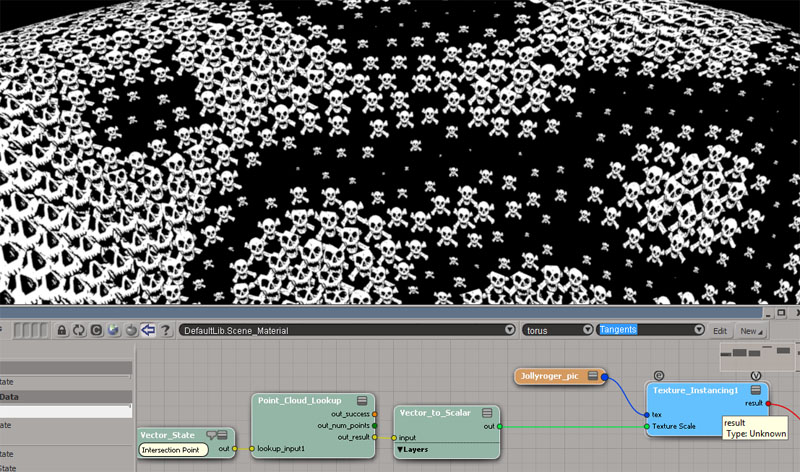
Texture Instancing Compound – controlling texture scaling with an ICE attribute
by rray
ICE Node – Reading Images
Random color on polygon Island
by Mathaeus


mAligner 1.6
The View > Optional Panels menu lists the optional panels of the current layout. In the default layout, this includes the main command panel (MCP), the timeline, time range slider, and the Main Shelf.
To check if a panel is open, get the panel from the ActiveLayout.Views collection and check whether it’s visible:
LogMessage( Application.Desktop.ActiveLayout.Views("main_shelf").Visible );
Siggraph 2002 wallpaper
Productivity without creative compromise

“Utilization of basic learn from surgery Softimage ICE”
I love automated Japanese-English translations. You couldn’t write it better yourself 😉

PS I’m on vacation, so please excuse this slightly off-topic posting. I was going to do something more technical today, but then there was that bottle of wine at lunch…
Select Case doesn’t want to clone points. Suppose you have a set up like this:

If you plug Clone Point nodes into two consecutive Case ports, the first Clone Point only is executed.
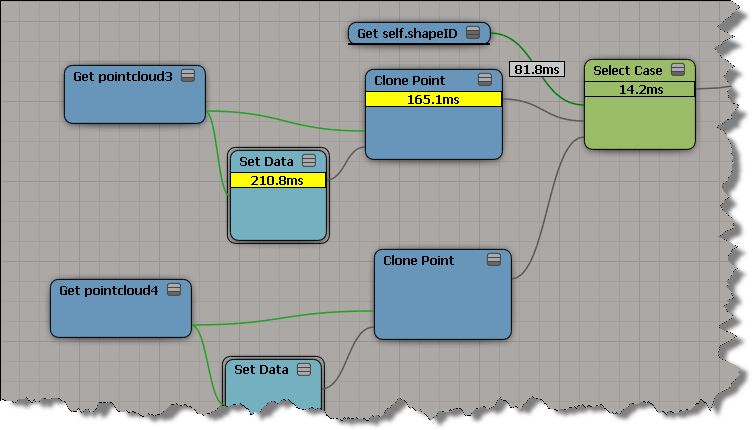
If you plug something else into a Case port, between two Clone Points, then both Clone Points work:

But unfortunately I couldn’t trick ICE by multiplying the shapeID by 2. When I did that, ICE went back to evaluating the first Clone Point only.

For the searching the current SDK documentation, I would install the SDK docs locally. The local docs use a different search that works better.
To download a single installer for both the User Guide and SDK Guide:
http://www.autodesk.com/softimage-documentation
Just the SDK:
http://images.autodesk.com/adsk/files/softimage-2013-sdk-doc0.zip
Local search results are much better than the online search:

I’ve never seen this one before: “Verifying the failed access to ‘tools.vbs’ took 155 seconds.”
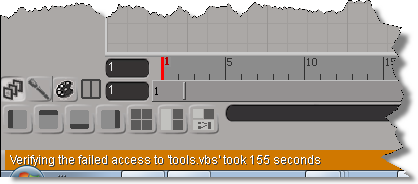
155 seconds? It seemed like forever…
Domemaster3D Lens Shader for Softimage
by Andrew Hazelden

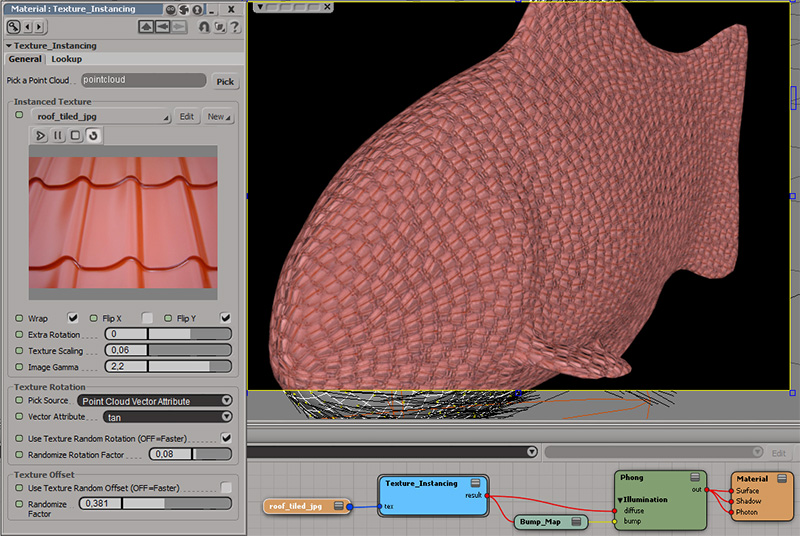
Texture Instance Shader
by rray
Emit from polygon cluster
by Vladimir Jankijevic

Motion vectors
by Softimage_Japan
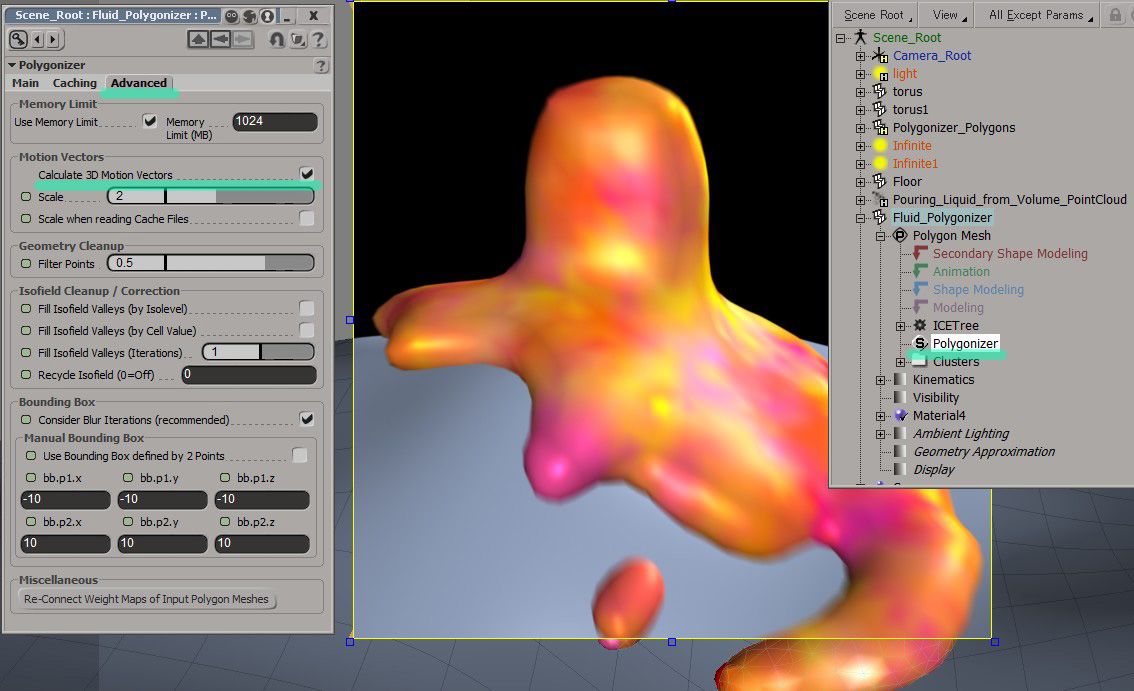
June 11 “break one’s neck” by CGWORLDjp

 eX-SI
eX-SI 