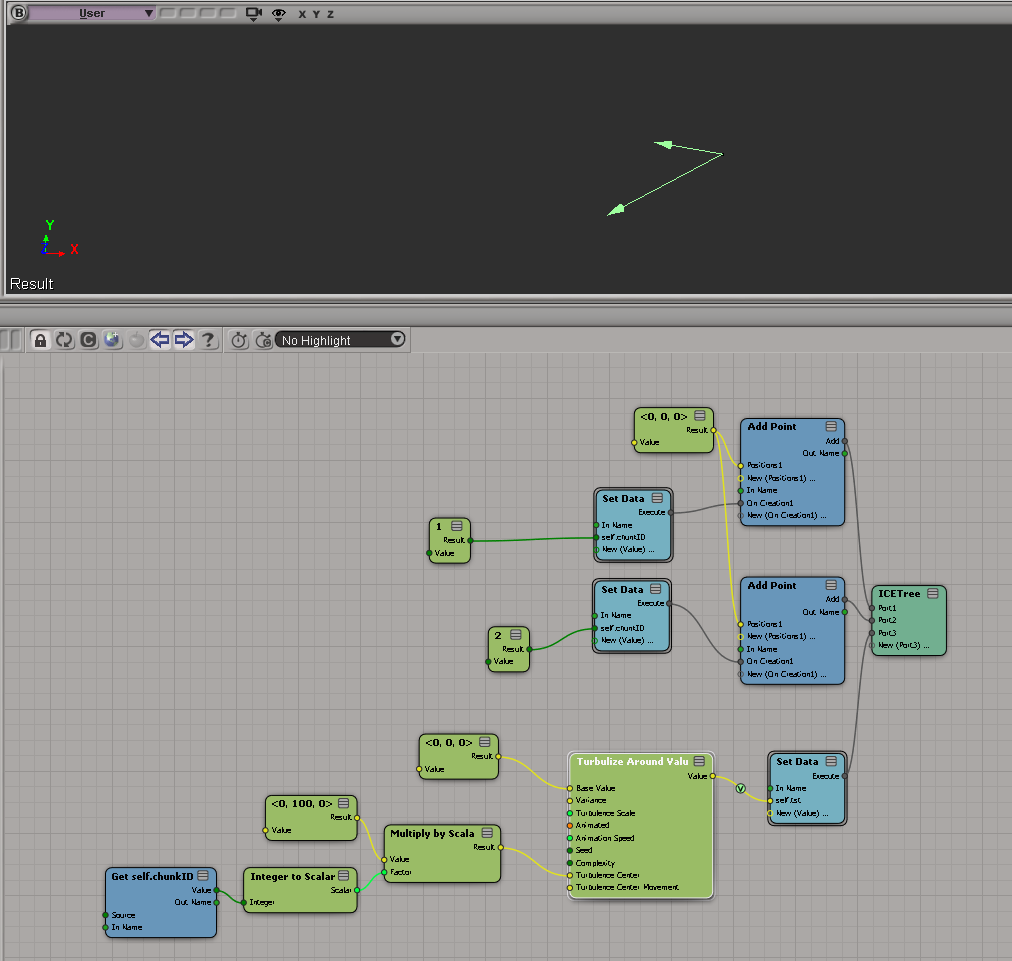
Autodesk products use a cascading sequence to define the order in which they try to check out licenses. Here’s the cascade sequence as an ICE tree 😉

When Softimage tries to get a license, it will “cascade” from one license type to the next in the specified order. For example, if you have five Softimage licenses and one Entertainment Creation Suite Ultimate license, then the first five users to start Softimage will take Softimage licenses, and the sixth user to start Softimage will get the Suite license.
Here’s the Softimage cascade sequence as a plain-old numbered list:
- Autodesk Softimage 2013
- Autodesk Softimage Entertainment Creation Suite Standard 2013
- Autodesk 3ds Max Entertainment Creation Suite Premium 2013
- Autodesk Maya Entertainment Creation Suite Premium 2013
- Autodesk Entertainment Creation Suite Ultimate 2013
- Autodesk Animation Academy 2013
- Autodesk Entertainment Creation Suite For Education 2013
Note that if you start Softimage and check out a Softimage license, and then start a Suite app like Maya, then Softimage will switch over to the Suite license and free up that Softimage license it was using.
I always forget whether licenses cascade up or down. To verify the order, I pointed Softimage at a license server that had just Maya licenses, set FLEXLM_DIAGNOSTICS=3, and started xsi.exe. That gave me this sequence of error messages, which shows that the cascade order starts with a basic Softimage license (85934SFTIM_2013_0F), and then works its way through the different suite licenses.
---------------------------
FLEXible License Manager
---------------------------
FLEXnet Licensing checkout error: License server system does not support this feature.
Feature:       85934SFTIM_2013_0F
License path:  @mtl2ua0150cwy;@127.0.0.1;
FLEXnet Licensing error:-18,147
For further information, refer to the FLEXnet Licensing documentation,
available at "www.flexerasoftware.com".
---------------------------
OK
---------------------------


---------------------------
FLEXible License Manager
---------------------------
FLEXnet Licensing checkout error: License server system does not support this feature.
Feature:       85932SIECS_2013_0F
License path:  @mtl2ua0150cwy;@127.0.0.1;
FLEXnet Licensing error:-18,147
For further information, refer to the FLEXnet Licensing documentation,
available at "www.flexerasoftware.com".
---------------------------
OK
---------------------------


---------------------------
FLEXible License Manager
---------------------------
FLEXnet Licensing checkout error: License server system does not support this feature.
Feature:       85918MXECSP_2013_0F
License path:  @mtl2ua0150cwy;@127.0.0.1;
FLEXnet Licensing error:-18,147
For further information, refer to the FLEXnet Licensing documentation,
available at "www.flexerasoftware.com".
---------------------------
OK
---------------------------


---------------------------
FLEXible License Manager
---------------------------
FLEXnet Licensing checkout error: License server system does not support this feature.
Feature:       85928MYECSP_2013_0F
License path:  @mtl2ua0150cwy;@127.0.0.1;
FLEXnet Licensing error:-18,147
For further information, refer to the FLEXnet Licensing documentation,
available at "www.flexerasoftware.com".
---------------------------
OK
---------------------------


---------------------------
FLEXible License Manager
---------------------------
FLEXnet Licensing checkout error: License server system does not support this feature.
Feature:       85926ENCSU_2013_0F
License path:  @mtl2ua0150cwy;@127.0.0.1;
FLEXnet Licensing error:-18,147
For further information, refer to the FLEXnet Licensing documentation,
available at "www.flexerasoftware.com".
---------------------------
OK
---------------------------


---------------------------
FLEXible License Manager
---------------------------
FLEXnet Licensing checkout error: License server system does not support this feature.
Feature:       85922AAA_2013_0F
License path:  @mtl2ua0150cwy;@127.0.0.1;
FLEXnet Licensing error:-18,147
For further information, refer to the FLEXnet Licensing documentation,
available at "www.flexerasoftware.com".
---------------------------
OK
---------------------------


---------------------------
FLEXible License Manager
---------------------------
FLEXnet Licensing checkout error: License server system does not support this feature.
Feature:       85924ESEC_2013_0F
License path:  @mtl2ua0150cwy;@127.0.0.1;
FLEXnet Licensing error:-18,147
For further information, refer to the FLEXnet Licensing documentation,
available at "www.flexerasoftware.com".
---------------------------
OK
---------------------------
If you think Softimage is not following the right cascade sequence, then this is one way to check what’s really happening.
Another thing to try if you’re having problems (like Softimage taking a Suite license instead of a Softimage license) is to delete the Cascade.cas file and restart Softimage.