Getting the number of particles in a given state


There were two techniques suggested on the mailing list, but only one worked for me in Softimage 2012. There seems to be a problem with Get Set Sum (see the screenshot below). Using Filter and Get Set Size works just fine.

I was going to run the performance timers to see if there was any difference between the two techniques, but since the Get Set Sum doesn’t return the right number, there was no point.
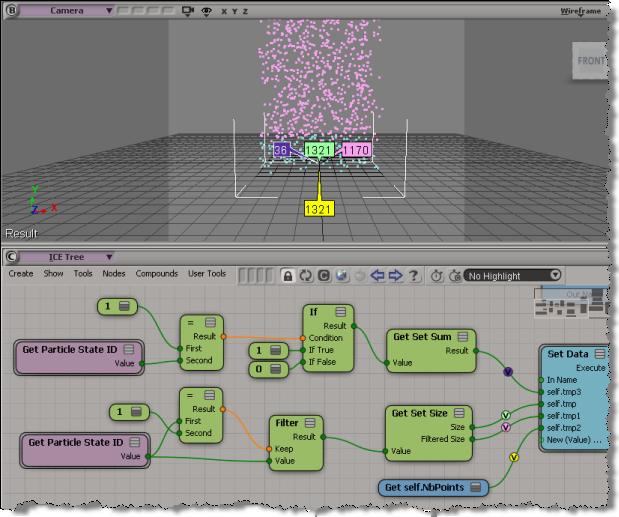
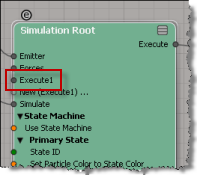
BTW, when you’re using the state machine with the Simulation Root, anything you plug into the Execute node is processed only in the initial state. If you want to something always processed (like the Set Data above), plug it into the post-sim execute port.

Importing, exporting, and restoring preferences


You can create a backup copy of your preferences by exporting them: just click File > Preferences, right-click Preferences (Application) and click Export. You can then restore your personalized settings by importing the backup copy (for example, if someone else sits at your desk can changes everything, you can easily get back your settings).

Or, if you suspect that some preference setting is causing Softimage to mis-behave, you can export your current settings before you restore the defaults.

Note that you can also import, export, and restore defaults for specific categories:

Basics of building your own strands


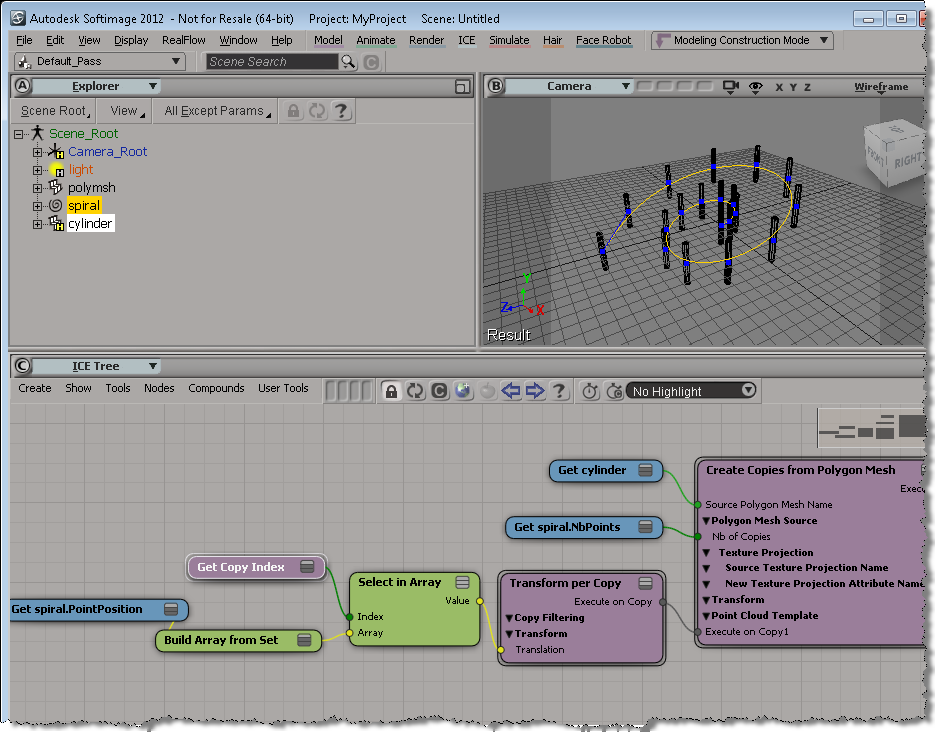
A quick overview of how to build strands by building your own StrandPosition and StrandSize arrays.

If you’ve looked into the Modeling_Columns_from_Strands sample scene, you’ve seen that there’s a Create Spiral Strands compound that creates the strands used for the extrusion. In this video, I go through the basics of creating strands that you can use for extrusions. There’s some small gotchas to watch out for.

http://vimeo.com/22305342

Using local help with different browsers


If you downloaded a local version of the help files, avoid using the
SI_HELP_PROGRAM_ENV environment variable. If you set that environment variable, the browser doesn’t find the help files.

If necessary, unset SI_HELP_PROGRAM_ENV and set your default browser to Firefox, Chrome, or Internet Explorer.

Then, in the General preferences, set Help Location to Local Computer/ Network.

If that doesn’t work, then set Help Location to Custom and use the file:// protocol:

file:///C:\Program Files (x86)\Autodesk\Help\softimage2012\en_us

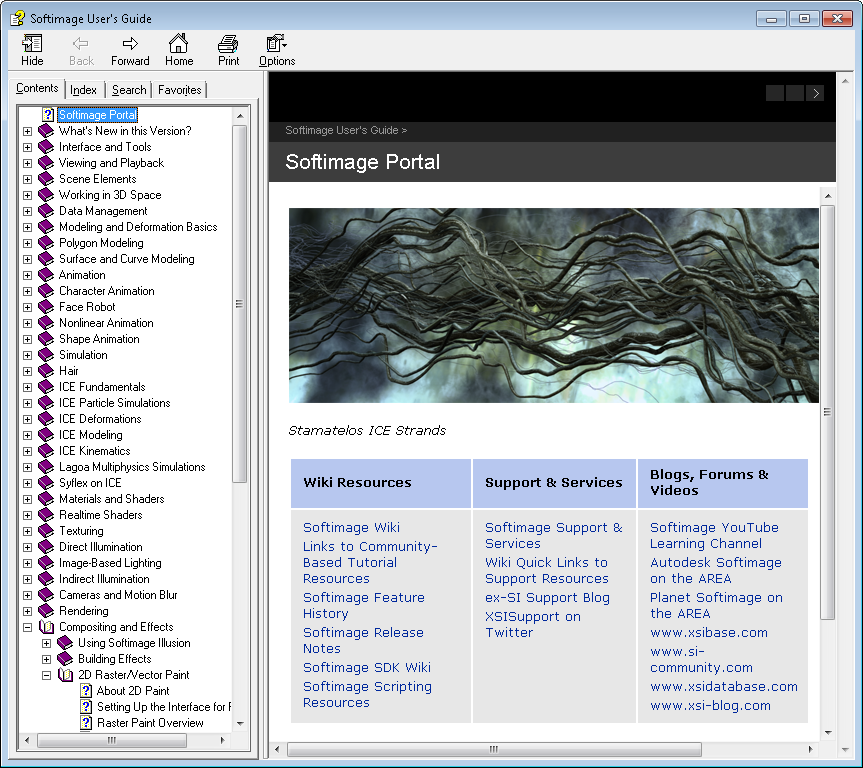
CHM version of Softimage 2012 User Guide


If you’re jonesing for the CHM version of the Softimage User Guide, it’s available as a documentation extra on the wiki.

Here’s the direct download link.

Softimage won’t use this version, but you can use it for your reading and browsing pleasure.

To open the CHM from scripting:

# Python
import subprocess
sCHM = "C:\\Users\\blairs\\Downloads\\xsidocs_2012\\xsidocs_2012.chm";
subprocess.Popen( "hh.exe " + sCHM )
// JScript
var oShell = new ActiveXObject("WScript.Shell");
var sCHM = "C:\\Users\\blairs\\Downloads\\xsidocs_2012\\xsidocs_2012.chm";
oShell.run( "hh.exe " + sCHM );
' VBScript
set oShell = CreateObject("WScript.Shell")
oShell.run "hh.exe C:\\Users\\blairs\\Downloads\\xsidocs_2012\\xsidocs_2012.chm"