Send to Maya: Destination folder is invalid or not writable, operation cancelled


You may get this error when you try to Send to Maya.
The problem is that Softimage is trying to write a file in the folder Data/XSI_SAMPLES/Simulation, where it doesn’t have write permissions.

The solution is to set a new active directory (so that you no longer see XSI_SAMPLES listed in the XSI title bar). You’ll have to restart Softimage, because Softimage appears to cache the current project location at start up.

When you do a Send to Maya, the OneClick plugin writes an FBX file to the Simulation folder.

Copying envelope weights


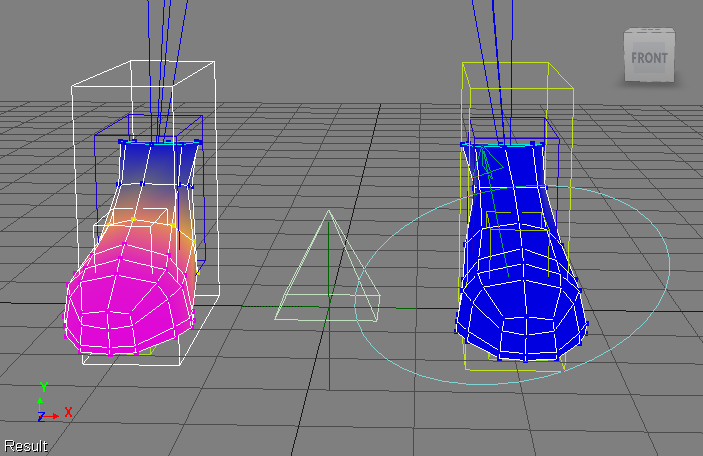
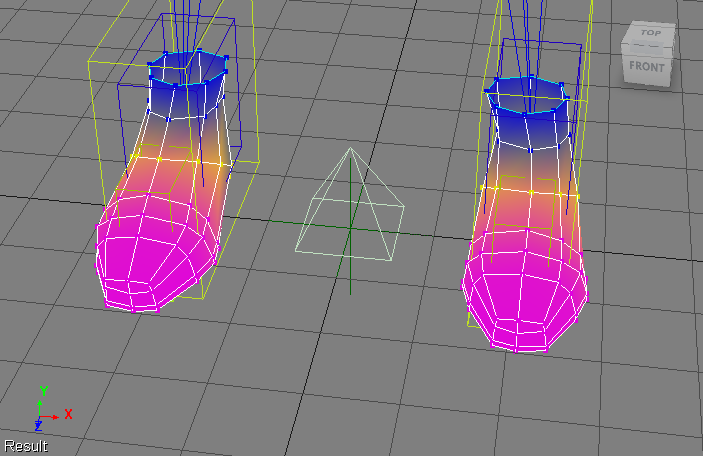
Simple brute force example that copies the envelope weights between two shoes.

I read on the XSI list that the Blur Tools have a skinpanel tool that can copy/paste weights.

var oRShoe = Dictionary.GetObject( "Man.RShoe" );
var oLShoe = Dictionary.GetObject( "Man.LShoe" );

var oEnvelope = oRShoe.Envelopes(0);
oDeformerEnum = new Enumerator( oEnvelope.Deformers ) ;
for (;!oDeformerEnum.atEnd();oDeformerEnum.moveNext() )
{
	var oDeformer = oDeformerEnum.item() ;
	
	var vba = new VBArray( oEnvelope.GetDeformerWeights( oDeformer ) );
	var jsa = vba.toArray();

	var targetDeformer = oLShoe.Envelopes(0).Deformers( oDeformer.name.replace("R","L") );
	LogMessage( "Copy Env weights: "+ oDeformer.fullname + " -> " + targetDeformer );
	oLShoe.Envelopes(0).SetDeformerWeights( targetDeformer, jsa );
}

// INFO : Copy Env weights: Biped_Rig.RShin -> Biped_Rig.LShin
// INFO : Copy Env weights: Biped_Rig.RFootBone1 -> Biped_Rig.LFootBone1
// INFO : Copy Env weights: Biped_Rig.RFootBone2 -> Biped_Rig.LFootBone2
// INFO : Copy Env weights: Biped_Rig.RlegEff -> Biped_Rig.LlegEff
// INFO : Copy Env weights: Biped_Rig.RFootEff -> Biped_Rig.LFootEff

64-bit Softimage and Netview and Flash


As I mentioned in my video posting yesterday, if you’re running 64-bit Softimage then you won’t have Flash in Netview. That’s because Netview will be using the 64-bit version of Internet Explorer, but Flash is 32-bit only.

Outside of Softimage, back in Windows, you’re almost always running a 32-bit version of a browser, which is why Flash is available.

Netview uses an embedded web browser (an ActiveX control ) which it creates and embeds within a Softimage view.

  • On Windows, this ends up being whatever version of Internet Explorer the user has installed on their machine. However, for IE8 and later, the WebControl runs in IE7 compatiability mode.
  • On Linux, I believe Netview uses IE v5.5, which comes with Mainwin.

Luceric tweeted the other day about a beta 64-bit version of Flash. That “Square” preview release is relatively new (Nov 2010), but I know they had previous betas back in March 2010.

There’s a Linux version too of 64-bit Flash, but I don’t think it’s possible to get Flash into Netview on Linux. On Windows, Flash is installed in IE, and Netview picks up on that because Netview uses the version of IE installed with the OS. On Linux, however, we use a version of IE that ships with Softimage. So even if you had some version of IE running on Linux (unlikely), that wouldn’t be enough to get Flash into Netview. Flash would be installed just in that other IE. More likely, Flash will be installed in whatever other browser you have installed on Linux.


AAARGH! Licensing frustrations on Linux


As I’ve mentioned elsewhere, in support I’m often doing the opposite of what users do: I’m trying to break the licensing, because I’m testing something. And sometimes it can be really hard to do ๐Ÿ˜‰

The other day I was trying to force Softimage (on Linux) to use a certain license server that didn’t have the right licenses, but no matter what I did, Softimage kept getting a license from somewhere else. After an extremely frustrating 30 minutes, I tracked it down to the ~/.flexlmrc file, which had a list of the license servers that Softimage has successfully used at some point:

ADSKFLEX_LICENSE_FILE=@mtl-blairs:@mtl-licserver

If Softimage can’t check out a license from the server specified in .xsi_2012, then it tries the servers listed in ~/.flexlmrc.

So all I had to do was remove the extra license servers and leave only the server specified in my .xsi_2012 resource file.

~/.flexlmrc is the Linux version of the HKEY_CURRENT_USER\Software\FLEXlm License Manager\ADSKFLEX_LICENSE_FILE registry key on Windows.

JScript Array.push on Linux = Object doesn’t support this property or method


On Linux, Array.push will give you this error: “// ERROR : Object doesn’t support this property or method.” That’s because Softimage ships with an older version of JScript (5.1) on Linux.

You can add the following to your JScript to add a push method to the Array object:

// Add a push method to the JScript Array Object
// (Array.Push was added in Jscript 5.5 but we cannot rely on this)
// @cc_on
// @if (@_jscript_version < 5.5)
var push = function(){
	for( var i = 0; arguments[ i ] != null; i++ )
		this[this.length++] = arguments[ i ];
	return( this );
	}
Array.prototype.push = push;
// @end

Friday Flashback #25


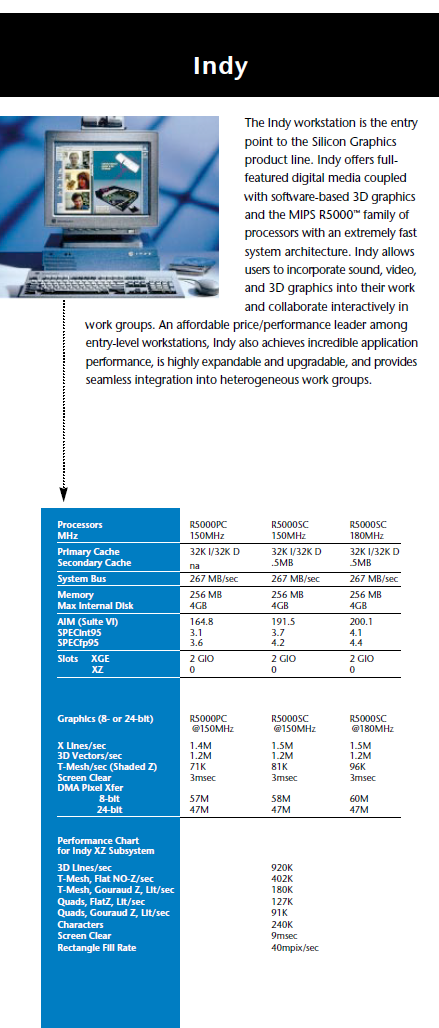
When I started at Softimage back in 95, the only machine on my desk was an SGI Indy. I had come from a hard-core UNIX software dev shop, so I was pretty comfortable with that. Eventually I got a Windows NT box too, but I held on to the Indy until 2000.

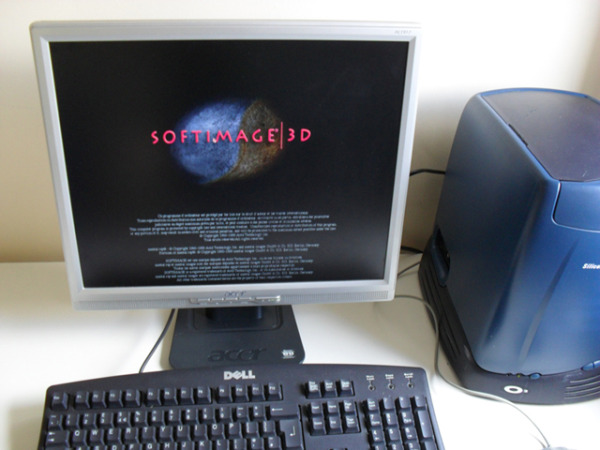
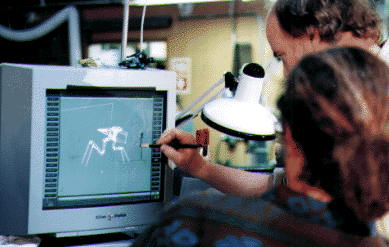
Here’s a few pics of SOFTIMAGE|3D running on SGI hardware that I found through google:


From the Summer 97 Softimage Resource Guide:

And the Indy specs from 96: