Getting actor data from CrowdFX


Update: oops, it looks like my script below works only in simple cases where you just one actor proxy. The ActorID seems to be a constant (perhaps unused???) and it looks like you have to take the point ID and then look up the corresponding entry in the CrowdFX_Actor_Indices array.

If you need to get info like the actor ID, the X and Z positions, and the animation frame from CrowdFX, you can get it from the Simulation Cloud.
In the screenshot below, I used three Attribute Display properties to display the following:

  • Actor ID (I have only one actor)
  • PointPosition
  • CrowdFX_Actor_CurrentFrameInCycle (an array for each action aka pose on the actor)

Here’s a little Python snippet that logs a comma-separated string that contains the Actor ID, X, and Z positions, PoseID, and CurrentFrameInPose.

Note the use of the logf function from the sipyutils.

#
# SOFTIMAGE 2013
#
from sipyutils import si			# win32com.client.Dispatch('XSI.Application')
from sipyutils import siut		# win32com.client.Dispatch('XSI.Utils')
from sipyutils import siui		# win32com.client.Dispatch('XSI.UIToolkit')
from sipyutils import simath	# win32com.client.Dispatch('XSI.Math')
from sipyutils import log		# LogMessage
from sipyutils import disp		# win32com.client.Dispatch
from sipyutils import C			# win32com.client.constants

from sipyutils import logf

si = si()

pc = si.Dictionary.GetObject( "Crowd.Point_Cloud" ).ActivePrimitive
aPtPos = pc.ICEAttributes("PointPosition")
log( len(aPtPos.DataArray) )

pos = pc.ICEAttributes("PointPosition").DataArray
ids = pc.ICEAttributes("CrowdFX_Actor_ID").DataArray
poses = pc.ICEAttributes("CrowdFX_PoseState_ID").DataArray
frames = pc.ICEAttributes("CrowdFX_Actor_CurrentFrameInCycle").DataArray2D

# ID, X, Y, Z, PoseState, CurrentFrameInCycle
for i in range( len(pos) ):
	logf( "%d, %f, %f, %d, %d", ids[i], pos[i].X, pos[i].Z, poses[i], frames[i][poses[i]] )

The output of this script for frame 126 of the CrowdFX_FooFighters sample scene looks like this:

# INFO : 0, -100.000000, 0.000000, 8.531111, 2, 154
# INFO : 0, -85.714279, 0.000000, 6.684280, 1, 111
# INFO : 0, -71.428574, 0.000000, 7.442898, 2, 131
# INFO : 0, -57.142853, 0.000000, -2.251395, 2, 132
# INFO : 0, -42.857143, 0.000000, 11.363565, 2, 97
# INFO : 0, -28.571426, 0.000000, 7.302890, 2, 149
# INFO : 0, -14.285706, 0.000000, 13.759472, 5, 217
# INFO : 0, 0.000000, 0.000000, 11.584186, 5, 186
# INFO : 0, 14.285721, 0.000000, 9.853815, 3, 167
# INFO : 0, 28.571442, 0.000000, 8.366404, 2, 141
# INFO : 0, 42.857147, 0.000000, 21.238329, 5, 163
# INFO : 0, 57.142868, 0.000000, 6.831881, 5, 222
# INFO : 0, 71.428589, 0.000000, -2.667232, 2, 201
# INFO : 0, 85.714294, 0.000000, 16.321472, 3, 236
# INFO : 0, 100.000000, 0.000000, 10.077105, 2, 93
# INFO : 0, -100.000000, 0.000000, -10.505310, 2, 154
# INFO : 0, -85.714279, 0.000000, -17.066412, 1, 83
# INFO : 0, -71.428574, 0.000000, -11.711117, 5, 152
# INFO : 0, -57.142853, 0.000000, -22.719725, 2, 142
# INFO : 0, -42.857143, 0.000000, -7.311695, 5, 127
# INFO : 0, -28.571426, 0.000000, -11.755372, 2, 151
# INFO : 0, -14.285706, 0.000000, -3.648053, 5, 191
# INFO : 0, 0.000000, 0.000000, -6.797891, 5, 177
# INFO : 0, 14.285721, 0.000000, -8.881895, 5, 101
# INFO : 0, 28.571442, 0.000000, -10.384384, 5, 158
# INFO : 0, 42.857147, 0.000000, 4.351840, 5, 166
# INFO : 0, 57.142868, 0.000000, -11.661755, 2, 178
# INFO : 0, 71.428589, 0.000000, -22.718691, 2, 171
# INFO : 0, 85.714294, 0.000000, -1.260182, 5, 127
# INFO : 0, 100.000000, 0.000000, -8.947992, 5, 123

The Foo Fighter pose state IDs are set here (there are actually eight Action Sources in the ActorProxy property, but not all of them are used).

BTW, is it just me, or do the Attribute Display properties not work with the sample CrowdFX scenes? I was using the Foo Fighters sample at first, but I wasn’t able to show any attribute values, which made it a little harder to figure out what info was where.

Screenshots of the week


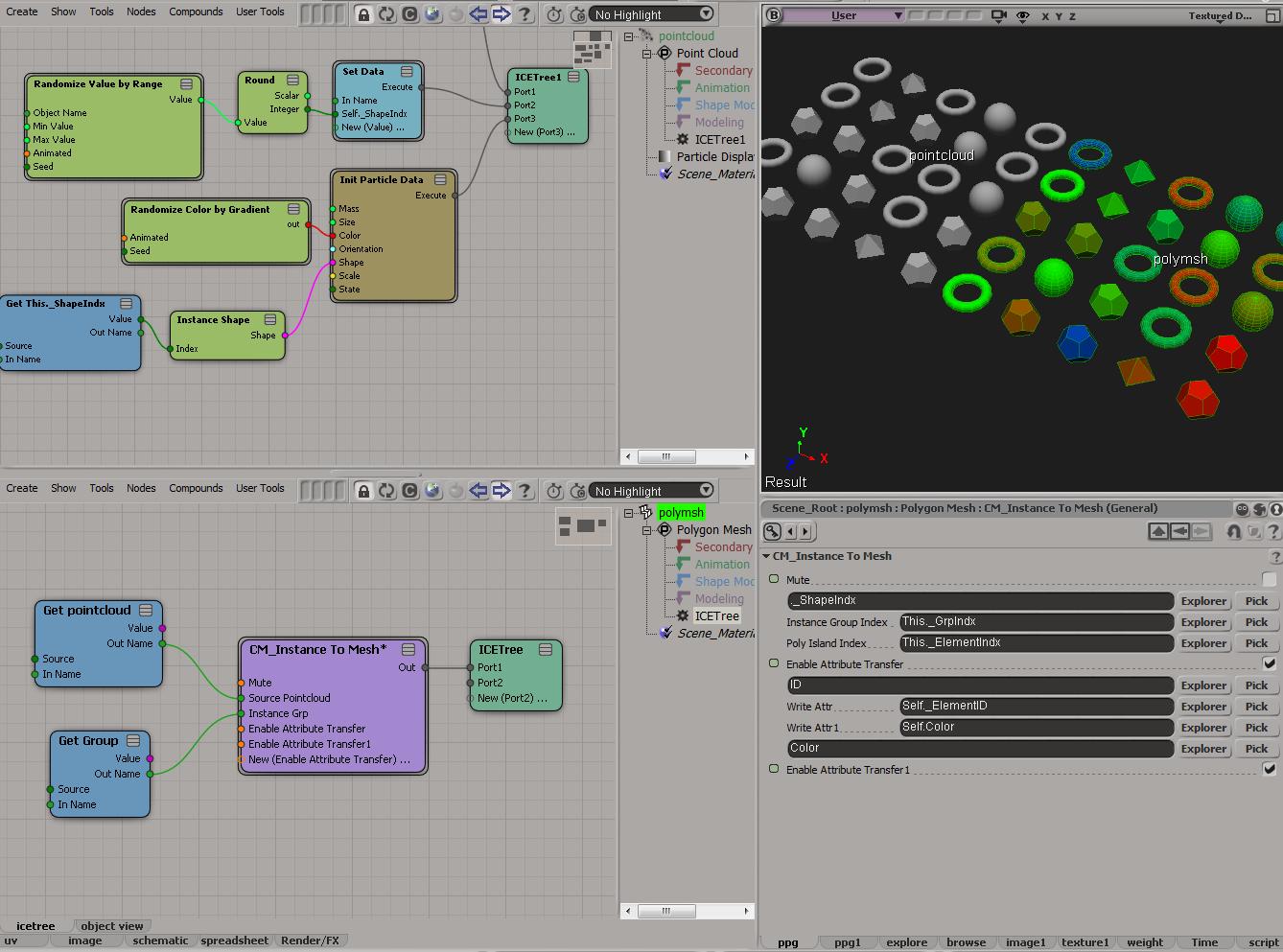
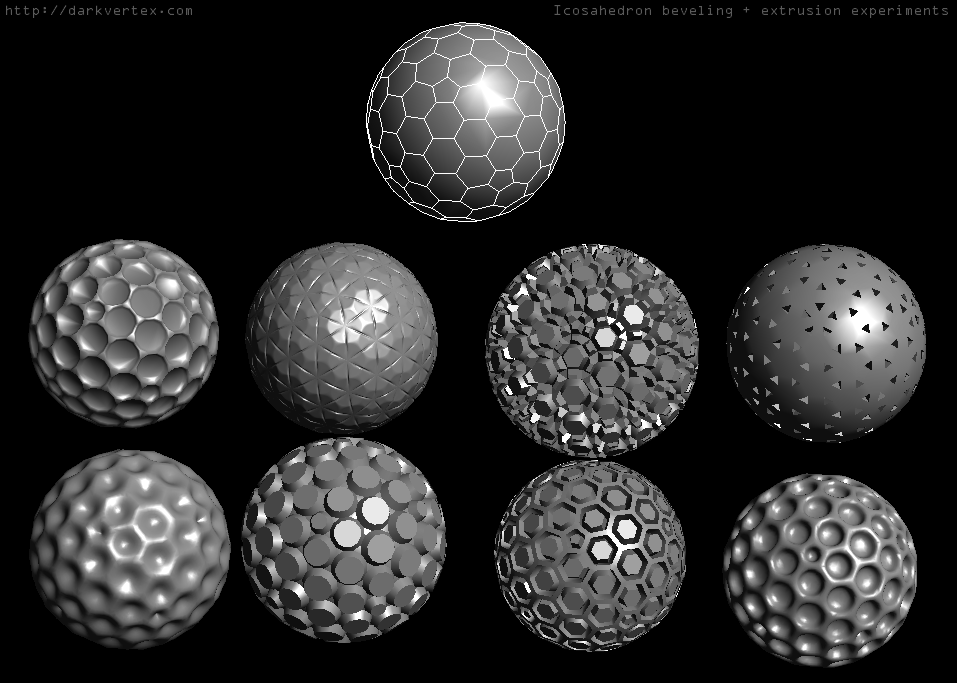
Icosahedron beveling and extrusion experiments
by darkvertex

orbit to position
by Jeff McCall


by Alan Fregtman


by Grahame Fuller

Vertex blur PLUS
by Tekano

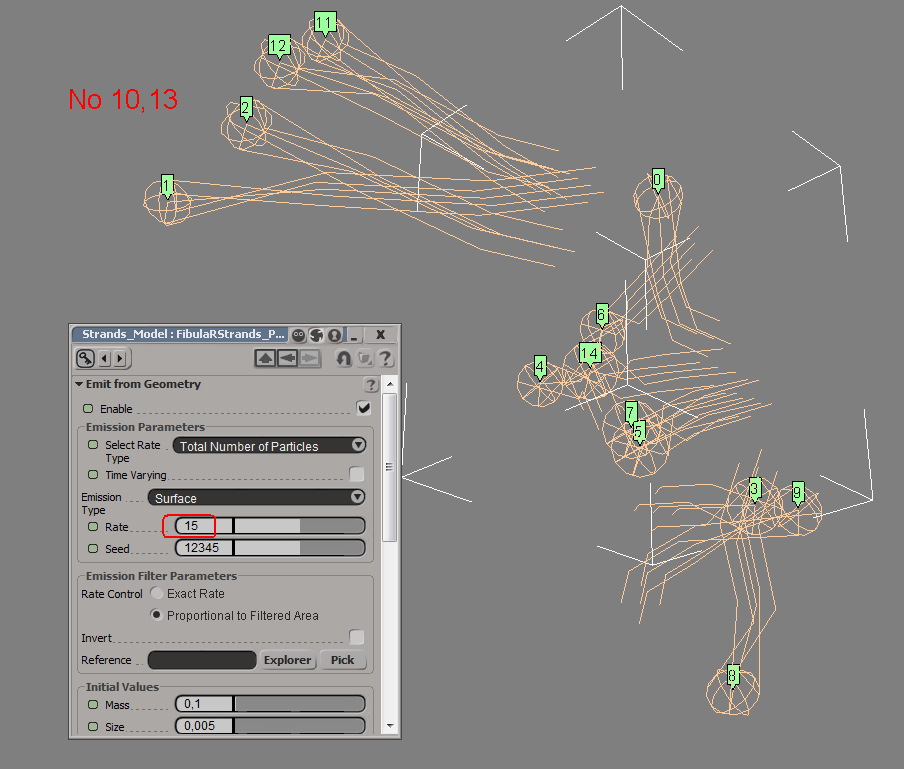
Digi Board Strand Compound
by Werner

Evolution
by Eric Mootz

Freeze ICE tree to geometry
by Ciaran Moloney

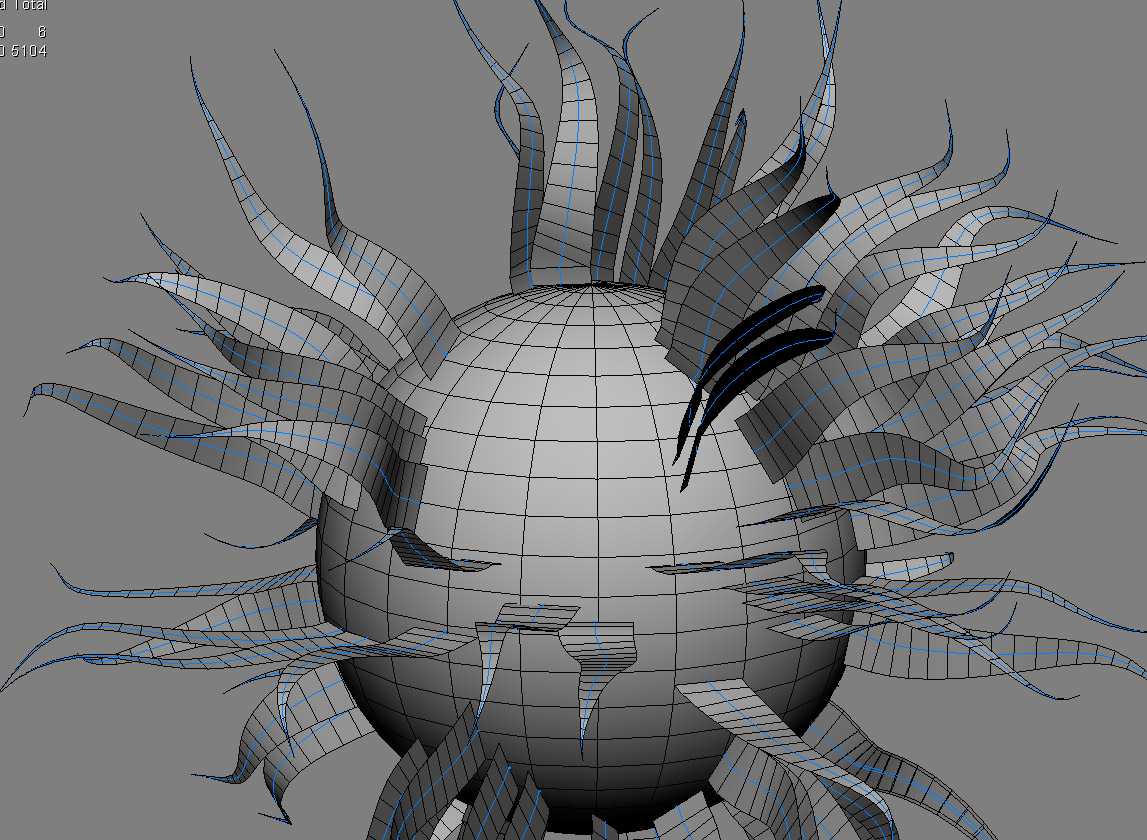
Create extrusion along strands “grid shape”
by Vincent Ullmann

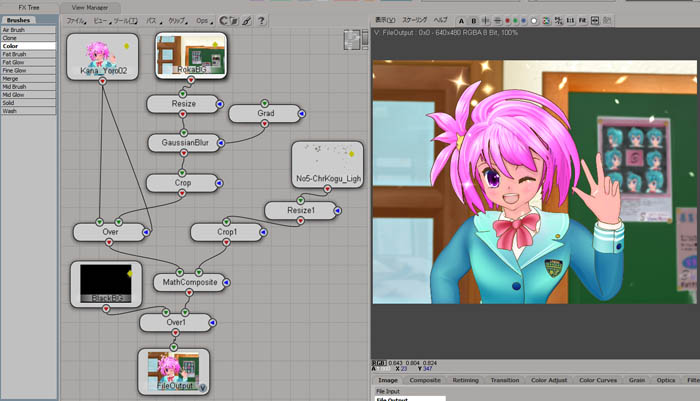
Character Making: Adding ICE effect in FX Tree
by Ritaro Okamoto

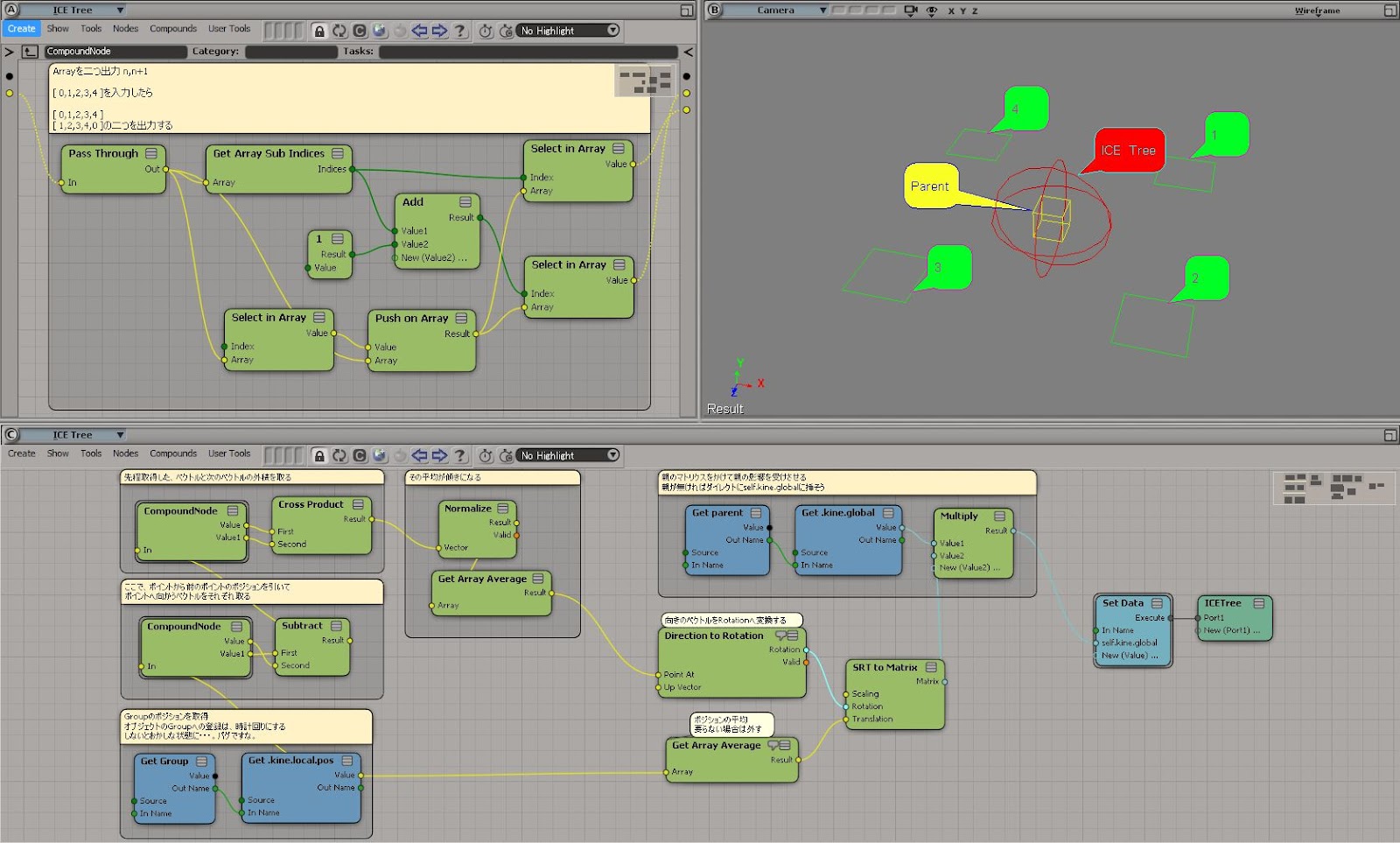
ICE N points constraint
by Atsushi Tsugaruya

fStretch for Softimage R&D
by Clovis Gay

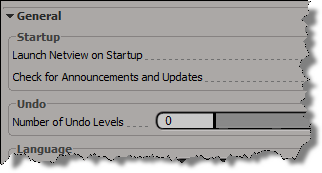
Number of Undo Levels reset to zero


If you’re having problems with your Undo Levels being reset to zer0, it could be a C++ plugin that’s doing it (or less likely, a NetView page). C++ plugins (and NetView pages) that set the Undo Levels to 0 and then don’t restore it, either by oversight or because of a crash/error, can leave you with your Undo Levels set to 0.

In constrast, we prevent scripts and script-based plugins from changing the Undo Level permanently: as soon as the script finishes execution, Softimage resets the General.undo preference to its default value.

For example, if you run this in the script editor:

Application.SetValue("preferences.General.undo", 0, "")

You’ll see this logged in the script history:

# VERBOSE : Restoring preference changed by script: General.undo

Extruding random polygons with random lengths and random insets


Last month, Guillaume Laforge posted a Random Extrusion compound that can extrude polygons with random lengths and insets.

Guillaume noted that this compound was for Softimage 2013 only, but it appears that [with a tweak] you can get it to work in 2012 SAP.

When you import the compound into 2012, you’ll see a warning in the status bar/script history:

// WARNING : 3000-EDIT-AddICECompoundNode - Could not find node : BuildArrayFromSetNode

All you have to do is put back the missing Build Array from Set node, then the compound appears to work in 2012 SAP.

Custom wire colors in the palette revisited


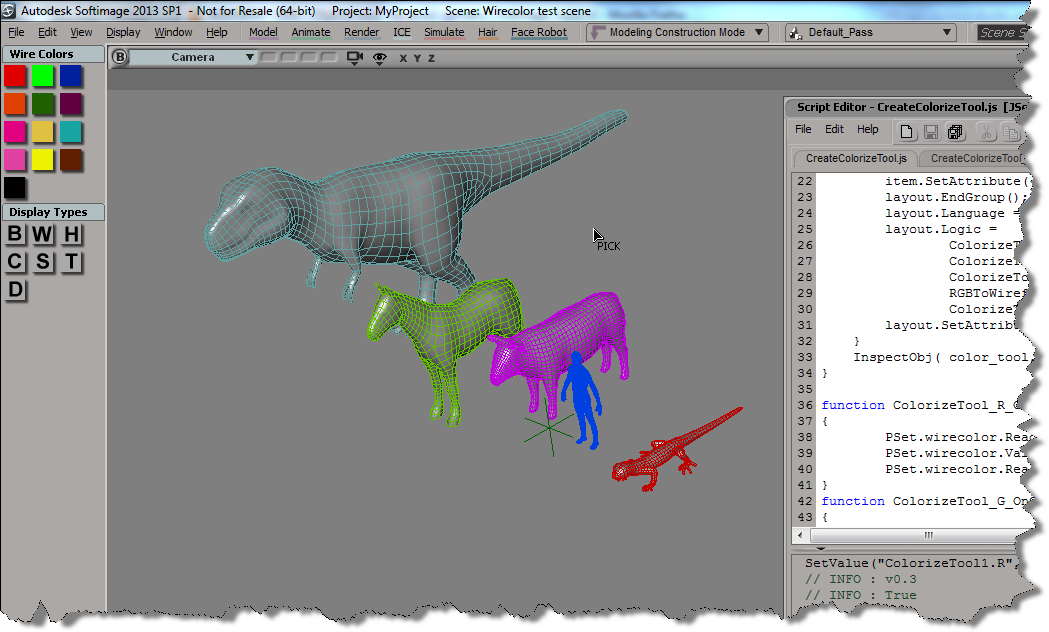
Here’s some updates to the wire frame color script I posted last week. See that post for info on how to add a button to the color palette.

First, I wanted to be able to pick multiple objects, one after the other. So I simplified the script by replacing most of the code with a single call to ColorizeObject, which does let you pick a sequence of objects.

CreateColorizeTool();
function CreateColorizeTool()
{
		var color_tool = XSIFactory.CreateObject( "CustomProperty" )
        if (color_tool)
        {
			var r = color_tool.AddParameter( "R", siDouble );
			var g = color_tool.AddParameter( "G", siDouble );
			var b = color_tool.AddParameter( "B", siDouble );
			var a = color_tool.AddParameter( "A", siDouble );
			
			var layout = color_tool.PPGLayout ;

			layout.AddGroup( "Color" );
			item = layout.AddColor( "R", "",true );
			item.SetAttribute( "NoLabel", true );
			layout.EndGroup();

			layout.AddRow();
			layout.AddButton( "ColorizeObject", "Colorize object" );
			layout.EndRow();

			layout.Language = "JScript" ;
			layout.Logic = ColorizeTool_ColorizeObject_OnClicked.toString();

			layout.SetAttribute( "LogicPrefix", "ColorizeTool_" ) ;
        }
        InspectObj( color_tool, "Colorize Tool", "", siLock ); 
}
function ColorizeTool_ColorizeObject_OnClicked()
{
		LogMessage( "v0.5" );
		ColorizeObject( PSet.R.Value,PSet.G.Value,PSet.B.Value );
}			

But this code doesn’t let you change the color in-between picks. So I modified the original example script and put a while loop around the call to PickObject (line 62), and I changed the script to get the colors directly from the color widget (line 78). That way, you can set the wire color, pick an object to apply the wire color, set another wire color, pick another object, and so on…

CreateColorizeTool();
function CreateColorizeTool()
{
	var color_tool = XSIFactory.CreateObject( "CustomProperty" )
    if (color_tool)
    {
		var color_tool = ActiveSceneRoot.AddCustomProperty( "ColorizeTool" );
		var wirecolor = color_tool.AddParameter( "wirecolor", siInt4 );
		wirecolor.ReadOnly = true;
		var r = color_tool.AddParameter( "R", siDouble );
		var g = color_tool.AddParameter( "G", siDouble );
		var b = color_tool.AddParameter( "B", siDouble );
		var a = color_tool.AddParameter( "A", siDouble );
		var layout = color_tool.PPGLayout ;
		layout.AddRow();
		var item = layout.AddItem( "wirecolor", "wirecolor" );
		item.SetAttribute( "NoSlider", true );
		layout.AddButton( "ColorizeObject", "Colorize object" );
		layout.EndRow();
		layout.AddGroup( "Color" );
		item = layout.AddColor( "R", "",true );
		item.SetAttribute( "NoLabel", true );
		layout.EndGroup();
		layout.Language = "JScript" ;
		layout.Logic = 
				ColorizeTool_R_OnChanged.toString() + 
				ColorizeTool_G_OnChanged.toString() + 
				ColorizeTool_B_OnChanged.toString() + 
				RGBToWireframeColor.toString() + 
				ColorizeTool_ColorizeObject_OnClicked.toString();
		layout.SetAttribute( "LogicPrefix", "ColorizeTool_" ) ;
	}
	InspectObj( color_tool, "Colorize Tool", "", siLock ); 
}

function ColorizeTool_R_OnChanged()
{
        PSet.wirecolor.ReadOnly = false;
        PSet.wirecolor.Value = RGBToWireframeColor(PSet.R.Value,PSet.G.Value,PSet.B.Value);
        PSet.wirecolor.ReadOnly = true;
}
function ColorizeTool_G_OnChanged()
{
        PSet.wirecolor.ReadOnly = false;
        PSet.wirecolor.Value = RGBToWireframeColor(PSet.R.Value,PSet.G.Value,PSet.B.Value);
        PSet.wirecolor.ReadOnly = true;
}
function ColorizeTool_B_OnChanged()
{
        PSet.wirecolor.ReadOnly = false;
        PSet.wirecolor.Value = RGBToWireframeColor(PSet.R.Value,PSet.G.Value,PSet.B.Value);
        PSet.wirecolor.ReadOnly = true;
		PSet.Refresh();
}
function ColorizeTool_ColorizeObject_OnClicked()
{
		LogMessage( "v0.3" );
        var color = PSet.wirecolor.Value;
        var o = null;
        var siRMB = 0;
        var button = -1, modifier;
        while (button != siRMB )
        {
				LogMessage( button != siRMB );
                Application.StatusBar ="Pick object to colorize";
                var rtn = PickObject( "Select object", "");
				button = rtn.Value("ButtonPressed");
				modifier = rtn.Value("ModifierPressed");
				o = rtn.Value("PickedElement");
				
				if ( o != null )
				{
					var display = o.Properties("Display");
					if (display.isa(siSharedPSet))
					{
							display = MakeLocal( display, siNodePropagation )(0);
					}
					display.wirecol.Value = RGBToWireframeColor(PSet.R.Value,PSet.G.Value,PSet.B.Value);
				}
        }
        if ( button == siRMB )
                return;

        return color;
}
// Convert wireframe color index to double-precision RGB color
function WireframeColorToRGB(lWireframeColor)
{
        var aColor = new Array(3);
        aColor[0] = ((lWireframeColor >>> 1) & 0x7)/7;
        aColor[1] = ((lWireframeColor >>> 4) & 0x7)/7;
        aColor[2] = ((lWireframeColor >>> 7) & 0x7)/7;
        return aColor;
}
// Convert double-precision RGB color to wireframe color index
function RGBToWireframeColor(dR,dG,dB)
{
        // Convert RGB to wirecolor
        var wirecolR, wirecolG, wirecolB;
        wirecolR = (Math.round(dR * 7)) << 1
        wirecolG = (Math.round(dG * 7)) << 4
        wirecolB = (Math.round(dB * 7)) << 7
        return wirecolR | wirecolG | wirecolB;
}

Screenshots of the week


Dynamically assigning Materials to particles
by Vincent Ullmann

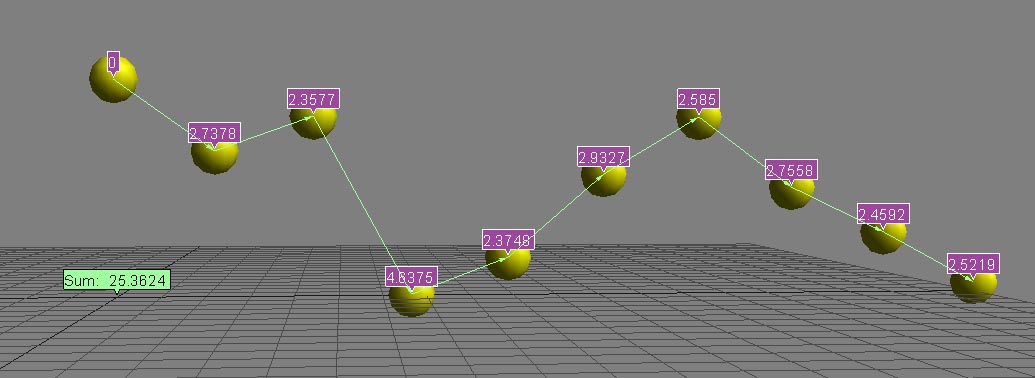
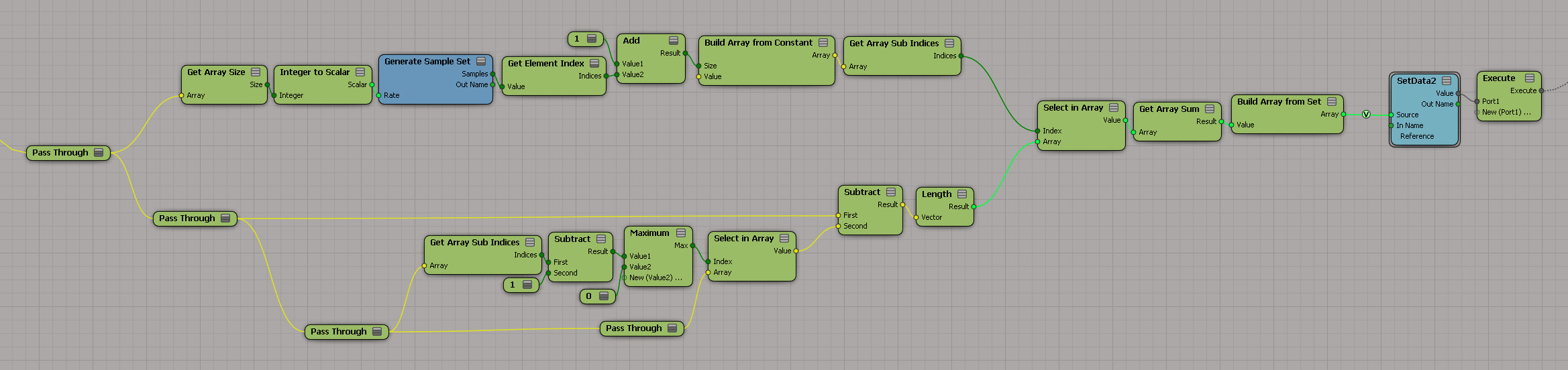
Cumulative sum of distances between an array element and all preceding array elements
by Fabricio Chamon

Cumulative sum of distances between an array element and all preceding array elements
by Vincent Ullmann

ICE | Arnold Render Errors With Strands
by Mitchell Lotierzo

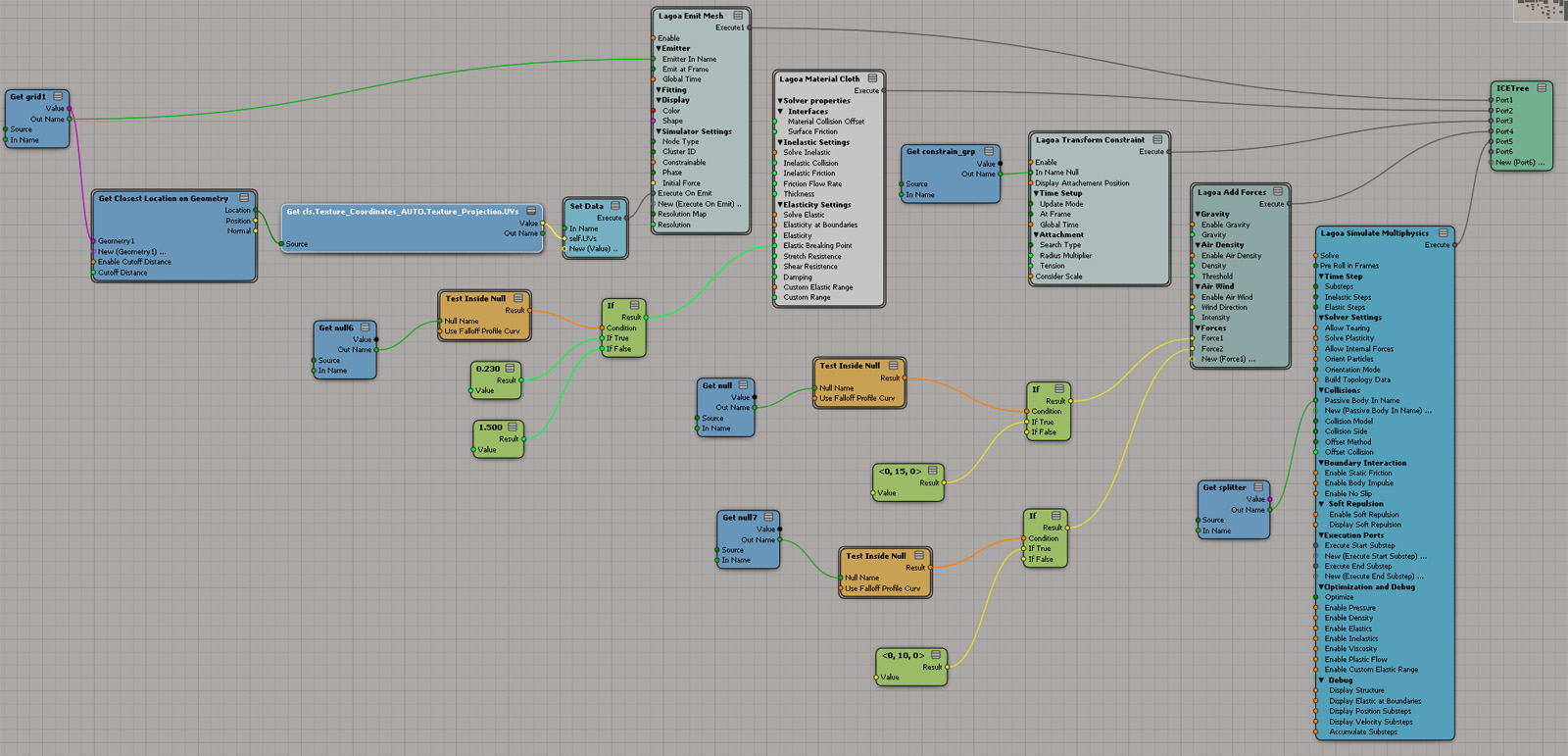
Lagoa cloth ICE tree
by Matt Morris

Delete polygons by area
by Vincent Ullmann