Another variation of “how to use Process Monitor”.
Process Monitor 101
Reply

In this case, after the customer installed Softimage 2012, he couldn’t start Softimage 2011 anymore, and he got the famous “No interactive network license available” error.
In general, installing one version of Softimage shouldn’t cause any problems with any other versions.
The Softimage installation doesn’t touch the license server, and it updates only the setenv.bat file of the version being installed (setenv.bat sets the licensing-related environment variables).
Also, for Subscription customers, Softimage 2012 licenses include 2011, 2010, and 7.5 licenses, so the new license file can still run older versions.
However, there are some common configuration files that can be corrupted and cause problems.
In this case, the answer was in %TEMP%\SoftimageLicense.log:
2848    2011/04/14    19:59:34    Reason=Fatal error
2848    2011/04/14    19:59:34    ComputerName=EXAMPLE
2848    2011/04/14    19:59:34    OS=5.2.3790.Service Pack 2
2848    2011/04/14    19:59:34    File=AdlmIntLicense.cpp,Line=614
2848    2011/04/14    19:59:34    AdlmIntError=25 [The product key was not found]
1792    2011/04/15    20:10:57    Reason=Fatal error
1792    2011/04/15    20:10:57    ComputerName=EXAMPLE
1792    2011/04/15    20:10:57    OS=5.2.3790.Service Pack 2
1792    2011/04/15    20:10:57    File=AdlmIntLicense.cpp,Line=613
1792    2011/04/15    20:10:57    VendorID=6 [ADLMPIT]
1792    2011/04/15    20:10:57    VendorError=12 [The root information in Product Information Table XML file is missing]
1792    2011/04/15    20:10:57    Reason=Fatal error
1792    2011/04/15    20:10:57    ComputerName=EXAMPLE
1792    2011/04/15    20:10:57    OS=5.2.3790.Service Pack 2
1792    2011/04/15    20:10:57    File=AdlmIntLicense.cpp,Line=614
1792    2011/04/15    20:10:57    AdlmIntError=25 [The product key was not found]
The errors [The product key was not found] and [The root information in Product Information Table XML file is missing] mean that the ProductInformation.pit file is missing information or corrupted. ProductInformation.pit contains information for every Autodesk product installed on the system. You can find ProductInformation.pit here:
Windows XP:
C:\Documents and settings\All Users\Application Data\Autodesk\AdlM
Windows Vista:
C:\ProgramData\Autodesk\AdlM
By default, the AdlM folder is hidden. In Explorer, click Tools > Folder Options, and go to the View tab. Select the Show hidden files and folders option. You should now be able to see that folder.
There are two ways to fix the ProductInformation.pit file.
The hard way:
Note that when you install your Autodesk products, you may get the error “1: 5 2 adlmPITRemoveProductInformation failed 3: 12”.
That is another symptom of ProductInformation.pit problems.
The easy way:
Copy the ProductInformation.pit file from another system.
This works as long as the other system has the same Autodesk software installed.
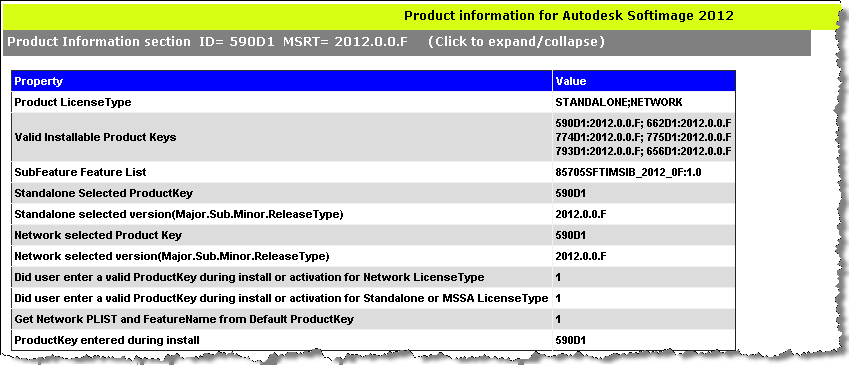
We have an internal PIT file viewer, which shows what product information is stored in a PIT file:
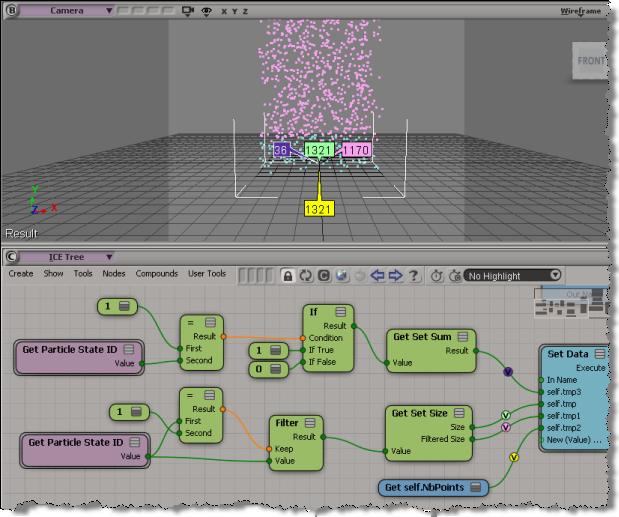
There were two techniques suggested on the mailing list, but only one worked for me in Softimage 2012. There seems to be a problem with Get Set Sum (see the screenshot below). Using Filter and Get Set Size works just fine.
I was going to run the performance timers to see if there was any difference between the two techniques, but since the Get Set Sum doesn’t return the right number, there was no point.
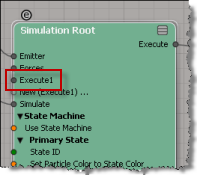
BTW, when you’re using the state machine with the Simulation Root, anything you plug into the Execute node is processed only in the initial state. If you want to something always processed (like the Set Data above), plug it into the post-sim execute port.
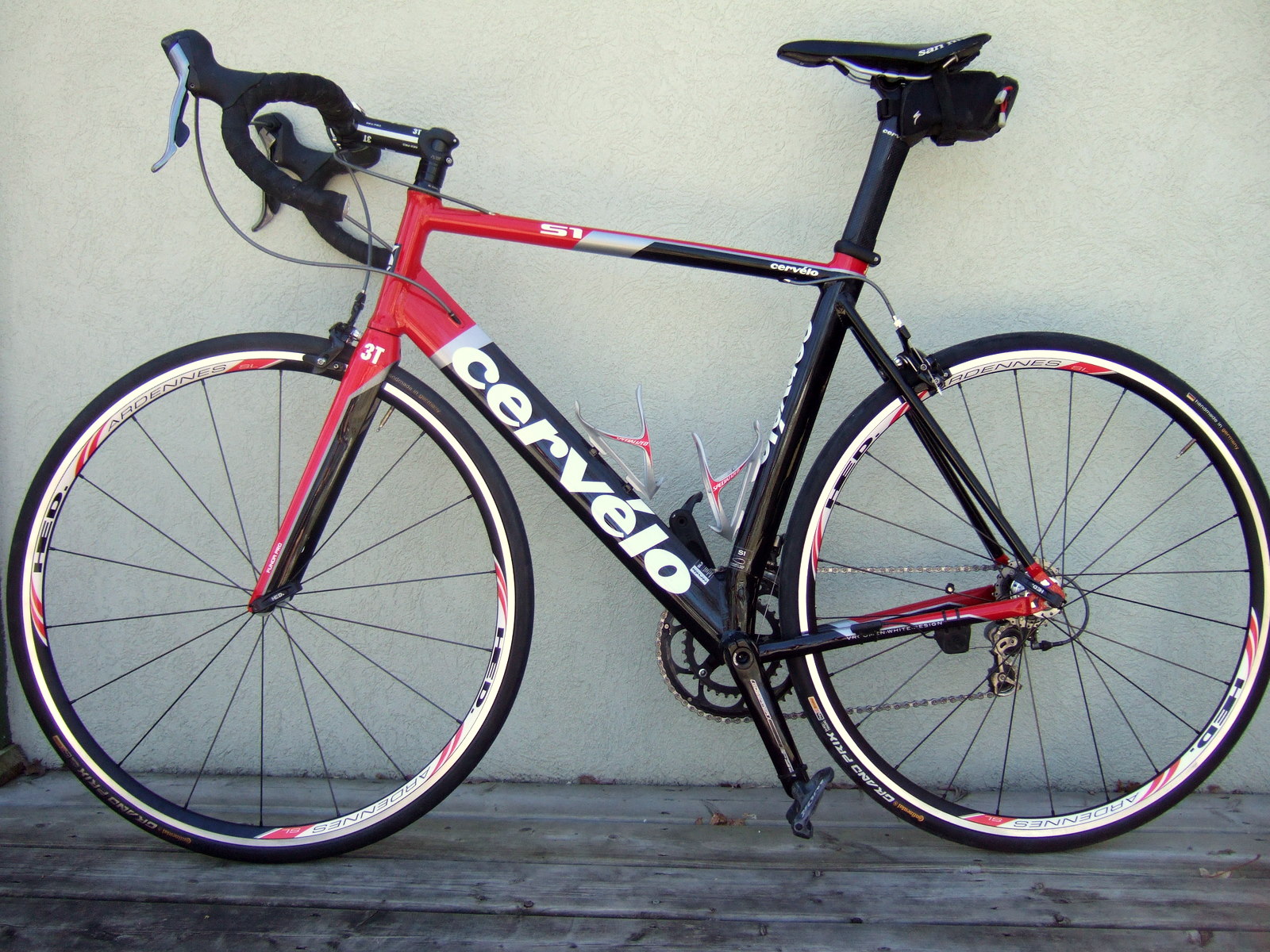
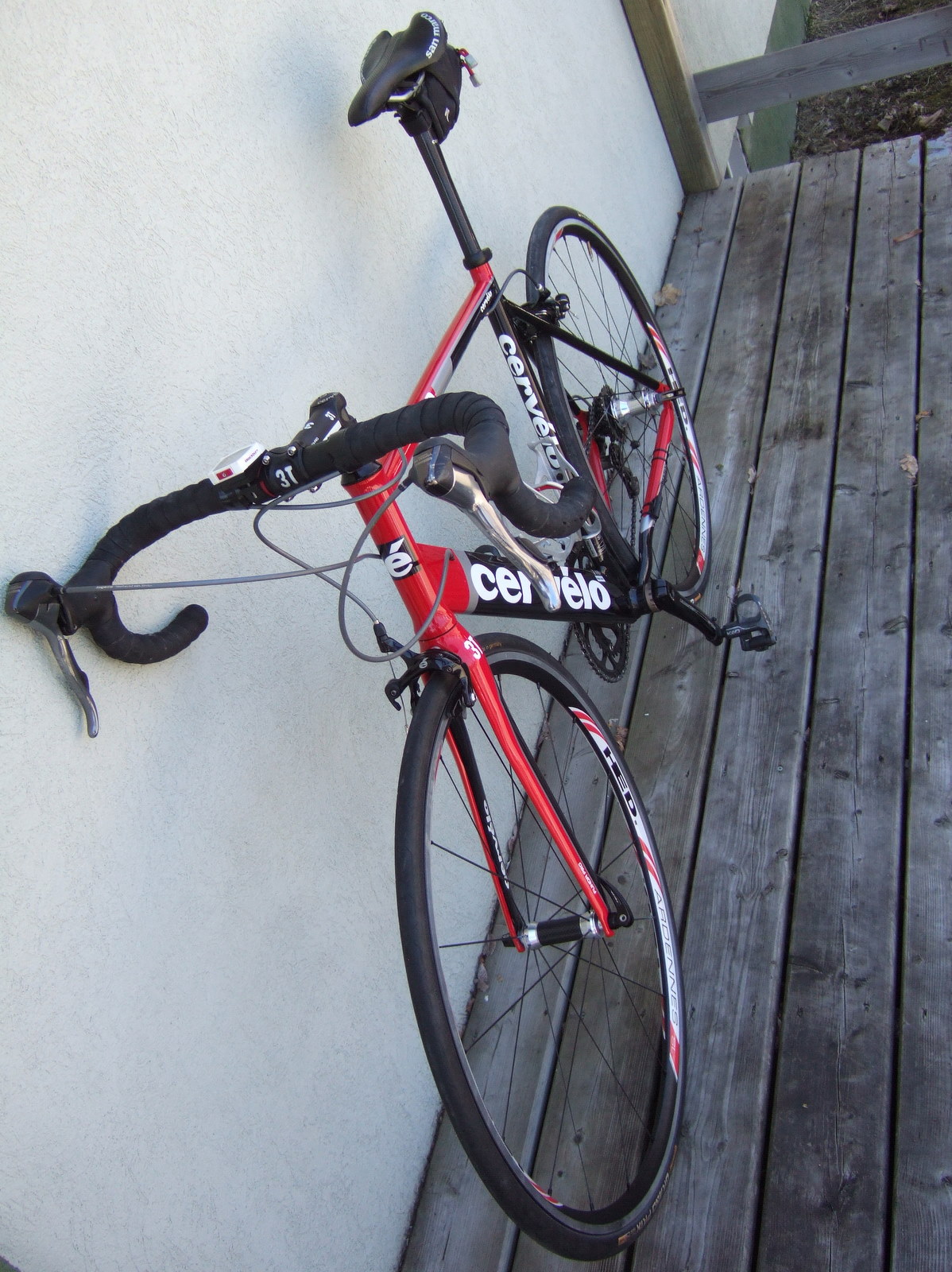
My current kit includes a brand new set of HED Ardennes SL wheels.
The frame too is practically brand new…it was a warranty replacement late last summer.
I don’t think I could ever love any tech gadget more than my bike 😉


You can create a backup copy of your preferences by exporting them: just click File > Preferences, right-click Preferences (Application) and click Export. You can then restore your personalized settings by importing the backup copy (for example, if someone else sits at your desk can changes everything, you can easily get back your settings).
Or, if you suspect that some preference setting is causing Softimage to mis-behave, you can export your current settings before you restore the defaults.

Note that you can also import, export, and restore defaults for specific categories:

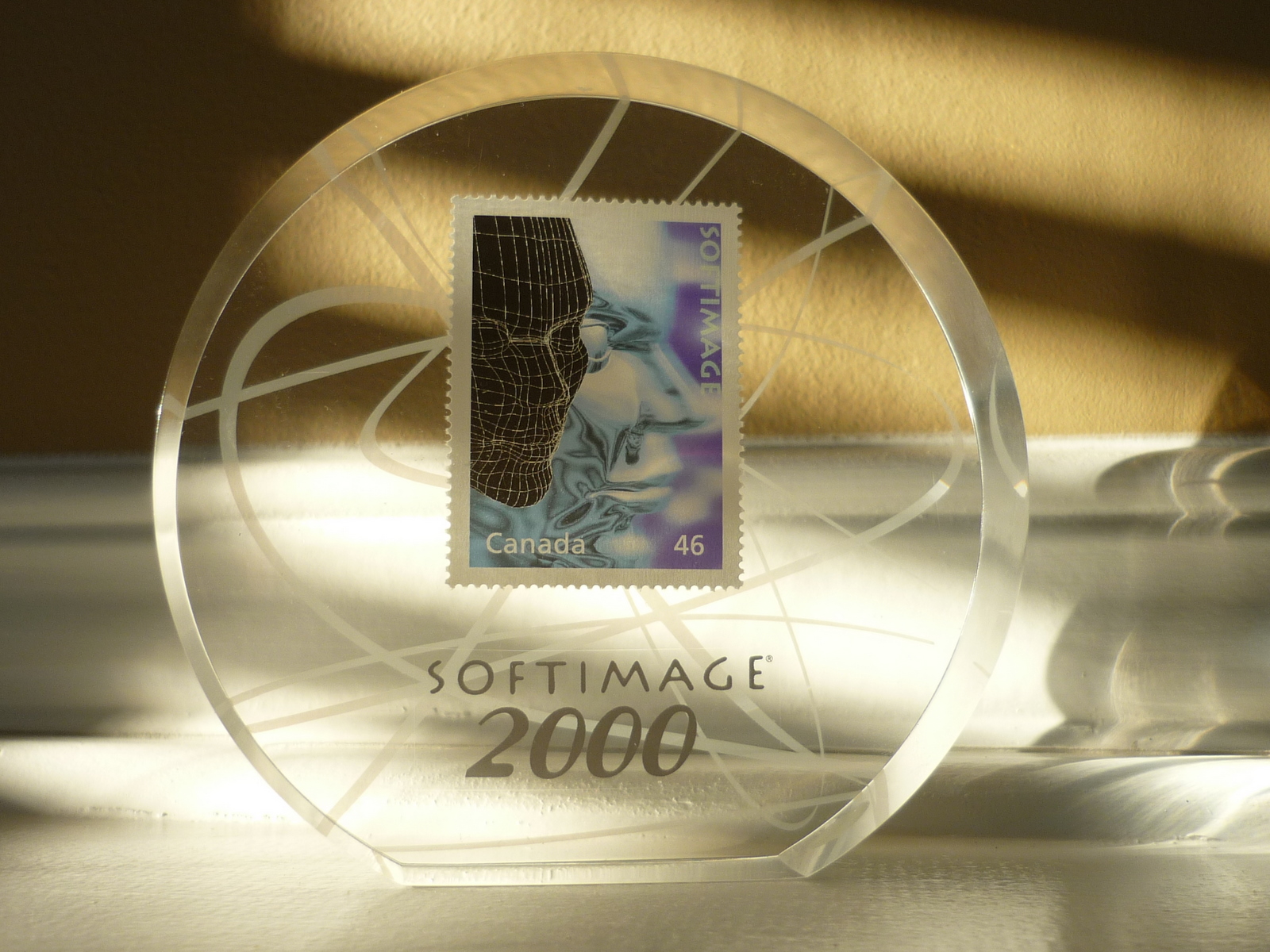
In late 1999 and early 2000, Canada Post issued a series of Millennium souvenir stamps, including a Softimage stamp. The Softimage stamp was part of a Media Technologies souvenir sheet, which included Imax, Softimage, Ted Roger Sr, Sir William Stephenson.

Softimage: From the Computer Age to the Dinosaur Age
As a Softimage employee, I received a copy of the stamp as a memento:
A quick overview of how to build strands by building your own StrandPosition and StrandSize arrays.
If you’ve looked into the Modeling_Columns_from_Strands sample scene, you’ve seen that there’s a Create Spiral Strands compound that creates the strands used for the extrusion. In this video, I go through the basics of creating strands that you can use for extrusions. There’s some small gotchas to watch out for.
Here’s a video “how to” for adding a search provider to Internet Explorer.
I’m using the Softimage 2012 custom search engine created by Hirazi Blue (Thanks!).
If you downloaded a local version of the help files, avoid using the
SI_HELP_PROGRAM_ENV environment variable. If you set that environment variable, the browser doesn’t find the help files.
If necessary, unset SI_HELP_PROGRAM_ENV and set your default browser to Firefox, Chrome, or Internet Explorer.
Then, in the General preferences, set Help Location to Local Computer/ Network.
If that doesn’t work, then set Help Location to Custom and use the file:// protocol:
file:///C:\Program Files (x86)\Autodesk\Help\softimage2012\en_us

