I went through the first 10min or so of Bradley Gabe’s excellent An Artist Tour #2 and built the corresponding ICE tree in 2012 with the Simulation Root node.


I went through the first 10min or so of Bradley Gabe’s excellent An Artist Tour #2 and built the corresponding ICE tree in 2012 with the Simulation Root node.
As a learning exercise, after watching Chris Marshall’s corkscrew tutorial, I did a variation based on the unit circle.
Here’s a workaround for running Softimage on other distros like Ubuntu, Kubuntu, Pardus, and Gentoo.
On these distros, some users have noticed problems with images (cannot browse for images, or even create noicon clips). Or Softimage can create and even save scenes, but crashes when you open a scene.
One of the Softimage developers believes he may have tracked down the source of this problem. The Softimage library libdsprsr.so has a dependency on libtiff and libjpeg. If either of these is missing, then the Softimage library fails to register correctly (during the install), but unfortunately no error is reported.
As a workaround you can try the following steps:
Hat tip: Sean Donnelly
Here’s an ICE tree that emits a particle from each polygon in a cluster.
In Emit from Position, I’ve set the Rate Type to Total Number of Particles, and the Rate to 1, so I get a single particle per polygon.
I exploded the Align to Emit Location compound and modified it to use the PolygonNormal to align the particles (which I’ve set to “cones”).
Hat tip: Sebastian Kowalski on the XSI mailing list

I put together a page that lists all the Softimage compounds, plugins, and scripts available in the download section of the AREA.
I find the AREA downloads a bit difficult to browse and search, so I thought a single page that lists everything would be useful.
Here’s one way to take a mesh and turn every polygon into a separate object.
First, download and install the JP_Separate plugin (requires an AREA logon). See below the fold for install instructions.
Then, do this:
Hat Tip: Grahame Fuller on the mailing list.
Here’s an example. After breaking up a default sphere into 64 new objects (one per polygon), I used “Transform Objects by Particles” to create this simple effect:

Here’s a quick how to video.
Like it says on softimageblog.com:
p.s. : Cool people add fxtree operators by clicking them in the Operator Selector, and then middle-clicking several times in the fxtree to chose the 1) first input 2) second input 3) output (if necessary) and finnally middle click in the background to set the insert location. The Fx operator selector shows which connection is currently being selected. Select any optionnal inputs you want to pick by first clicking the checkbox next to it in the Operator Selector
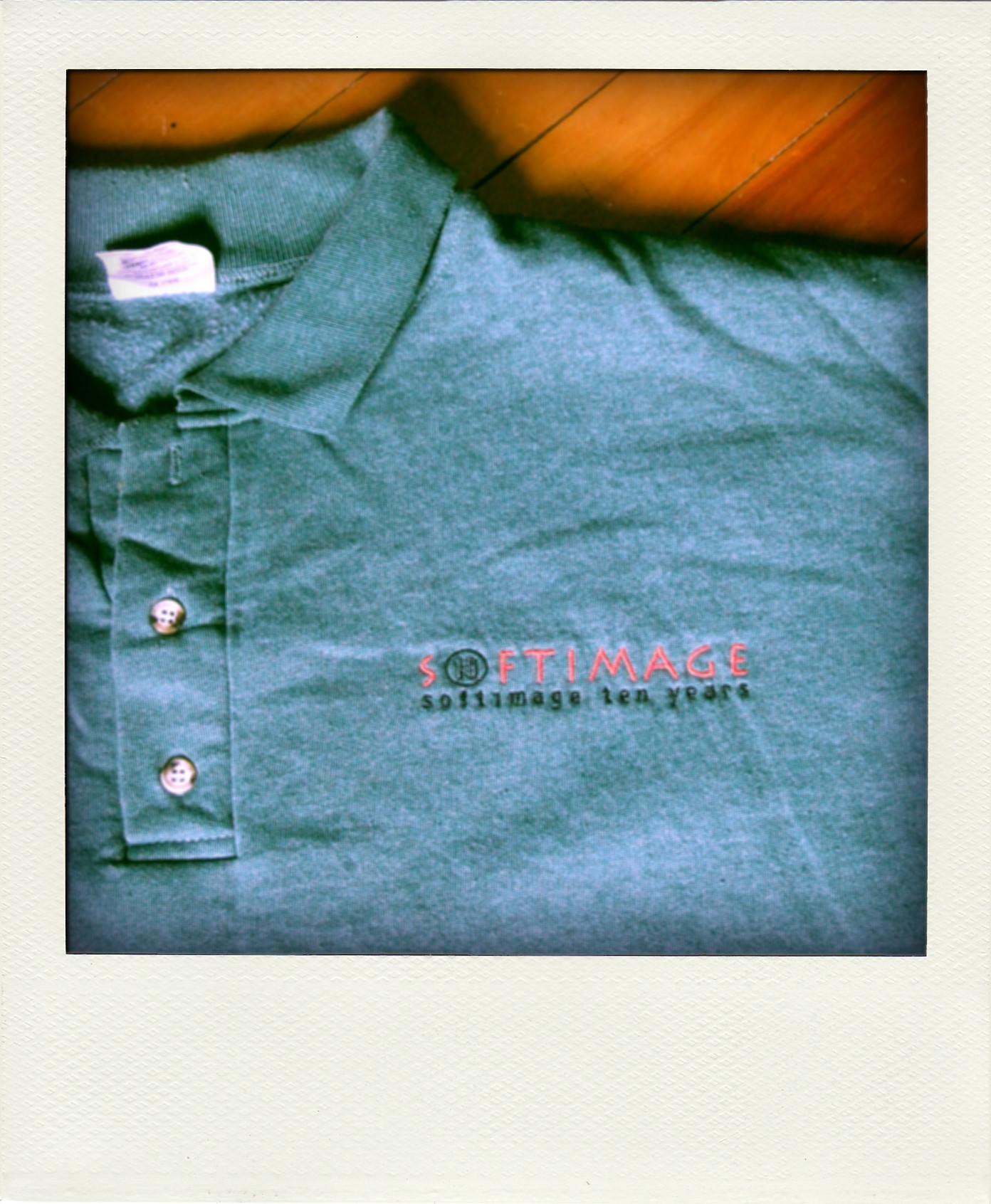
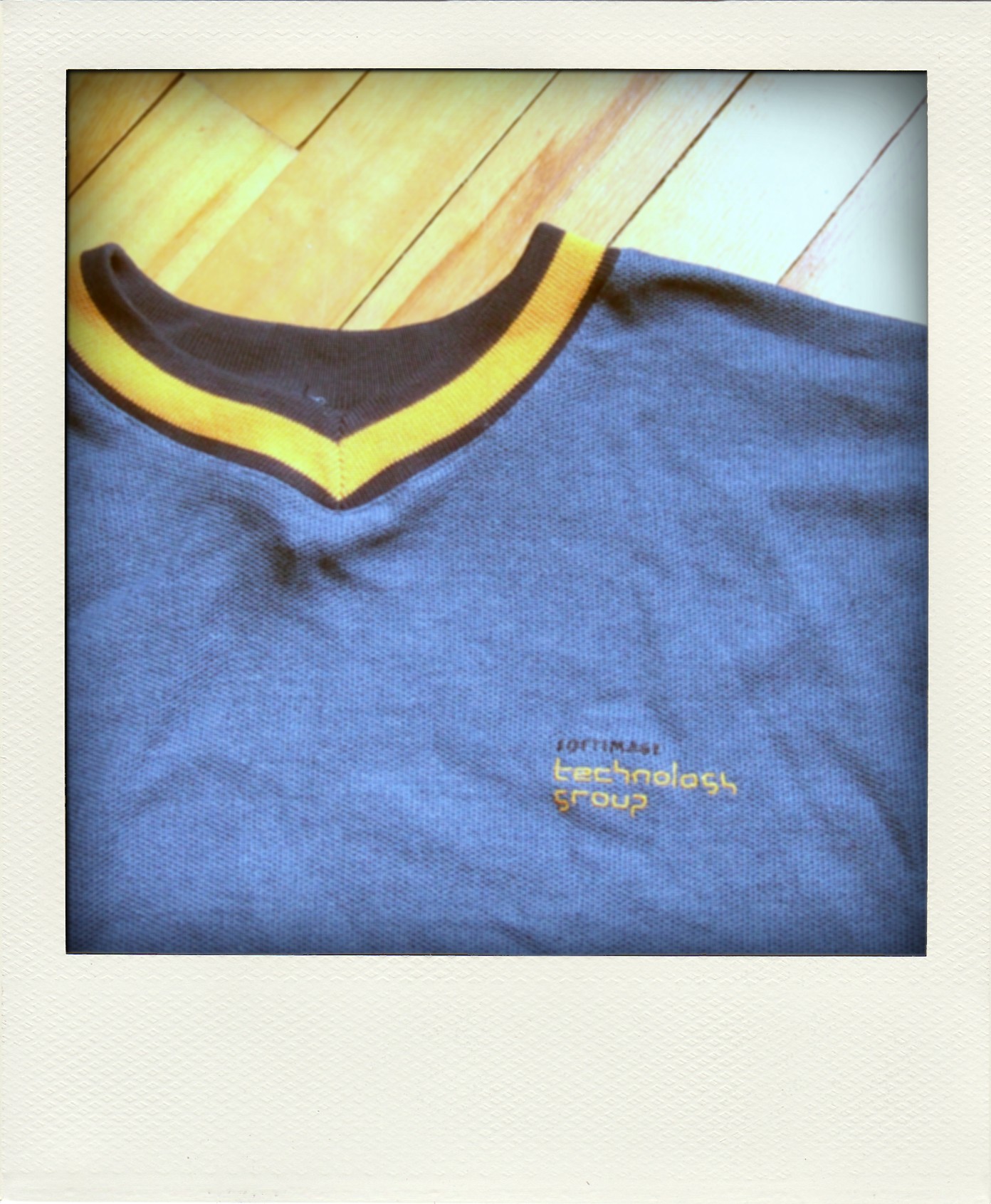
Some poladroid pictures of shirts I found while cleaning out my attic yesterday.
T-shirt from a SOFTIMAGE|3D training kit:
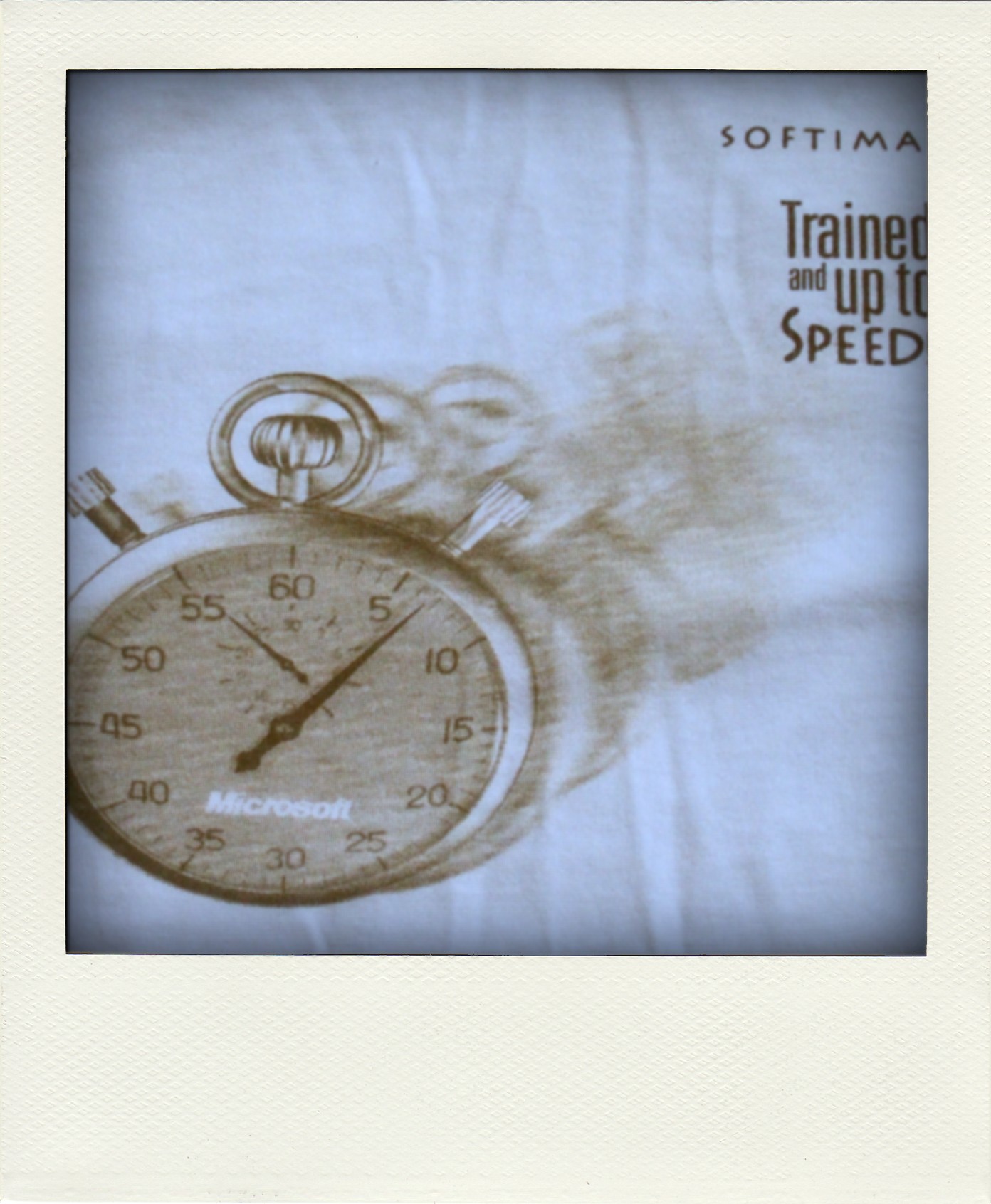
SOFTIMAGE|SDK t-shirt (front, back)


Softimage 10 years:
Softimage Technology Group–For awhile, I was part of the Technology Group, which was a group of Sumatra and DS developers charged with building common technology between DS and Sumatra.
IBC ’95. A month after I joined Softimage, they sent me to Amsterdam for IBC. I had been training for the Montreal marathon; instead I did the half in Amsterdam in the rain.

SIGGRAPH ’96 in New Orleans. I did the Canal Street Classic 5k while I was down at siggraph. It started and ended right outside my hotel, which was convenient. One of the hottest runs I’ve ever done; not enjoyable at all.

In Softimage 2012, you can now use attributes from the ICE tree on a mesh to drive the render tree.
For example, the ICE tree on a cube could calculate an attribute that drives the position of the colors on a gradient:


